

Your graphics add a nice touch to my presentations and I recently used them for one of my all-hands meetings. Your toolbox adds professionalism to my slides. Instead of using standard clipart.
Claude Jones, Director of Engineer, @Walmartlabs, USA

Your graphics add a nice touch to my presentations and I recently used them for one of my all-hands meetings. Your toolbox adds professionalism to my slides. Instead of using standard clipart.
Claude Jones, Director of Engineer, @Walmartlabs, USA
I needed a fresh look at some of my slides. I've tried to find a way to create a paintbrush effect, to underline, accentuate, add some color and the handwritten markers were just the things. Very easy to use, easy to size, change the color. It was an affordable, perfect solution and I'm happy to recommend it.
Anonymous, US
The crisp, clean look of the graphics, and the fact that it allowed me to easily edit and change the colors to match the template was my main reason for purchasing them.
Brandie Jenkins, E-learning Developer, USA
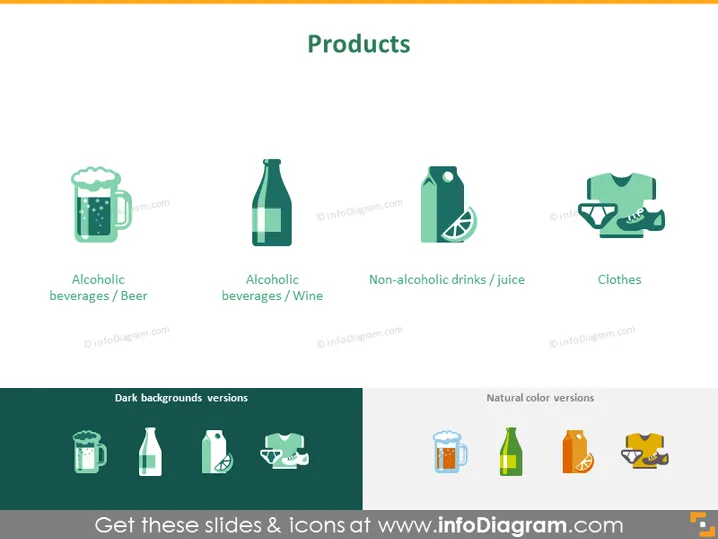
The PowerPoint slide is titled "Products" and showcases four categories of products with accompanying icons. "Alcoholic beverages / Beer" is represented by a mug of beer, suggesting that this category focuses on drinks typically associated with social settings. "Alcoholic beverages / Wine" features a bottle of wine, highlighting products enjoyed for their vintage and variety. "Non-alcoholic drinks / Juice" is depicted with a bottle that could be for juice or soft drinks, indicating healthier or more inclusive drink options. "Clothes" is symbolized by a shirt, representing the apparel sector.
The slide boasts a well-organized and aesthetically pleasing layout with consistent design elements. The use of icons helps convey the purpose and nature of the products, providing immediate visual cues to the audience.



