
Reviews
The icons are fantastic, easy to use, and will add value to any project or presentation. Keep up the great work.
I love how simple infoDiagram's solutions are and the personal interest they took in my work. Recommended 1000%!
The crisp, clean look of the graphics, and the fact that it allowed me to easily edit and change the colors to match the template was my main reason for purchasing them.
Description
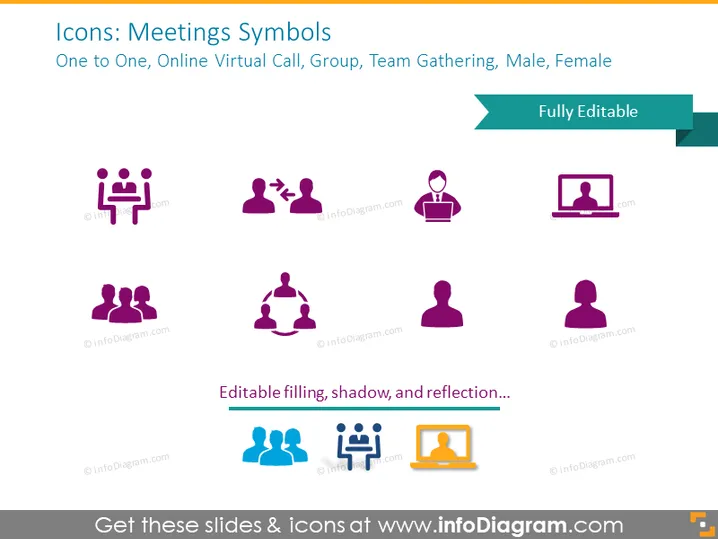
Icons: Meetings Symbols
Slide Content
The PowerPoint slide titled "Icons: Meetings Symbols" presents a collection of graphic icons representing different aspects of virtual and in-person meetings. These include "One to One," symbolized by two figures facing each other at a table, "Online Virtual Call," represented by a person in front of a laptop, "Group" with multiple figures, "Team Gathering" showcasing a circle of connected figures, and icons for "Male" and "Female." Each symbol gives a quick visual reference to various meeting formats and participants.
Graphical Look
- The slide background is a plain light color.
- There are eight icons, each with a descriptive caption below.
- Icons are stylized and simplified, using a limited color palette, predominantly purple and blue.
- Some icons feature a duo-tone effect; others include a single color with white accents.
- Each icon is accompanied by a small text label in a different shade of blue, contrasting with the icon color.
- The slide title is at the top in large, bold font, with a subtitle beneath it.
- The top right corner contains a teal banner saying "Fully Editable".
The slide has a clean and modern look with a structured layout that gives equal weight to all icons. The use of color is consistent and uncluttered, creating a professional appearance.
Use Cases
- To visually augment a presentation on communication strategies within a company.
- For training materials on conducting various types of meetings, with symbols aiding in quick recognition.
- In sales pitches or proposals demonstrating a business's capability to support different meeting formats.
- For introductory slides in webinars or online courses related to business communication and collaboration tools.
How to Edit
How to edit text & colors

How to expand / shorten diagram

How to Replace Icons in infoDiagram PPT


