Reviews
Sus gráficos añaden un toque agradable a mis presentaciones y recientemente los usé para una de mis reuniones generales. Su conjunto de herramientas añade profesionalismo a mis diapositivas. En lugar de usar imágenes prediseñadas estándar.
Necesitaba un aspecto fresco para algunas de mis diapositivas. Había intentado encontrar una forma de crear un efecto de pincel, de subrayar, acentuar, añadir algo de color y los marcadores escritos a mano fueron justo lo que necesitaba. Muy fácil de usar, fácil de ajustar el tamaño, cambiar el color. Fue una solución asequible y perfecta, y estoy feliz de recomendarla.
El aspecto nítido y limpio de los gráficos, y el hecho de que me permitiera editar y cambiar fácilmente los colores para que coincidieran con la plantilla fue mi principal razón para comprarlos.
Description
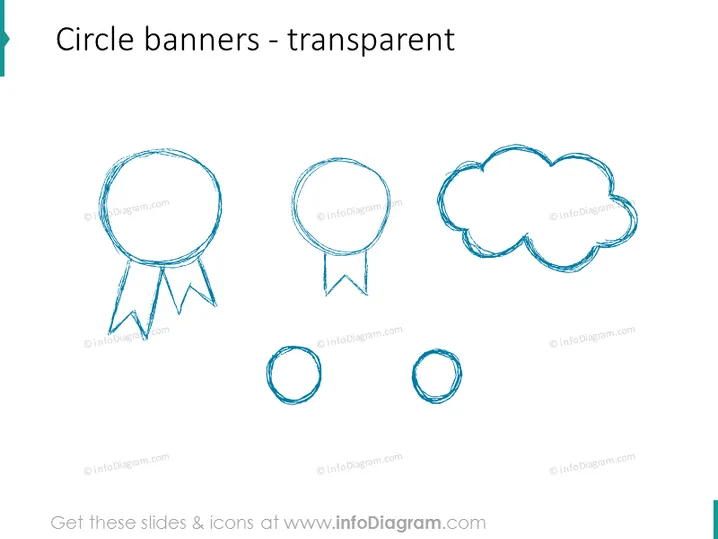
Circle banners - transparent
Slide Content
The PowerPoint slide is titled "Circle banners - transparent" and presents five different circular banner icons with a sketch-like, hand-drawn aesthetic. These banners vary in shape and style, suggesting different contexts for use, such as awards, chat, cloud storage, or other circular elements within a presentation. Each banner is designed to have a see-through background, allowing them to integrate seamlessly with additional slide content.
Graphical Look
- Sketched icons resembling circular banners with varying designs: one with a ribbon, one with a speech tail, one cloud-shaped, and two simple circles.
- The icons have a hand-drawn, dashed line style with a transparent background for flexible use on different backgrounds.
- The primary color of the icons is a shade of blue, providing a cool and professional tone to the design.
- The larger icons are positioned towards the top of the slide, while the smaller circles are at the bottom, creating a visually balanced composition.
- The slide is clean and minimalistic with plenty of white space around the icons, adding to the modern and professional appearance of the slide design.
The overall look of the slide is modern and minimalistic, employing a cool blue color scheme that conveys a sense of professionalism. The hand-drawn quality of the icons adds a creative flare to the simple and clean design.
Use Cases
- Explaining different stages in a process or distinct ideas, with each circular banner icon representing a specific step or concept.
- Highlighting achievements or important points, using the ribbon banner icon to symbolize awards or commendations.
- Engaging with the audience by incorporating the speech bubble icon for questions, comments, or interactive discussion points.
- Illustrating cloud services or thought processes when integrating the cloud-shaped icon within technology or brainstorming presentations.
How to Edit
How to edit text & colors

How to expand / shorten diagram

How to Replace Icons in infoDiagram PPT



