
Reviews
Ihre Grafiken verleihen meinen Präsentationen eine nette Note, und ich habe sie kürzlich für eines meiner All-Hands-Meetings verwendet. Ihre Toolbox verleiht meinen Folien Professionalität, anstatt Standard-Clipart zu verwenden.
Ich brauchte einen neuen Blick auf einige meiner Folien. Ich habe versucht, einen Weg zu finden, einen Pinselschlag-Effekt zu erzielen, um zu unterstreichen, hervorzuheben, Farbe hinzuzufügen, und die handgeschriebenen Markierungen waren genau das Richtige. Sehr einfach zu bedienen, leicht in der Größe zu ändern, die Farbe zu ändern. Es war eine erschwingliche, perfekte Lösung und ich empfehle sie gerne weiter.
Die klare, saubere Optik der Grafiken und die Tatsache, dass ich die Farben leicht bearbeiten und an die Vorlage anpassen konnte, war mein Hauptgrund für den Kauf.
Description
All diagram shapes are easy to adapt
Slide Content
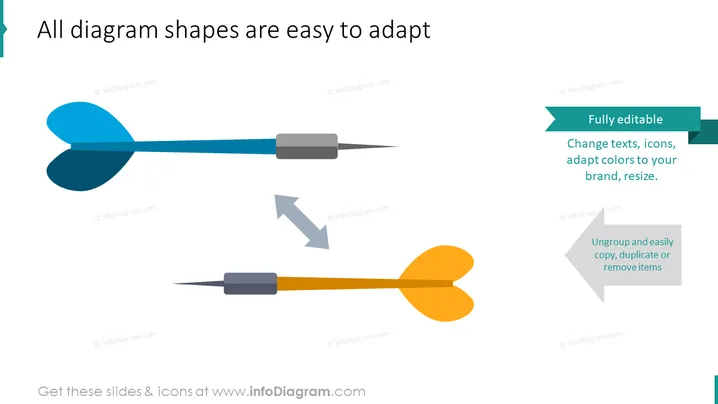
The PowerPoint slide highlights the customizability of diagram shapes. It clarifies that all diagram shapes are straightforward to modify, suggesting the tools are user-friendly. "Fully editable" implies the user can change the text, icons, adapt colors to align with their brand, and resize elements. While "Ungroup and easily copy, duplicate or remove items" indicates that individual elements can be manipulated independently, allowing for simple replication or deletion.
Graphical Look
- Two large dart illustrations dominate the left and lower center of the slide, one blue and one orange.
- A teal banner with white text runs across the top right corner with the phrase "Fully editable."
- A smaller grey banner adjacent to the teal one details specific editing actions such as "Change texts, icons, adapt colors to your brand, resize."
- A light grey curved arrow points downward between the two darts, giving the sense of one object moving to the position of the other, likely signifying transformation or adaptability.
- A smaller, mirrored version of the first grey banner sits underneath the orange dart with the text "Ungroup and easily copy, duplicate or remove items."
- The overall color scheme features teal, grey, blue, and orange.
The slide has a simple, clean design emphasizing the adaptability of the graphics through the use of contrasting colors and easily identifiable symbols. The dart images and connecting arrows effectively illustrate the concept of modification and flexibility.
Use Cases
- This slide could be used in a software or service presentation to demonstrate the adaptability and customization features of a product.
- It’s suitable for a business presentation where the company wants to illustrate flexibility and ease of integration with existing branding.
- The slide can play a role in instructional material to guide users on how to edit and personalize diagram shapes in a specific program or application.
- This could also be used in marketing materials to highlight the user-friendly nature of a design tool or platform .
How to Edit
How to edit text & colors

How to expand / shorten diagram

How to Replace Icons in infoDiagram PPT


