
Reviews
Ihre Grafiken verleihen meinen Präsentationen eine nette Note, und ich habe sie kürzlich für eines meiner All-Hands-Meetings verwendet. Ihre Toolbox verleiht meinen Folien Professionalität, anstatt Standard-Clipart zu verwenden.
Ich brauchte einen neuen Blick auf einige meiner Folien. Ich habe versucht, einen Weg zu finden, einen Pinselschlag-Effekt zu erzielen, um zu unterstreichen, hervorzuheben, Farbe hinzuzufügen, und die handgeschriebenen Markierungen waren genau das Richtige. Sehr einfach zu bedienen, leicht in der Größe zu ändern, die Farbe zu ändern. Es war eine erschwingliche, perfekte Lösung und ich empfehle sie gerne weiter.
Die klare, saubere Optik der Grafiken und die Tatsache, dass ich die Farben leicht bearbeiten und an die Vorlage anpassen konnte, war mein Hauptgrund für den Kauf.
Description
Products
Slide Content
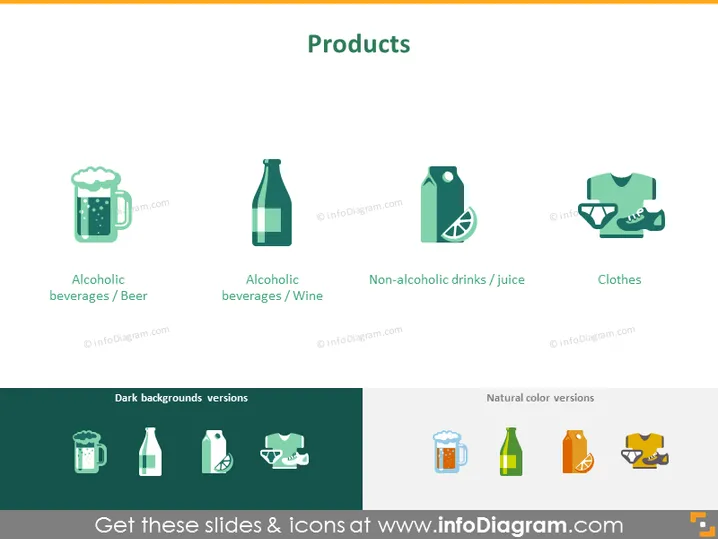
The PowerPoint slide titled "Products" presents a classification of products into four categories: Alcoholic beverages/Beer, Alcoholic beverages/Wine, Non-alcoholic drinks/Juice, and Clothes. Each category is represented by an icon and a label to indicate the type of product. Alcoholic beverages/Beer signifies products such as lagers and ales. Alcoholic beverages/Wine encompasses red, white, and sparkling wines. Non-alcoholic drinks/Juice includes beverages like fruit juices and sodas, while Clothes represents a variety of apparel including shirts, trousers, and more.
Graphical Look
- The slide background is a solid, light neutral color.
- The main title "Products" is centered at the top of the slide in large, bold text.
- There are four icons evenly spaced across the slide, each depicting a different product type.
- Below each icon is a caption describing the category it represents.
- The icons are stylized and have a flat graphic design aesthetic.
- There are two additional sections at the bottom labeled "Dark backgrounds versions" and "Natural color versions," each showing the icons adapted for different background colors.
- The icons and text are presented with a complementary color scheme that enhances readability.
The overall look of the slide is clean and modern, with a simple layout enhancing the visual appeal and direct communication of the content.
Use Cases
- Introducing a company's product line during a business presentation.
- Categorizing products in a sales strategy meeting to define marketing approaches.
- Using it in a retail management training session to differentiate various product types.
- Showcasing the product range on a website or promotional material to highlight categories visually.
How to Edit
How to edit text & colors

How to expand / shorten diagram

How to Replace Icons in infoDiagram PPT


