

Your graphics add a nice touch to my presentations and I recently used them for one of my all-hands meetings. Your toolbox adds professionalism to my slides. Instead of using standard clipart.
Claude Jones, Director of Engineer, @Walmartlabs, USA

Your graphics add a nice touch to my presentations and I recently used them for one of my all-hands meetings. Your toolbox adds professionalism to my slides. Instead of using standard clipart.
Claude Jones, Director of Engineer, @Walmartlabs, USA
I needed a fresh look at some of my slides. I've tried to find a way to create a paintbrush effect, to underline, accentuate, add some color and the handwritten markers were just the things. Very easy to use, easy to size, change the color. It was an affordable, perfect solution and I'm happy to recommend it.
Anonymous, US
The crisp, clean look of the graphics, and the fact that it allowed me to easily edit and change the colors to match the template was my main reason for purchasing them.
Brandie Jenkins, E-learning Developer, USA
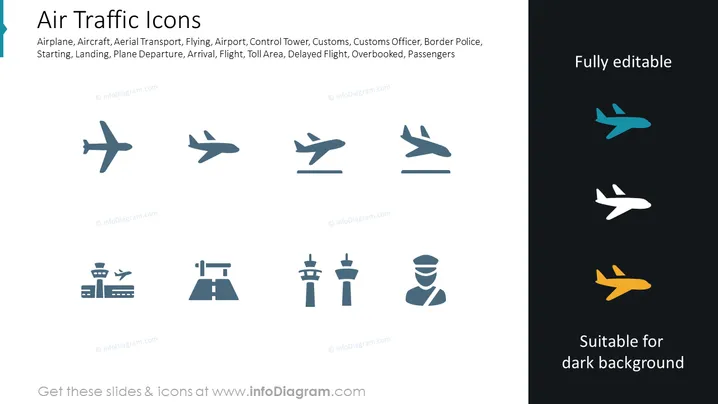
The PowerPoint slide is titled "Air Traffic Icons" and showcases a collection of stylized icons related to aviation and air travel. These icons represent various aircraft and aspects of the airport experience, including an airplane, control tower, customs, and a customs officer. The presence of icons such as one for delayed flights indicates the slide could be used to discuss a range of topics from logistics to customer service within the air travel industry.
The slide's design is modern and minimalistic, focusing on visual representations through icons. The contrasting background colors suggest that these icons can be utilized effectively against both light and dark backdrops in presentation materials.



