

Your graphics add a nice touch to my presentations and I recently used them for one of my all-hands meetings. Your toolbox adds professionalism to my slides. Instead of using standard clipart.
Claude Jones, Director of Engineer, @Walmartlabs, USA

Your graphics add a nice touch to my presentations and I recently used them for one of my all-hands meetings. Your toolbox adds professionalism to my slides. Instead of using standard clipart.
Claude Jones, Director of Engineer, @Walmartlabs, USA
I needed a fresh look at some of my slides. I've tried to find a way to create a paintbrush effect, to underline, accentuate, add some color and the handwritten markers were just the things. Very easy to use, easy to size, change the color. It was an affordable, perfect solution and I'm happy to recommend it.
Anonymous, US
The crisp, clean look of the graphics, and the fact that it allowed me to easily edit and change the colors to match the template was my main reason for purchasing them.
Brandie Jenkins, E-learning Developer, USA
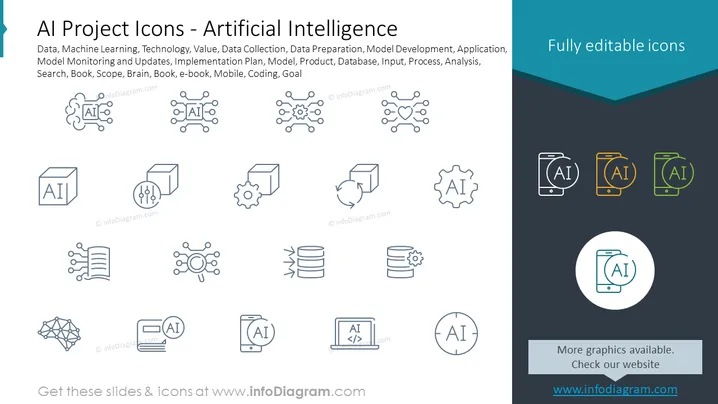
The PowerPoint slide presents a collection of vector icons related to Artificial Intelligence projects. It includes icons symbolizing Data, Machine Learning, Technology, Model Monitoring and Updates, Implementation Plan, and various stages of AI development and implementation such as Data Collection, Data Preparation, and Model Development. These icons serve to represent different concepts: Data signifies the raw material for AI, Machine Learning represents the algorithms, Technology embodies the tools and software, and so on, including Model Monitoring representing ongoing evaluation and Implementation Plan indicating strategic steps.
The slide has a clean and modern look with a consistent iconographic style throughout. The color palette is limited, focusing mainly on greys with a pop of color on the right side to attract attention.



