##Slide content:
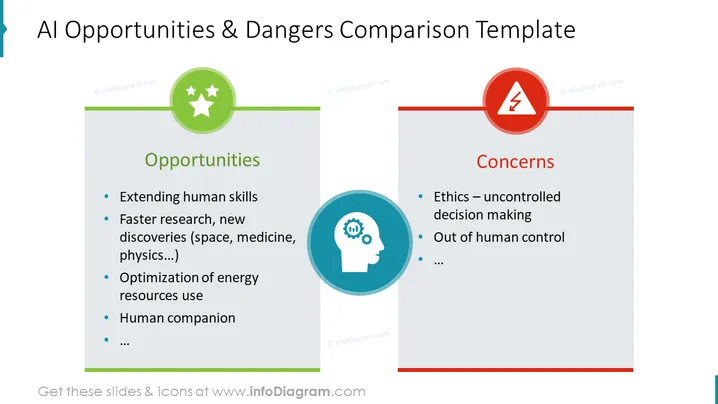
This PowerPoint template infographic slide represents the AI pros and cons by comparing its advantages and disadvantages. This has been a hot topic since the appearance of Artificial Intelligence and people started to understand better the concept behind it. As AI advantages are mentioned extending human skills, faster research, new discoveries (space, medicine, physics, etc.), optimization of energy usage, and human companion. Examples of practical AI applications we see already today are self-driving cars, automation of digital marketing, or intelligent chatbots.
The listed disadvantages are ethics - uncontrolled decision-making, out of human control, and the possibility of replacing human workers with robotics. We have left out extra space for you to put additional comments, depending on how extended research you've made and want to present to your audience.
##Slide infographic description:
White Background, Editable Vectors, Rectangular Text Blocks, Colorful Line Vectors, Flat Icons, Outline Icons, Bullet Points, AI Icon, Artificial Intelligence Icon, Danger Icon, Star Icon, Resizeable Shapes