

Your graphics add a nice touch to my presentations and I recently used them for one of my all-hands meetings. Your toolbox adds professionalism to my slides. Instead of using standard clipart.
Claude Jones, Director of Engineer, @Walmartlabs, USA

Your graphics add a nice touch to my presentations and I recently used them for one of my all-hands meetings. Your toolbox adds professionalism to my slides. Instead of using standard clipart.
Claude Jones, Director of Engineer, @Walmartlabs, USA
I needed a fresh look at some of my slides. I've tried to find a way to create a paintbrush effect, to underline, accentuate, add some color and the handwritten markers were just the things. Very easy to use, easy to size, change the color. It was an affordable, perfect solution and I'm happy to recommend it.
Anonymous, US
The crisp, clean look of the graphics, and the fact that it allowed me to easily edit and change the colors to match the template was my main reason for purchasing them.
Brandie Jenkins, E-learning Developer, USA
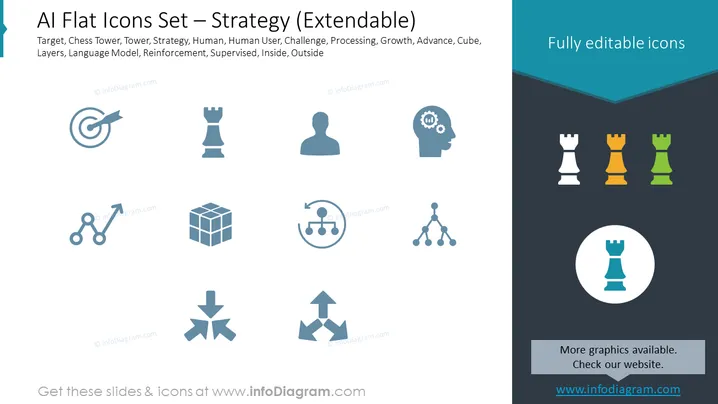
Slide Content: The PowerPoint slide is titled "AI Flat Icons Set – Strategy (Extendable)" and contains various flat icons with keywords beneath them, representing different strategic concepts related to artificial intelligence. The keywords include Target (an objective or goal), Chess Tower (representing strategic planning and defense), Tower, Strategy (an overall plan or approach), Human, Human User (representing the human element in AI), Challenge, Processing, Growth (development and improvement), Advance, Cube (possibly representing data or building blocks), Layers (could imply complexity or hierarchy in AI systems), Language Model (AI that works with human language), Reinforcement (a type of learning in AI), Supervised (a form of AI training), Inside, and Outside.
Graphical Look:
The slide's aesthetic is very professional and modern, with a clear focus on simplicity and visual clarity. The use of flat design for the icons gives them a contemporary look typical for current design trends in presentations.
Use Cases:



