

Your graphics add a nice touch to my presentations and I recently used them for one of my all-hands meetings. Your toolbox adds professionalism to my slides. Instead of using standard clipart.
Claude Jones, Director of Engineer, @Walmartlabs, USA

Your graphics add a nice touch to my presentations and I recently used them for one of my all-hands meetings. Your toolbox adds professionalism to my slides. Instead of using standard clipart.
Claude Jones, Director of Engineer, @Walmartlabs, USA
I needed a fresh look at some of my slides. I've tried to find a way to create a paintbrush effect, to underline, accentuate, add some color and the handwritten markers were just the things. Very easy to use, easy to size, change the color. It was an affordable, perfect solution and I'm happy to recommend it.
Anonymous, US
The crisp, clean look of the graphics, and the fact that it allowed me to easily edit and change the colors to match the template was my main reason for purchasing them.
Brandie Jenkins, E-learning Developer, USA
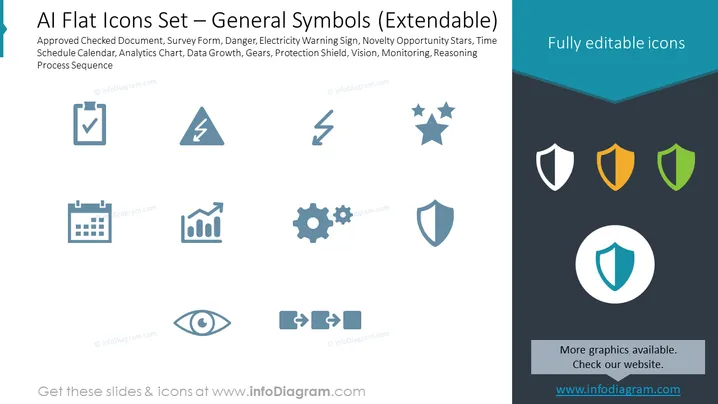
Slide Content: The PowerPoint slide titled "AI Flat Icons Set – General Symbols (Extendable)" showcases a collection of icons representing various elements and concepts. The icons include an "Approved Checked Document," suggesting validation or completed tasks; a "Survey Form" for data collection; a "Danger" or alert sign typically indicating a warning; an "Electricity Warning Sign" for electrical hazards; "Novelty Opportunity Stars," possibly symbolizing new or innovative ideas; a "Time Schedule Calendar" for planning; an "Analytics Chart" indicating data analysis; "Data Growth" for increasing metrics; "Gears" depicting processes or systems; a "Protection Shield" for security; "Vision" likely for goals or foresight; "Monitoring" for surveillance or performance tracking; and a "Reasoning Process Sequence" representing logical thinking.
Graphical Look:
The slide has a professional and straightforward look, with contrasting colors that highlight the icons effectively. The design is minimal, focusing on the clarity and easy identification of each symbol.
Use Cases:



