

Your graphics add a nice touch to my presentations and I recently used them for one of my all-hands meetings. Your toolbox adds professionalism to my slides. Instead of using standard clipart.
Claude Jones, Director of Engineer, @Walmartlabs, USA

Your graphics add a nice touch to my presentations and I recently used them for one of my all-hands meetings. Your toolbox adds professionalism to my slides. Instead of using standard clipart.
Claude Jones, Director of Engineer, @Walmartlabs, USA
I needed a fresh look at some of my slides. I've tried to find a way to create a paintbrush effect, to underline, accentuate, add some color and the handwritten markers were just the things. Very easy to use, easy to size, change the color. It was an affordable, perfect solution and I'm happy to recommend it.
Anonymous, US
The crisp, clean look of the graphics, and the fact that it allowed me to easily edit and change the colors to match the template was my main reason for purchasing them.
Brandie Jenkins, E-learning Developer, USA
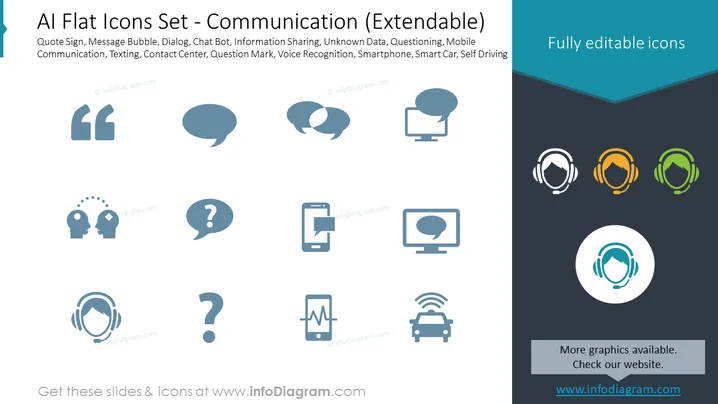
Slide Content: The PowerPoint slide titled "AI Flat Icons Set - Communication (Extendable)" lists various communication-related icons and their descriptions, which include: Quote Sign (often used to highlight important information), Message Bubble (depicts conversation or messaging), Dialog (implies an exchange of information), Chat Bot (represents automated messaging services), Information Sharing (signifies the exchange of data), Unknown Data (connotes ambiguous or yet-to-be-analyzed information), Questioning (symbolizes inquiry or seeking information), Mobile Communication (indicates communication via mobile devices), Texting (shows the act of sending text messages), Contact Center (associated with customer service), Question Mark (suggests uncertainty or the need for clarification), Voice Recognition (pertains to technology that interprets spoken words), Smartphone (represents mobile communication technology), and Smart Car, Self Driving (links to autonomous vehicle technology).
Graphical Look:
The slide has a clean, modern look with a professional color scheme. The icons are minimalist, emphasizing clarity and easy comprehension.
Use Cases:



