
Reviews
Your slides are my 'secret sauce' when it comes to visualising my ideas to clients. I'm saving so much time.
InfoDiagram has been a wonderful resource since I found the product site a few years ago.
Your slides often generate good comments and ideas from my team that improve the final slides.
Description
Agriculture
Slide Content
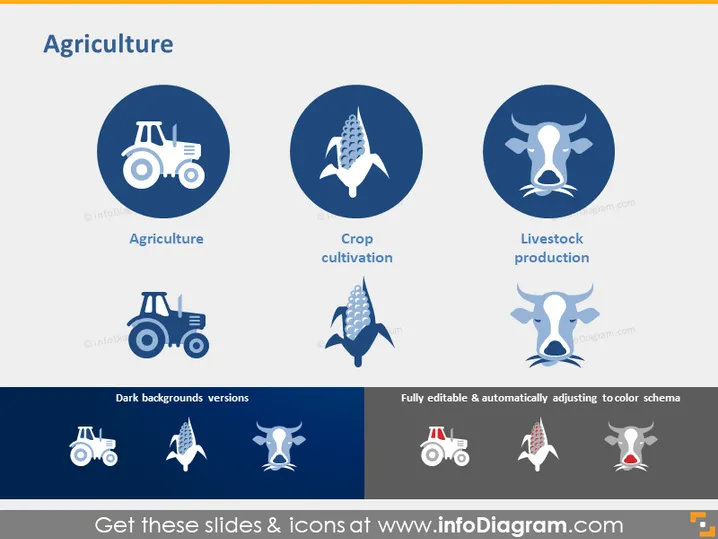
The slide is titled "Agriculture" and focuses on three key aspects of agriculture: general agriculture, represented by a tractor, indicating the machines used in farming; crop cultivation, symbolized by a corn cob, pointing to the growth of crops as part of agriculture; and livestock production, depicted with a cow outline, highlighting the breeding and raising of animals for farming purposes.
Graphical Look
- The slide background is plain white, providing a neutral and clean canvas.
- The title "Agriculture" is placed at the top center in a large, bold, navy-blue font.
- Three circular graphics are aligned horizontally across the slide.
- Each circle has a navy-blue background with a white icon in the center: a tractor, a corn cob, and a cow, symbolizing different components of agriculture.
- Under each circle, there is a label in a smaller navy-blue font describing the icon above: "Agriculture," "Crop cultivation," and "Livestock production."
- Below the circular graphics, three shadowed versions of the icons are displayed against a dark navy background.
- The bottom text mentions that the icons are "Dark backgrounds versions" and are "Fully editable & automatically adjusting to color schema."
The slide has a simple, professional look with a consistent color scheme of navy blue and white. The use of icons within circles creates a clean visual theme that’s easy to follow.
Use Cases
- Presenting an overview of the agricultural sector in a business strategy meeting.
- Using as part of an educational presentation to illustrate different areas within the field of agriculture.
- Introducing services or innovations in the agricultural industry during a trade conference.
- Incorporating into a report or proposal for agricultural development projects.
How to Edit
How to edit text & colors

How to expand / shorten diagram

How to Replace Icons in infoDiagram PPT


