Reviews
Sus gráficos añaden un toque agradable a mis presentaciones y recientemente los usé para una de mis reuniones generales. Su conjunto de herramientas añade profesionalismo a mis diapositivas. En lugar de usar imágenes prediseñadas estándar.
Necesitaba un aspecto fresco para algunas de mis diapositivas. Había intentado encontrar una forma de crear un efecto de pincel, de subrayar, acentuar, añadir algo de color y los marcadores escritos a mano fueron justo lo que necesitaba. Muy fácil de usar, fácil de ajustar el tamaño, cambiar el color. Fue una solución asequible y perfecta, y estoy feliz de recomendarla.
El aspecto nítido y limpio de los gráficos, y el hecho de que me permitiera editar y cambiar fácilmente los colores para que coincidieran con la plantilla fue mi principal razón para comprarlos.
Description
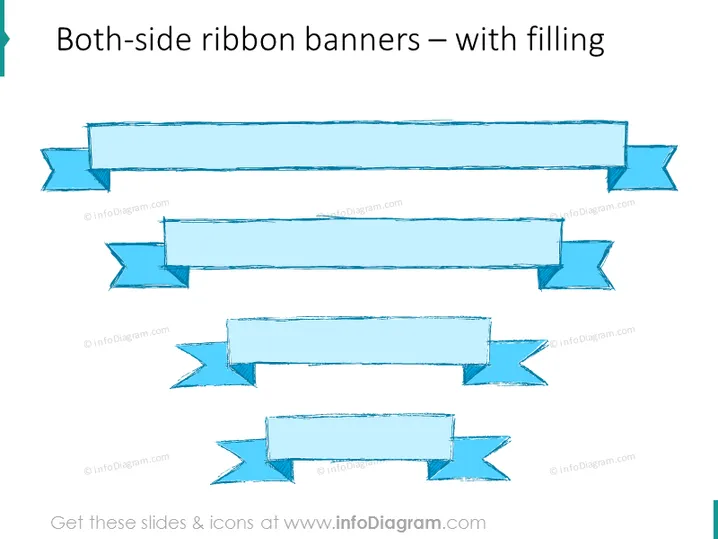
Both-side ribbon banners – with filling
Slide Content
The slide appears to showcase different styles of both-side ribbon banners with filling, which are graphical elements used to highlight information or headings in presentations. Each ribbon features a textured fill, giving it a three-dimensional appearance, and resembles a banner that is folded over at both ends, suggesting a classical or formal announcement style. These ribbons can be employed to emphasize key points or to mark distinct sections within a presentation.
Graphical Look
- The slide background is plain white, emphasizing the focus on the ribbon banners.
- There are four sets of ribbon banners centered horizontally on the slide.
- Each ribbon has a textured turquoise fill that imitates a brush-painted look, suggesting a handcrafted aesthetic.
- The ribbons are displayed with a slight shadow effect beneath them, which adds depth to the graphics.
- Varying in size and shape, the top two ribbons are longer with more pronounced folds, while the bottom two are shorter with less intricate folds.
- The topmost ribbon is the largest, with prominent waving folds at both ends, and the one directly below it is slightly smaller with more subtle waves.
The overall look of the slide emphasizes simplicity and focus on the decorative ribbon banners. The textured fill of the ribbons along with the shadow effect provides a tactile and three-dimensional quality to the slide.
Use Cases
- To highlight section titles or key points in business presentations to draw attention to important information.
- As part of an agenda slide to delineate different topics or sections with a visual marker that is easy to distinguish.
- Within marketing materials to emphasize special offers, discounts, or key benefits of a product or service.
- In awards or recognition slides to enhance the formality and significance of the awards being presented.
How to Edit
How to edit text & colors

How to expand / shorten diagram

How to Replace Icons in infoDiagram PPT



