
Reviews
Tus diapositivas son mi 'salsa secreta' cuando se trata de visualizar mis ideas para los clientes. Estoy ahorrando tanto tiempo.
Tus diapositivas suelen generar buenos comentarios e ideas por parte de mi equipo, lo que mejora el resultado final.
Description
About Us
Slide Content
This slide appears to be designed to introduce an organization or team to an audience. It is likely part of a larger presentation intended to inform viewers about the company's mission, values, goals, or team members. This introductory slide would provide a foundational context before delving into more detailed information about the company.
Graphical Look
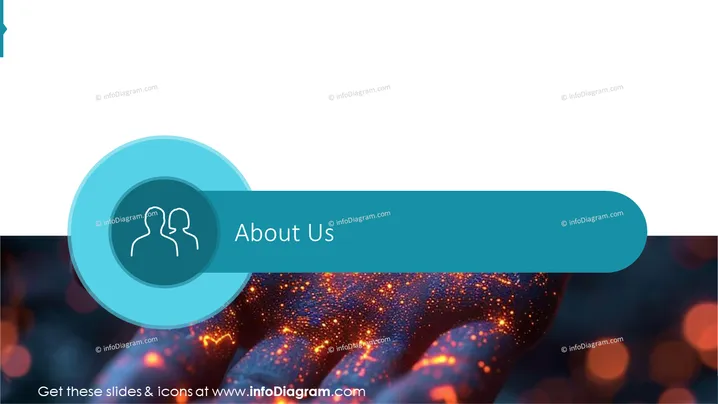
- The background of the slide features an abstract bokeh light pattern with vibrant hues of blue, orange, and red.
- A large, translucent blue circle occupies the center of the slide, providing a focal point.
- Superimposed on the blue circle is a smaller, darker blue circle with a white icon representing two silhouetted people.
- Across the mid-section of the slide, a wide, curved banner with a deep turquoise color displays the title "About Us" in white, sans-serif font.
- The design elements have a modern and sleek appearance, with a minimalist approach that suggests professionalism.
The overall look of the slide is aesthetically pleasing with a professional and modern vibe. The use of abstract background and simple iconography directs the viewer's focus to the central message of the slide.
Use Cases
- Introducing a start-up or small business in investor meetings or pitch decks to provide a brief overview of the company.
- Beginning a corporate presentation to new employees or stakeholders to summarize the company's background and ethos.
- Setting the stage for a product launch or marketing presentation to create a connection between the company narrative and the product being presented.
- Serving as the starting section in a portfolio or service proposal to establish the identity and expertise of the service provider.
How to Edit
How to edit text & colors

How to expand / shorten diagram

How to Replace Icons in infoDiagram PPT


