
Reviews
Ihre Grafiken verleihen meinen Präsentationen eine nette Note, und ich habe sie kürzlich für eines meiner All-Hands-Meetings verwendet. Ihre Toolbox verleiht meinen Folien Professionalität, anstatt Standard-Clipart zu verwenden.
Ich brauchte einen neuen Blick auf einige meiner Folien. Ich habe versucht, einen Weg zu finden, einen Pinselschlag-Effekt zu erzielen, um zu unterstreichen, hervorzuheben, Farbe hinzuzufügen, und die handgeschriebenen Markierungen waren genau das Richtige. Sehr einfach zu bedienen, leicht in der Größe zu ändern, die Farbe zu ändern. Es war eine erschwingliche, perfekte Lösung und ich empfehle sie gerne weiter.
Die klare, saubere Optik der Grafiken und die Tatsache, dass ich die Farben leicht bearbeiten und an die Vorlage anpassen konnte, war mein Hauptgrund für den Kauf.
Description
Outline Icons Set (extendable)
Slide Content
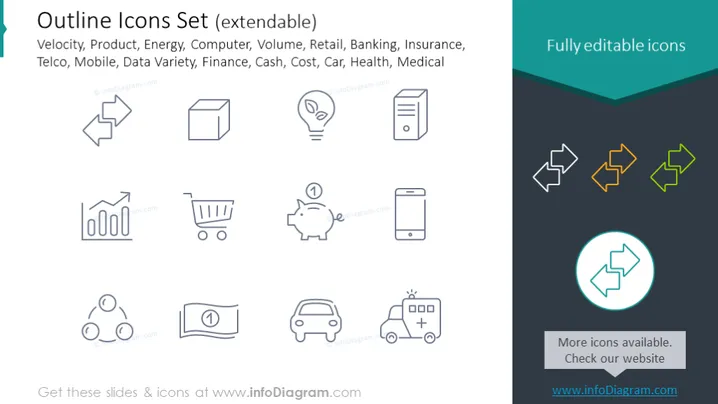
The PowerPoint slide presents a set of icons designed to be extendable and is titled "Outline Icons Set (extendable)." The icons represent various concepts including velocity, product, energy, computer, volume, retail, banking, insurance, telco, mobile, data variety, finance, cash, cost, car, health, and medical. Each icon encapsulates a different aspect of business or technology. For instance, "velocity" could be represented by an icon with a dynamic arrow, suggesting movement or speed, while the "product" icon might be a simple box, symbolizing something that can be packaged and sold.
Graphical Look
- The slide's upper half contains a light background on which black outline icons are arranged in three rows.
- In the slide's top right corner, there is a dark blue banner with white text saying "Fully editable icons."
- A total of 12 black outline icons provide simple representations of various concepts. Examples include a lightning bolt for energy or a shopping cart for retail.
- In the lower half, against a white background, three colored outline icons are displayed as examples of how they can be customized with colors.
- One icon is highlighted with a teal circle to perhaps indicate it is an example of an editable selected icon.
The overall look of the slide is modern and clean, utilizing a minimalistic design with outline icons to convey complex concepts. It's visually categorized into black and white outline icons, and an example section with colored icons, separated by a dark blue banner.
Use Cases
- To visually enhance a business presentation's section headers, linking each icon to a different topic or department.
- To create an infographic that explains a process or service with corresponding icons for clear visual communication.
- To illustrate the services offered by a company in marketing materials, using icons to quickly convey the essence of each service.
- To serve as visual bullet points in printed brochures or digital content, aiding readability and providing engaging visuals to accompany text descriptions.
How to Edit
How to edit text & colors

How to expand / shorten diagram

How to Replace Icons in infoDiagram PPT


