

Your graphics add a nice touch to my presentations and I recently used them for one of my all-hands meetings. Your toolbox adds professionalism to my slides. Instead of using standard clipart.
Claude Jones, Director of Engineer, @Walmartlabs, USA

Your graphics add a nice touch to my presentations and I recently used them for one of my all-hands meetings. Your toolbox adds professionalism to my slides. Instead of using standard clipart.
Claude Jones, Director of Engineer, @Walmartlabs, USA
I needed a fresh look at some of my slides. I've tried to find a way to create a paintbrush effect, to underline, accentuate, add some color and the handwritten markers were just the things. Very easy to use, easy to size, change the color. It was an affordable, perfect solution and I'm happy to recommend it.
Anonymous, US
The crisp, clean look of the graphics, and the fact that it allowed me to easily edit and change the colors to match the template was my main reason for purchasing them.
Brandie Jenkins, E-learning Developer, USA
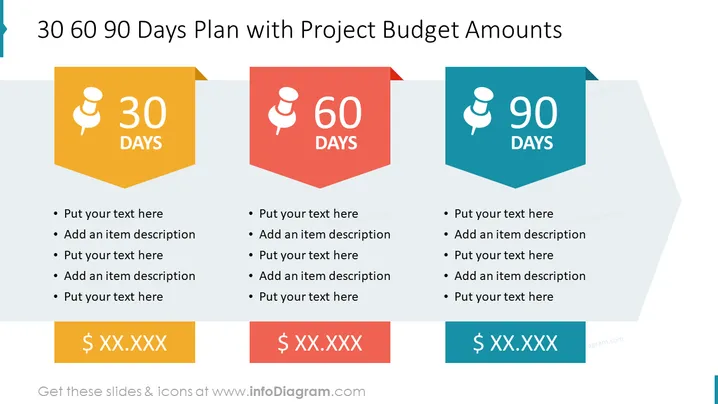
The slide is designed to articulate a project's timeline and associated budget across three key milestones: 30, 60, and 90 days. Each milestone is represented with a space to outline specific actions and has an accompanying text box for a project budget amount, facilitating the integration of planning with financial oversight. This allows for a clear depiction of both strategic actions and fiscal allocations within a project's quarterly framework.
The overall look is sleek and organized, using color coordination and simple shapes to clearly communicate the progression of time and corresponding budgets in a project plan.
This slide is ideal for project management presentations, budget meetings, and strategic planning sessions where it's crucial to align financial planning with project timelines.



