

Your graphics add a nice touch to my presentations and I recently used them for one of my all-hands meetings. Your toolbox adds professionalism to my slides. Instead of using standard clipart.
Claude Jones, Director of Engineer, @Walmartlabs, USA

Your graphics add a nice touch to my presentations and I recently used them for one of my all-hands meetings. Your toolbox adds professionalism to my slides. Instead of using standard clipart.
Claude Jones, Director of Engineer, @Walmartlabs, USA
I needed a fresh look at some of my slides. I've tried to find a way to create a paintbrush effect, to underline, accentuate, add some color and the handwritten markers were just the things. Very easy to use, easy to size, change the color. It was an affordable, perfect solution and I'm happy to recommend it.
Anonymous, US
The crisp, clean look of the graphics, and the fact that it allowed me to easily edit and change the colors to match the template was my main reason for purchasing them.
Brandie Jenkins, E-learning Developer, USA
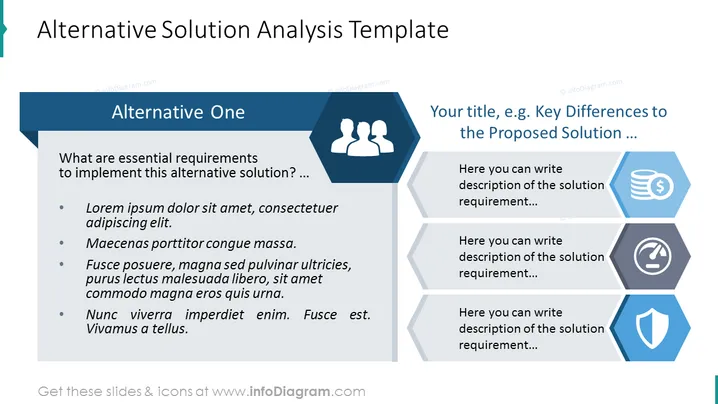
La diapositiva de PowerPoint está estructurada para facilitar el análisis de soluciones alternativas dentro de un proyecto o plan estratégico. Presenta una sección principal titulada "Alternativa Uno," donde se pueden documentar los requisitos esenciales y otros detalles clave de una solución potencial mediante viñetas. Otras secciones están representadas con íconos que simbolizan diferentes aspectos o soluciones adicionales, cada una con un espacio para una breve descripción, permitiendo al presentador comparar y contrastar varias opciones.



