
Your graphics add a nice touch to my presentations and I recently used them for one of my all-hands meetings. Your toolbox adds professionalism to my slides. Instead of using standard clipart.
Claude Jones, Director of Engineer, @Walmartlabs, USA
Your graphics add a nice touch to my presentations and I recently used them for one of my all-hands meetings. Your toolbox adds professionalism to my slides. Instead of using standard clipart.
Claude Jones, Director of Engineer, @Walmartlabs, USA
I needed a fresh look at some of my slides. I've tried to find a way to create a paintbrush effect, to underline, accentuate, add some color and the handwritten markers were just the things. Very easy to use, easy to size, change the color. It was an affordable, perfect solution and I'm happy to recommend it.
Anonymous, US
The crisp, clean look of the graphics, and the fact that it allowed me to easily edit and change the colors to match the template was my main reason for purchasing them.
Brandie Jenkins, E-learning Developer, USA
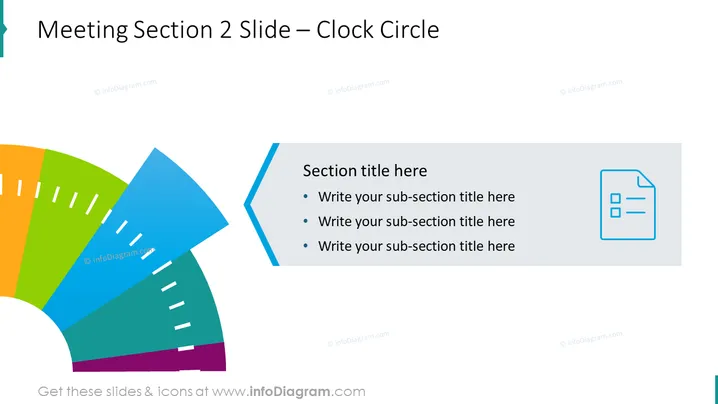
La diapositiva de PowerPoint titulada "Diapositiva de la Sección 2 de la Reunión – Círculo de Reloj" parece diseñada para estructurar el contenido en diferentes secciones o fases, con marcadores de posición para un título de sección y títulos de subsecciones. Los segmentos coloridos sugieren una progresión o secuencia cronometrada, como una agenda para una reunión, etapas de un proyecto o áreas temáticas de discusión, con cada segmento potencialmente representando una parte proporcional del tiempo asignado o fase del proyecto.
El aspecto general de la diapositiva es limpio y moderno, con el uso de colores llamativos para atraer la atención hacia diferentes secciones o temas. Los elementos gráficos están bien equilibrados, haciendo que la diapositiva sea visualmente atractiva y fácil de entender de un vistazo.




