

Your graphics add a nice touch to my presentations and I recently used them for one of my all-hands meetings. Your toolbox adds professionalism to my slides. Instead of using standard clipart.
Claude Jones, Director of Engineer, @Walmartlabs, USA

Your graphics add a nice touch to my presentations and I recently used them for one of my all-hands meetings. Your toolbox adds professionalism to my slides. Instead of using standard clipart.
Claude Jones, Director of Engineer, @Walmartlabs, USA
I needed a fresh look at some of my slides. I've tried to find a way to create a paintbrush effect, to underline, accentuate, add some color and the handwritten markers were just the things. Very easy to use, easy to size, change the color. It was an affordable, perfect solution and I'm happy to recommend it.
Anonymous, US
The crisp, clean look of the graphics, and the fact that it allowed me to easily edit and change the colors to match the template was my main reason for purchasing them.
Brandie Jenkins, E-learning Developer, USA
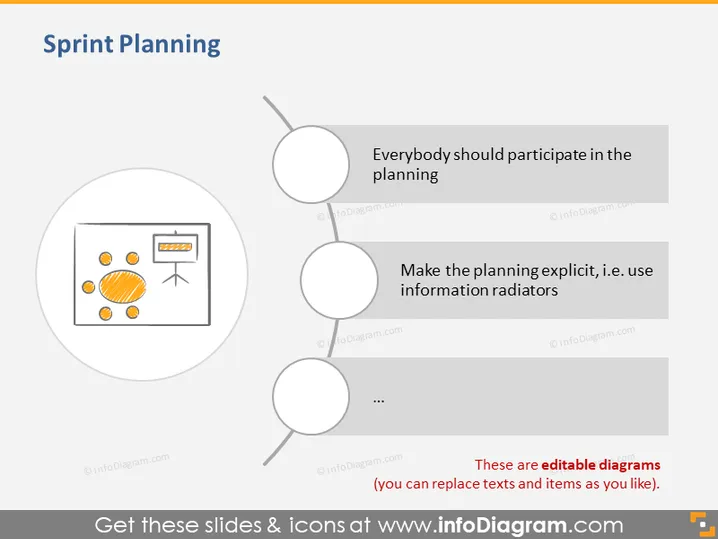
La diapositiva de PowerPoint titulada "Planificación del Sprint" parece discutir estrategias clave o consideraciones durante el proceso de planificación del sprint. Hay tres puntos principales listados, pero solo dos son completamente visibles.
"Todo el mundo debería participar en la planificación," enfatizando sesiones de planificación inclusivas y colaborativas.
"Haz que la planificación sea explícita, es decir, usa radiadores de información," sugiriendo el uso de información visible y fácilmente accesible para mantener a todos informados.
El tercer punto no es completamente visible y está representado por puntos suspensivos.
El aspecto general es minimalista y fácil de usar, con un enfoque en una secuencia de acciones o ideas. Los iconos simples y el texto claro hacen que los puntos propuestos sean fáciles de entender de un vistazo.



