

Your graphics add a nice touch to my presentations and I recently used them for one of my all-hands meetings. Your toolbox adds professionalism to my slides. Instead of using standard clipart.
Claude Jones, Director of Engineer, @Walmartlabs, USA

Your graphics add a nice touch to my presentations and I recently used them for one of my all-hands meetings. Your toolbox adds professionalism to my slides. Instead of using standard clipart.
Claude Jones, Director of Engineer, @Walmartlabs, USA
I needed a fresh look at some of my slides. I've tried to find a way to create a paintbrush effect, to underline, accentuate, add some color and the handwritten markers were just the things. Very easy to use, easy to size, change the color. It was an affordable, perfect solution and I'm happy to recommend it.
Anonymous, US
The crisp, clean look of the graphics, and the fact that it allowed me to easily edit and change the colors to match the template was my main reason for purchasing them.
Brandie Jenkins, E-learning Developer, USA
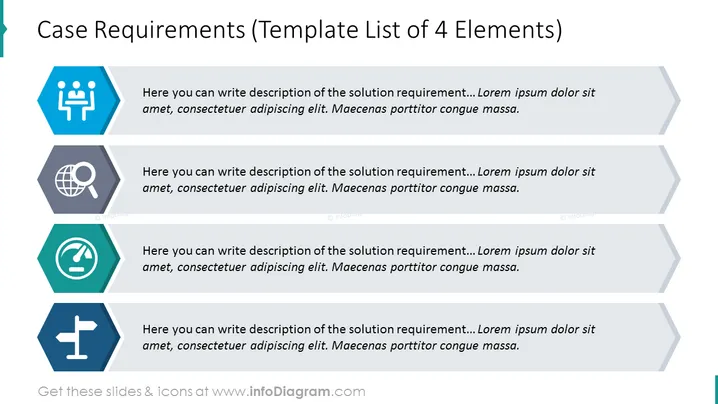
La diapositiva de PowerPoint sirve como una plantilla para describir cuatro elementos distintos de los requisitos del caso, cada uno emparejado con un ícono que representa visualmente el concepto subyacente. Se proporciona un texto de marcador de posición adjunto a cada ícono, incitando al usuario a detallar los requisitos específicos de la solución. Este formato está diseñado para ayudar a estructurar y articular los componentes esenciales necesarios para entender o cumplir con los criterios de un caso o proyecto de manera sistemática.



