
Your graphics add a nice touch to my presentations and I recently used them for one of my all-hands meetings. Your toolbox adds professionalism to my slides. Instead of using standard clipart.
Claude Jones, Director of Engineer, @Walmartlabs, USA

Your graphics add a nice touch to my presentations and I recently used them for one of my all-hands meetings. Your toolbox adds professionalism to my slides. Instead of using standard clipart.
Claude Jones, Director of Engineer, @Walmartlabs, USA

I needed a fresh look at some of my slides. I've tried to find a way to create a paintbrush effect, to underline, accentuate, add some color and the handwritten markers were just the things. Very easy to use, easy to size, change the color. It was an affordable, perfect solution and I'm happy to recommend it.
Anonymous, US
The crisp, clean look of the graphics, and the fact that it allowed me to easily edit and change the colors to match the template was my main reason for purchasing them.
Brandie Jenkins, E-learning Developer, USA
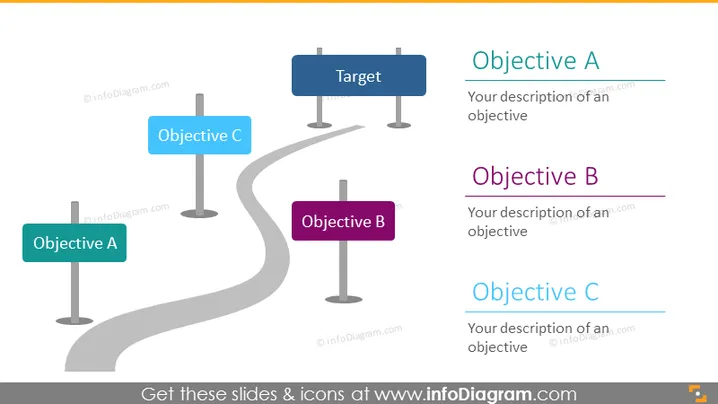
La diapositiva de PowerPoint ilustra un progreso estratégico hacia un objetivo central, denominado 'Objetivo'. Tres objetivos, etiquetados como A, B y C, se encuentran posicionados a lo largo de un camino sinuoso que conduce al Objetivo, sugiriendo un enfoque paso a paso para alcanzar un objetivo principal. Cada objetivo está acompañado de espacio para una descripción, lo que permite una explicación detallada de las metas individuales o hitos que contribuyen a lograr el objetivo general.


