
Your graphics add a nice touch to my presentations and I recently used them for one of my all-hands meetings. Your toolbox adds professionalism to my slides. Instead of using standard clipart.
Claude Jones, Director of Engineer, @Walmartlabs, USA
Your graphics add a nice touch to my presentations and I recently used them for one of my all-hands meetings. Your toolbox adds professionalism to my slides. Instead of using standard clipart.
Claude Jones, Director of Engineer, @Walmartlabs, USA
I needed a fresh look at some of my slides. I've tried to find a way to create a paintbrush effect, to underline, accentuate, add some color and the handwritten markers were just the things. Very easy to use, easy to size, change the color. It was an affordable, perfect solution and I'm happy to recommend it.
Anonymous, US
The crisp, clean look of the graphics, and the fact that it allowed me to easily edit and change the colors to match the template was my main reason for purchasing them.
Brandie Jenkins, E-learning Developer, USA
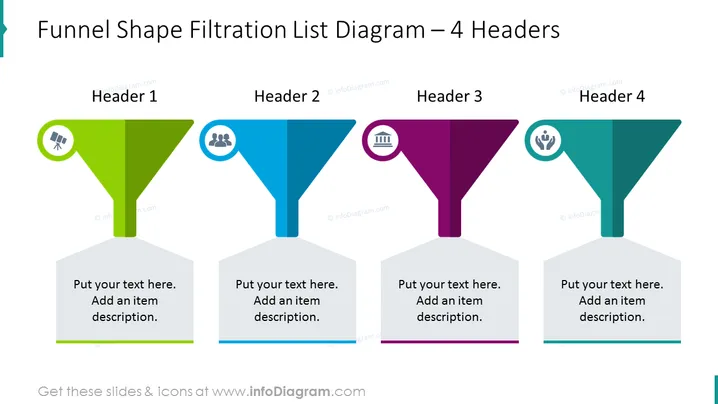
La diapositiva muestra un diagrama de lista en forma de embudo con cuatro etapas, representadas como encabezados distintos. Cada encabezado está codificado por colores e incluye un icono en la parte superior del embudo que corresponde al tema de la etapa. "Encabezado 1" en verde significa la fase inicial y sugiere un proceso analítico con su icono de gráfico de barras. "Encabezado 2" está en azul, indicando la segunda etapa con un icono de grupo de personas, posiblemente denotando un aspecto colaborativo o demográfico. A continuación, "Encabezado 3" en púrpura tiene un icono de edificios que simboliza un nivel organizacional o estructural. Finalmente, "Encabezado 4" en verde azulado tiene un icono que representa liderazgo o trabajo en equipo. Cada embudo está conectado a un cuadro de texto para detallar el ítem o la etapa específica.




