
Reseñas
Your graphics add a nice touch to my presentations and I recently used them for one of my all-hands meetings. Your toolbox adds professionalism to my slides. Instead of using standard clipart.
I needed a fresh look at some of my slides. I've tried to find a way to create a paintbrush effect, to underline, accentuate, add some color and the handwritten markers were just the things. Very easy to use, easy to size, change the color. It was an affordable, perfect solution and I'm happy to recommend it.
The crisp, clean look of the graphics, and the fact that it allowed me to easily edit and change the colors to match the template was my main reason for purchasing them.
Descripción
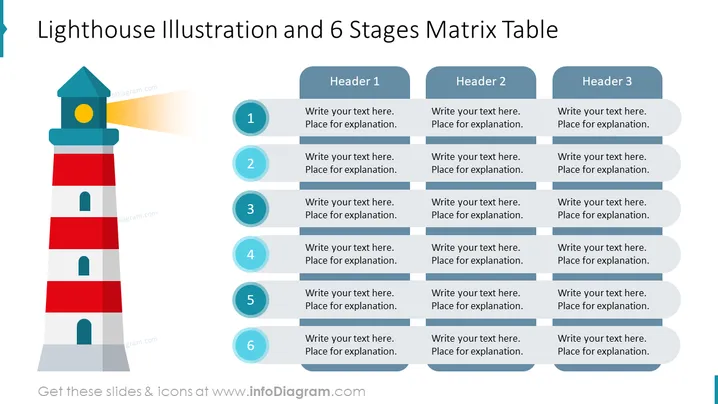
Plantilla de Tabla de Matriz de 6 Etapas e Ilustración del Faro
Creamos esta infografía PPT para diagramas de flujo complejos que contienen muchas etapas y niveles de implementación capturados en una matriz. Los niveles del faro simbolizan las siguientes acciones, mientras que las columnas dejan la libertad de agregar el segundo parámetro.
¿Qué Incluye Esta Plantilla de Tabla de Matriz de 6 Etapas e Ilustración del Faro?
- Gráfico colorido del faro editable
- Matriz editable compuesta de 6 filas comenzando con números y 3 columnas comenzando con títulos
Esta Plantilla de Tabla de Matriz de 6 Etapas e Ilustración del Faro es parte de nuestras Infografías de Faro para Plantillas de PowerPoint.
Cómo editar
Cómo editar texto y colores

Cómo ampliar / acortar el diagrama

Cómo sustituir iconos en infoDiagram PPT


