

Your graphics add a nice touch to my presentations and I recently used them for one of my all-hands meetings. Your toolbox adds professionalism to my slides. Instead of using standard clipart.
Claude Jones, Director of Engineer, @Walmartlabs, USA

Your graphics add a nice touch to my presentations and I recently used them for one of my all-hands meetings. Your toolbox adds professionalism to my slides. Instead of using standard clipart.
Claude Jones, Director of Engineer, @Walmartlabs, USA
I needed a fresh look at some of my slides. I've tried to find a way to create a paintbrush effect, to underline, accentuate, add some color and the handwritten markers were just the things. Very easy to use, easy to size, change the color. It was an affordable, perfect solution and I'm happy to recommend it.
Anonymous, US
The crisp, clean look of the graphics, and the fact that it allowed me to easily edit and change the colors to match the template was my main reason for purchasing them.
Brandie Jenkins, E-learning Developer, USA
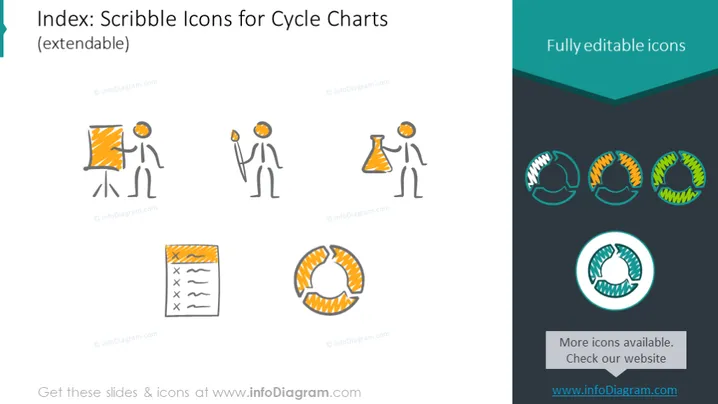
La diapositiva de PowerPoint presenta una colección de íconos dibujados a mano o estilo 'garabato' diseñados específicamente para representar etapas en un gráfico de ciclo. Los íconos incluyen una figura al lado de un pizarrón, representando un escenario de presentación o capacitación que inicia el ciclo. Otro ícono muestra la misma figura con un matraz, significando experimentación o investigación. A esto le sigue un ícono de bloc de notas, probablemente para significar planificación o registro, y finalmente, una serie de flechas circulares interconectadas, simbolizando la naturaleza cíclica del proceso o un bucle de retroalimentación.
El aspecto general de la diapositiva es moderno y minimalista, utilizando colores contrastantes y formas simples. Los íconos de garabato le dan un toque informal y creativo, mientras que la disposición es limpia y organizada.



