

Your graphics add a nice touch to my presentations and I recently used them for one of my all-hands meetings. Your toolbox adds professionalism to my slides. Instead of using standard clipart.
Claude Jones, Director of Engineer, @Walmartlabs, USA

Your graphics add a nice touch to my presentations and I recently used them for one of my all-hands meetings. Your toolbox adds professionalism to my slides. Instead of using standard clipart.
Claude Jones, Director of Engineer, @Walmartlabs, USA
I needed a fresh look at some of my slides. I've tried to find a way to create a paintbrush effect, to underline, accentuate, add some color and the handwritten markers were just the things. Very easy to use, easy to size, change the color. It was an affordable, perfect solution and I'm happy to recommend it.
Anonymous, US
The crisp, clean look of the graphics, and the fact that it allowed me to easily edit and change the colors to match the template was my main reason for purchasing them.
Brandie Jenkins, E-learning Developer, USA
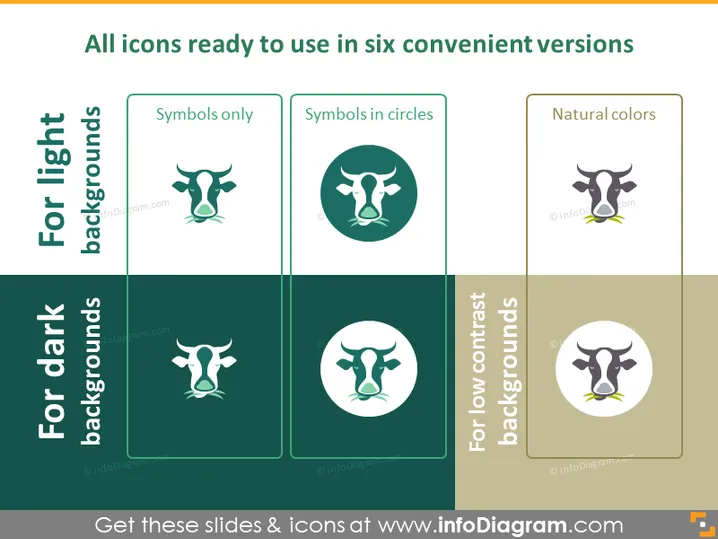
La diapositiva de PowerPoint presenta seis versiones de un icono diseñado para varios fondos. "Símbolos solamente" representa el icono sin adornos adicionales. "Símbolos en círculos" coloca el icono dentro de un borde circular, sugiriendo una apariencia más definida y contenida. "Colores naturales" se refiere al icono renderizado en múltiples tonos, probablemente para dar un aspecto realista o visualmente rico. Los iconos situados sobre fondos claros están diseñados para destacar en diapositivas más brillantes, mientras que aquellos para fondos oscuros aseguran visibilidad contra sombras más profundas. Para fondos de bajo contraste, los iconos se diseñan con suficiente diferenciación para seguir siendo distinguibles.



