

Your graphics add a nice touch to my presentations and I recently used them for one of my all-hands meetings. Your toolbox adds professionalism to my slides. Instead of using standard clipart.
Claude Jones, Director of Engineer, @Walmartlabs, USA

Your graphics add a nice touch to my presentations and I recently used them for one of my all-hands meetings. Your toolbox adds professionalism to my slides. Instead of using standard clipart.
Claude Jones, Director of Engineer, @Walmartlabs, USA
I needed a fresh look at some of my slides. I've tried to find a way to create a paintbrush effect, to underline, accentuate, add some color and the handwritten markers were just the things. Very easy to use, easy to size, change the color. It was an affordable, perfect solution and I'm happy to recommend it.
Anonymous, US
The crisp, clean look of the graphics, and the fact that it allowed me to easily edit and change the colors to match the template was my main reason for purchasing them.
Brandie Jenkins, E-learning Developer, USA
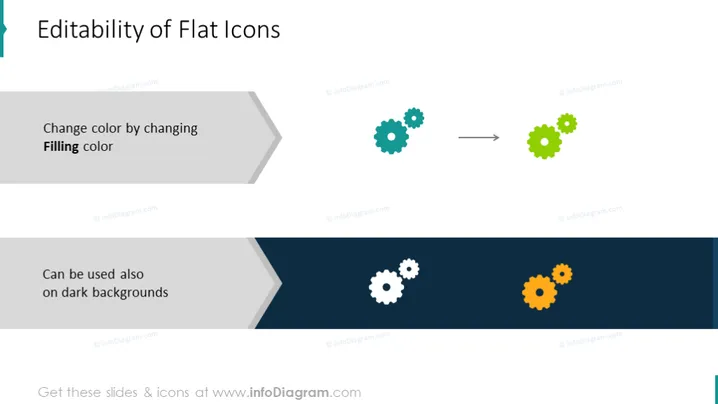
La diapositiva presenta el concepto de cómo se pueden editar los íconos planos, específicamente cambiando su color de relleno. Muestra que los íconos planos también se pueden usar de manera efectiva en fondos oscuros. Los dos elementos clave explicados son:
La diapositiva utiliza un diseño limpio y moderno con una mezcla de íconos planos y colores contrastantes para ilustrar el punto visualmente. La apariencia general es profesional, con un enfoque en la simplicidad y la comunicación directa del concepto.



