
Your graphics add a nice touch to my presentations and I recently used them for one of my all-hands meetings. Your toolbox adds professionalism to my slides. Instead of using standard clipart.
Claude Jones, Director of Engineer, @Walmartlabs, USA
Your graphics add a nice touch to my presentations and I recently used them for one of my all-hands meetings. Your toolbox adds professionalism to my slides. Instead of using standard clipart.
Claude Jones, Director of Engineer, @Walmartlabs, USA
I needed a fresh look at some of my slides. I've tried to find a way to create a paintbrush effect, to underline, accentuate, add some color and the handwritten markers were just the things. Very easy to use, easy to size, change the color. It was an affordable, perfect solution and I'm happy to recommend it.
Anonymous, US
The crisp, clean look of the graphics, and the fact that it allowed me to easily edit and change the colors to match the template was my main reason for purchasing them.
Brandie Jenkins, E-learning Developer, USA
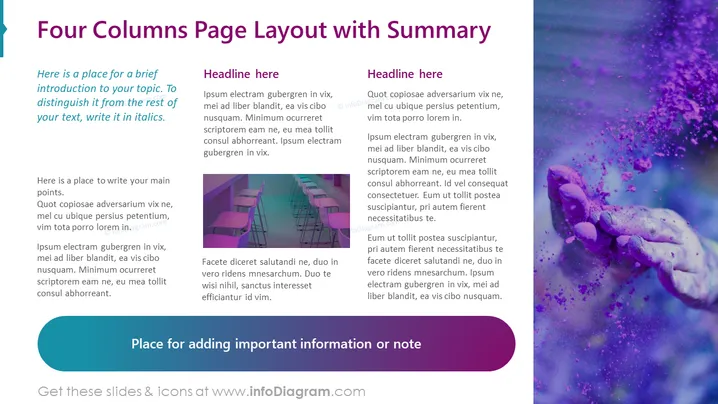
Contenido de la Diapositiva: La diapositiva presenta un diseño de página de cuatro columnas diseñado para presentar información sintetizada. Cada columna comienza con un encabezado de marcador de posición "Título aquí" y es seguida por texto de marcador de posición en latín, demostrando dónde iría el contenido explicativo. El texto introductorio a la izquierda sugiere que el contenido debe ser una breve introducción en cursiva al tema, distinguiéndolo del texto de la columna principal. En la parte inferior hay un espacio reservado para agregar información importante o una nota, indicando que esta sección podría usarse para notas al pie, descargos de responsabilidad o detalles adicionales.
Apariencia Gráfica:
Casos de Uso:




