

Your graphics add a nice touch to my presentations and I recently used them for one of my all-hands meetings. Your toolbox adds professionalism to my slides. Instead of using standard clipart.
Claude Jones, Director of Engineer, @Walmartlabs, USA

Your graphics add a nice touch to my presentations and I recently used them for one of my all-hands meetings. Your toolbox adds professionalism to my slides. Instead of using standard clipart.
Claude Jones, Director of Engineer, @Walmartlabs, USA
I needed a fresh look at some of my slides. I've tried to find a way to create a paintbrush effect, to underline, accentuate, add some color and the handwritten markers were just the things. Very easy to use, easy to size, change the color. It was an affordable, perfect solution and I'm happy to recommend it.
Anonymous, US
The crisp, clean look of the graphics, and the fact that it allowed me to easily edit and change the colors to match the template was my main reason for purchasing them.
Brandie Jenkins, E-learning Developer, USA
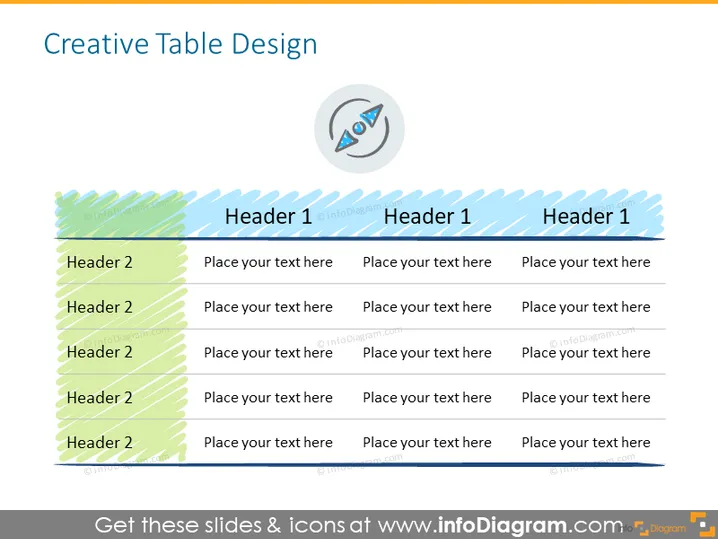
La diapositiva "Diseño de Tabla Creativa" presenta una estructura de tabla destinada a organizar la información de manera efectiva. Las filas de la tabla están etiquetadas como "Encabezado 2", lo que indica categorías o temas para la entrada de datos. Cada fila de "Encabezado 2" es seguida por un texto de marcador de posición "Coloca tu texto aquí", sugiriendo dónde el usuario puede agregar detalles específicos. Los encabezados de las columnas están etiquetados como "Encabezado 1", que se refiere a las diferentes clases o divisiones bajo las cuales la información debe ser categorizada. Este diseño se utiliza para organizar datos complejos en un formato fácilmente legible.
La diapositiva tiene una estética nítida y profesional con un giro creativo debido al uso de patrones y colores contrastantes. Los iconos y efectos de sombra añaden profundidad e interés al formato estándar de la tabla.



