

Your graphics add a nice touch to my presentations and I recently used them for one of my all-hands meetings. Your toolbox adds professionalism to my slides. Instead of using standard clipart.
Claude Jones, Director of Engineer, @Walmartlabs, USA

Your graphics add a nice touch to my presentations and I recently used them for one of my all-hands meetings. Your toolbox adds professionalism to my slides. Instead of using standard clipart.
Claude Jones, Director of Engineer, @Walmartlabs, USA
I needed a fresh look at some of my slides. I've tried to find a way to create a paintbrush effect, to underline, accentuate, add some color and the handwritten markers were just the things. Very easy to use, easy to size, change the color. It was an affordable, perfect solution and I'm happy to recommend it.
Anonymous, US
The crisp, clean look of the graphics, and the fact that it allowed me to easily edit and change the colors to match the template was my main reason for purchasing them.
Brandie Jenkins, E-learning Developer, USA
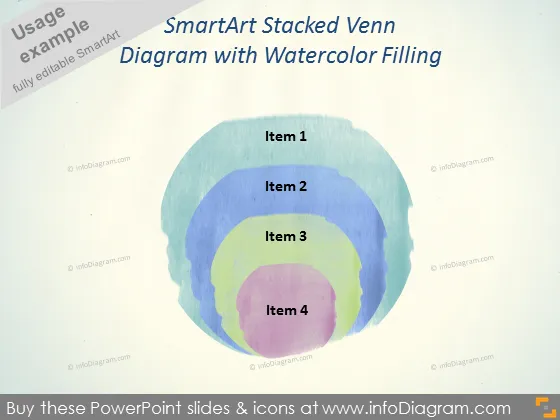
La diapositiva de PowerPoint presenta un diagrama de Venn apilado SmartArt con cuatro círculos superpuestos, cada uno etiquetado como Elemento 1 hasta Elemento 4. Este diagrama de Venn representa visualmente las relaciones interconectadas o rasgos compartidos entre los cuatro elementos distintos. Los diagramas de Venn como este se utilizan a menudo para ilustrar el concepto de superposición y diferencia dentro de múltiples conjuntos, permitiendo a los espectadores captar fácilmente las similitudes y características únicas de cada elemento.
La diapositiva logra un equilibrio entre lo artístico y lo formal, con los círculos rellenos de acuarela proporcionando un toque estéticamente agradable a lo que tradicionalmente es una representación gráfica más rígida.



