

Your graphics add a nice touch to my presentations and I recently used them for one of my all-hands meetings. Your toolbox adds professionalism to my slides. Instead of using standard clipart.
Claude Jones, Director of Engineer, @Walmartlabs, USA

Your graphics add a nice touch to my presentations and I recently used them for one of my all-hands meetings. Your toolbox adds professionalism to my slides. Instead of using standard clipart.
Claude Jones, Director of Engineer, @Walmartlabs, USA
I needed a fresh look at some of my slides. I've tried to find a way to create a paintbrush effect, to underline, accentuate, add some color and the handwritten markers were just the things. Very easy to use, easy to size, change the color. It was an affordable, perfect solution and I'm happy to recommend it.
Anonymous, US
The crisp, clean look of the graphics, and the fact that it allowed me to easily edit and change the colors to match the template was my main reason for purchasing them.
Brandie Jenkins, E-learning Developer, USA
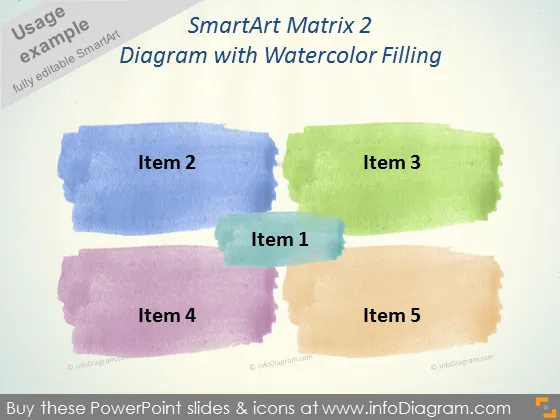
La diapositiva de PowerPoint titulada "Matriz SmartArt 2" parece presentar un diagrama con un relleno de acuarela que separa visualmente cinco elementos distintos. Estos elementos son probablemente componentes o categorías que forman parte de un concepto o estrategia más grande. Por ejemplo, "Elemento 1" parece ser de importancia central, posiblemente denotando el enfoque principal o la base del concepto. "Elemento 2" y "Elemento 3" podrían representar elementos contrastantes, mientras que "Elemento 4" y "Elemento 5" podrían simbolizar componentes adicionales que complementan o expanden la idea central.
La diapositiva utiliza un diseño creativo y artístico para distinguir sus elementos, enfatizando un aspecto artesanal proporcionado por la textura de acuarela. La estética general comunica un enfoque relajado, pero organizado para presentar categorizaciones o agrupaciones.



