

Your graphics add a nice touch to my presentations and I recently used them for one of my all-hands meetings. Your toolbox adds professionalism to my slides. Instead of using standard clipart.
Claude Jones, Director of Engineer, @Walmartlabs, USA

Your graphics add a nice touch to my presentations and I recently used them for one of my all-hands meetings. Your toolbox adds professionalism to my slides. Instead of using standard clipart.
Claude Jones, Director of Engineer, @Walmartlabs, USA
I needed a fresh look at some of my slides. I've tried to find a way to create a paintbrush effect, to underline, accentuate, add some color and the handwritten markers were just the things. Very easy to use, easy to size, change the color. It was an affordable, perfect solution and I'm happy to recommend it.
Anonymous, US
The crisp, clean look of the graphics, and the fact that it allowed me to easily edit and change the colors to match the template was my main reason for purchasing them.
Brandie Jenkins, E-learning Developer, USA
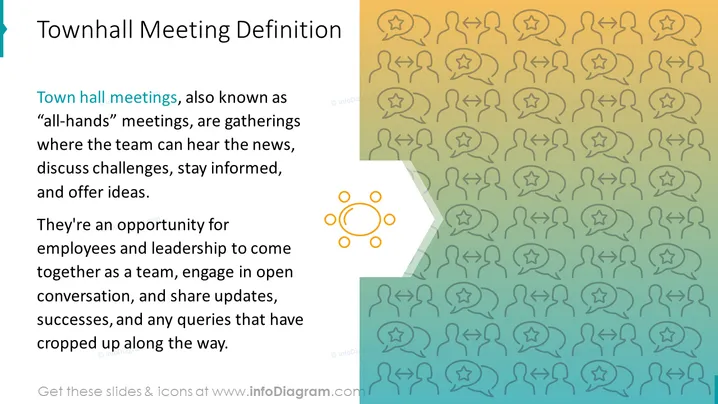
La diapositiva de PowerPoint utiliza un diseño simple de dos columnas para presentar la definición de una reunión de ayuntamiento. El texto es claro y conciso, y el gráfico es relevante y visualmente atractivo. El uso de colores en blanco y negro crea un aspecto profesional y sofisticado. El rectángulo redondeado alrededor del gráfico ayuda a centrar la atención del espectador en la definición. El hecho de que el gráfico esté centrado en la página y el texto esté alineado a la izquierda también contribuye a crear una composición equilibrada y visualmente agradable. En general, la diapositiva de PowerPoint está bien diseñada y es efectiva. Es fácil de leer y comprender, y el gráfico ayuda a que la información sea más memorable.
Esta diapositiva se puede usar en una variedad de presentaciones empresariales, tales como:



