

Your graphics add a nice touch to my presentations and I recently used them for one of my all-hands meetings. Your toolbox adds professionalism to my slides. Instead of using standard clipart.
Claude Jones, Director of Engineer, @Walmartlabs, USA

Your graphics add a nice touch to my presentations and I recently used them for one of my all-hands meetings. Your toolbox adds professionalism to my slides. Instead of using standard clipart.
Claude Jones, Director of Engineer, @Walmartlabs, USA
I needed a fresh look at some of my slides. I've tried to find a way to create a paintbrush effect, to underline, accentuate, add some color and the handwritten markers were just the things. Very easy to use, easy to size, change the color. It was an affordable, perfect solution and I'm happy to recommend it.
Anonymous, US
The crisp, clean look of the graphics, and the fact that it allowed me to easily edit and change the colors to match the template was my main reason for purchasing them.
Brandie Jenkins, E-learning Developer, USA
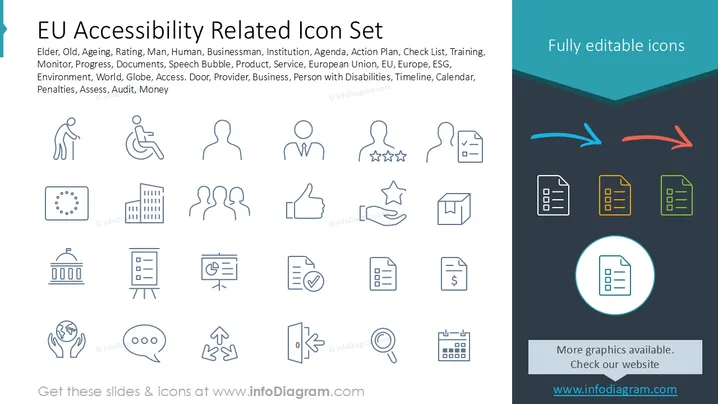
La diapositiva presenta un conjunto de iconos pertinente a los temas de accesibilidad de la UE. Estos iconos simbolizan diversos sectores, incluyendo Anciano (representando a los ciudadanos mayores), Viejo (destacando consideraciones de edad), Envejecimiento (enfatizando los procesos de envejecimiento), Clasificación (denotando sistemas de evaluación), Hombre (indicando individuos), Humano (relacionado con la humanidad en su conjunto) y Empresario (temas relacionados con negocios). Otros incluyen Institución (asuntos organizativos), Agenda (procesos de planificación), Plan de Acción (iniciativas estratégicas), Lista de Verificación (tareas de verificación), Capacitación (actividades educativas) y más, cubriendo una amplia gama de temas relevantes.
En general, la diapositiva combina un diseño limpio y organizado con una iconografía diversa, apoyando efectivamente la comprensión del usuario. Su estilo visual es tanto moderno como funcional, sirviendo adecuadamente a su propósito informativo.



