
Cover and narrative setup

Deck preview
This template does not have a dedicated before/after case study, so we show the strongest slides from the actual deck instead.
Cover and narrative setup
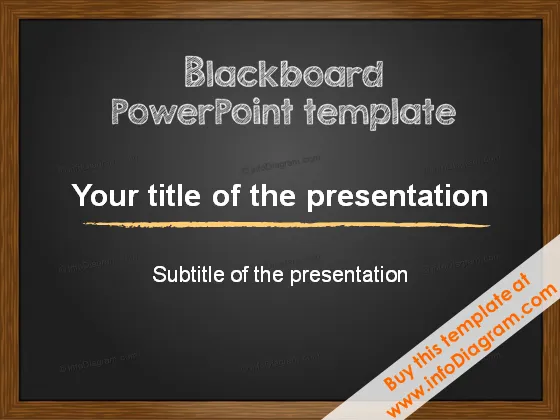
Core structure and talking points
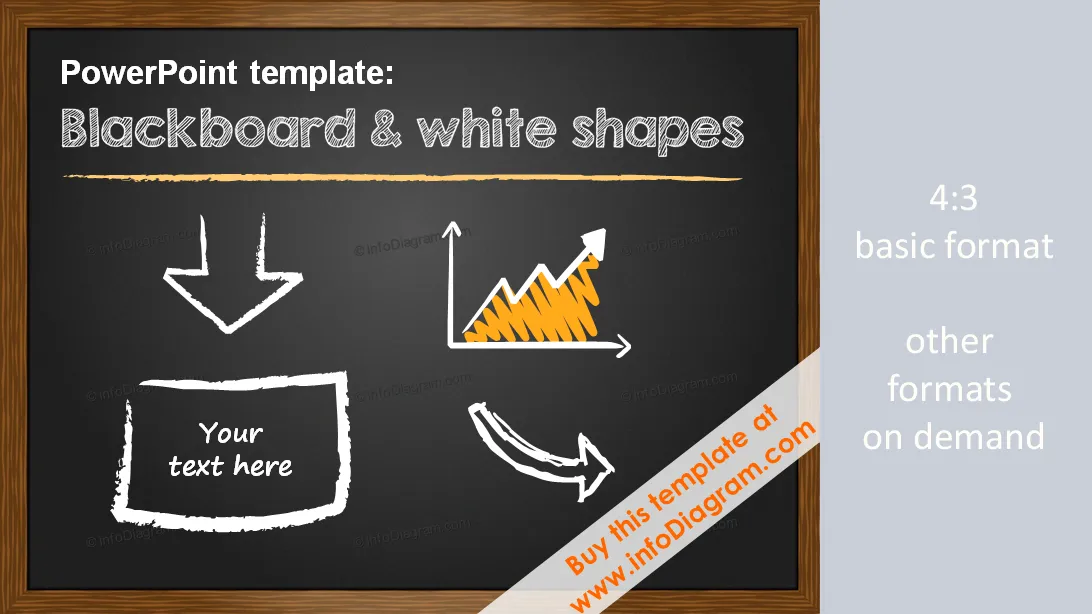
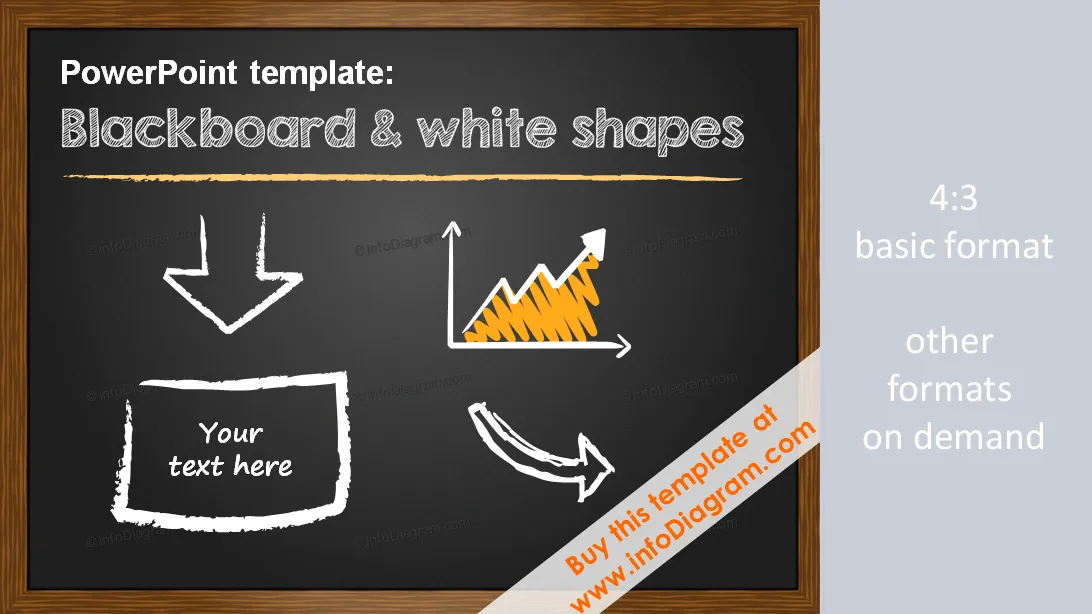
Plantilla de presentación para PowerPoint (versión PPTX 2007 y posteriores) - Pizarra y formas dibujadas a mano en blanco
Plantilla de presentación única para PowerPoint (formato PPTX, Office 2007, 2010, 2013...) - Íconos dibujados a mano en pizarra y blanco
Formato: PPTX - Microsoft PowerPoint (contáctenos para otras versiones, por ejemplo, si necesita formato PPT más antiguo)
Plantilla personalizable a pedido ej.

Vos graphiques ajoutent une belle touche à mes présentations et je les ai récemment utilisés pour l'une de mes réunions générales. Votre boîte à outils ajoute du professionnalisme à mes diapositives. Au lieu d'utiliser des cliparts standards.
Claude Jones, Directeur de l'ingénierie, @Walmartlabs, USA
J'avais besoin d'un nouveau regard sur certaines de mes diapositives. J'ai essayé de trouver un moyen de créer un effet de pinceau, de souligner, d'accentuer, d'ajouter de la couleur et les marqueurs manuscrits étaient exactement ce qu'il fallait. Très facile à utiliser, facile à ajuster la taille, à changer la couleur. C'était une solution abordable et parfaite et je suis heureux de la recommander.
Anonymous, US
L'aspect net et épuré des graphiques, et le fait qu'il m'ait permis d'éditer et de changer facilement les couleurs pour les adapter au modèle, ont été les principales raisons de mon achat.
Brandie Jenkins, Développeur E-learning, USA



También podrías necesitar