Cover and narrative setup
Usage example
Deck preview
What the deck looks like in practice
This template does not have a dedicated before/after case study, so we show the strongest slides from the actual deck instead.
Cover and narrative setup

Description
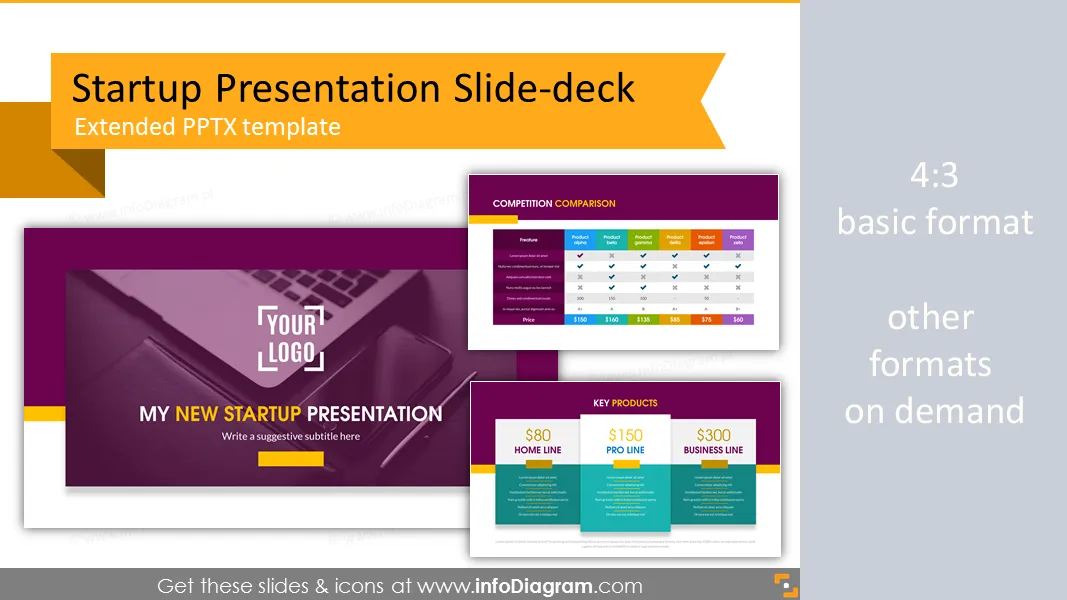
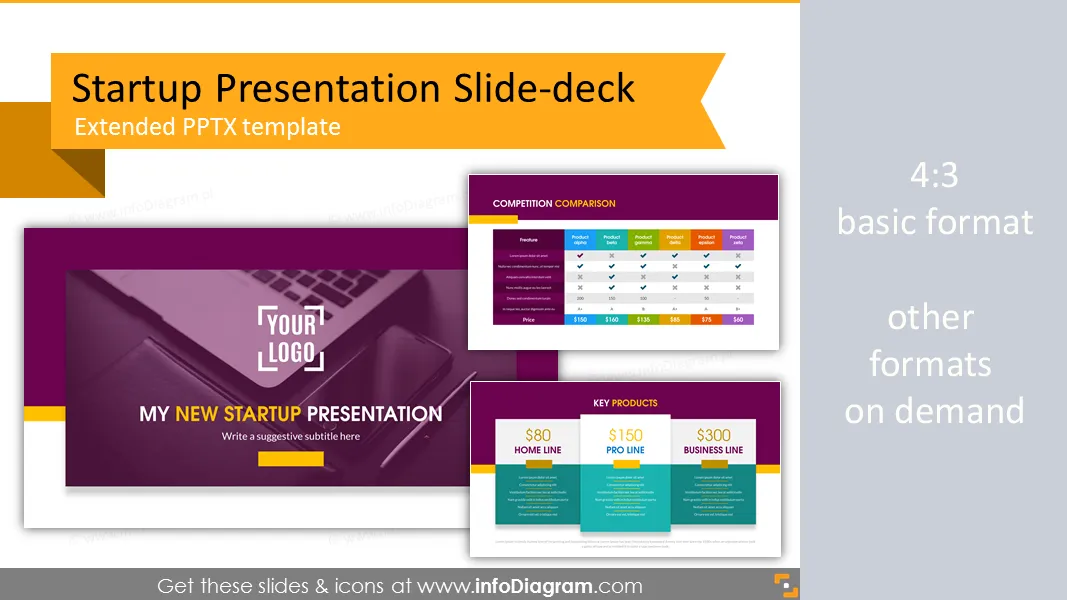
New startup company presentation template and slide deck with several layouts. Predesigned infographics shapes and slide content. Ideal for new business idea presentations or pitch decks for investors.
- 17 slide layouts and 22 icons on 20 slides
- title, agenda, timeline slides
- target customer profile slide layout
- flat icons for simple infographics
- image placeholder for presenting project team, CEO, founders
- fully editable style, size, and colors
Content:
Presentation template for startups presentation.
PowerPoint template for Startup company presentation. Create a powerful business presentation. Present your start-up overview.
Package contains:
- Presentation intro - logo and title
- Presentation table of contents with section slides title and notes
- Startup statements: vision, goals, mission
- Start-up, company profile: team, founded, traction, investment
- Three startup timeline slides: start and release, solutions and debute, awards and new products
- Founder and CEO profile
- Key products and key services information
- Startup's website information
- New product development
- Project team with place for photos and profile information
- Two key points slide with place for notes
- Target customer information and profile: gender, age, work
- Competition comparison table
- Plain text: single and double column
- Closing slide - thank you for your attention
Fully editable in PowerPoint, including
- editing texts
- changing fill color, size for elements
- editing charts (data and look)
Authors
- InfoDiagram designer, Oliwer Hawlicki Contact via infoDiagram.com
Reviews
Ihre Grafiken verleihen meinen Präsentationen eine nette Note, und ich habe sie kürzlich für eines meiner All-Hands-Meetings verwendet. Ihre Toolbox verleiht meinen Folien Professionalität, anstatt Standard-Clipart zu verwenden.
Claude Jones, Leiter Entwicklung, @Walmartlabs, USA
Ich brauchte einen neuen Blick auf einige meiner Folien. Ich habe versucht, einen Weg zu finden, einen Pinselschlag-Effekt zu erzielen, um zu unterstreichen, hervorzuheben, Farbe hinzuzufügen, und die handgeschriebenen Markierungen waren genau das Richtige. Sehr einfach zu bedienen, leicht in der Größe zu ändern, die Farbe zu ändern. Es war eine erschwingliche, perfekte Lösung und ich empfehle sie gerne weiter.
Anonymous, US
Die klare, saubere Optik der Grafiken und die Tatsache, dass ich die Farben leicht bearbeiten und an die Vorlage anpassen konnte, war mein Hauptgrund für den Kauf.
Brandie Jenkins, E-Learning-Entwickler, USA
How to Edit
How to edit text & colors

How to expand / shorten diagram

How to Replace Icons in infoDiagram PPT

You may also need