

Your graphics add a nice touch to my presentations and I recently used them for one of my all-hands meetings. Your toolbox adds professionalism to my slides. Instead of using standard clipart.
Claude Jones, Director of Engineer, @Walmartlabs, USA

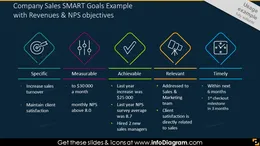
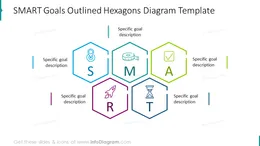

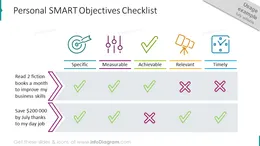
Before and after
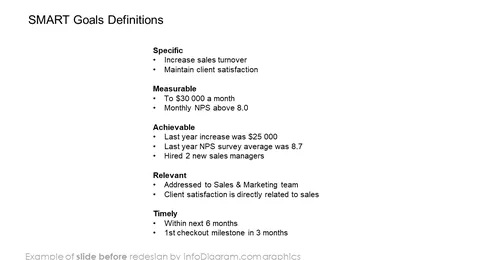
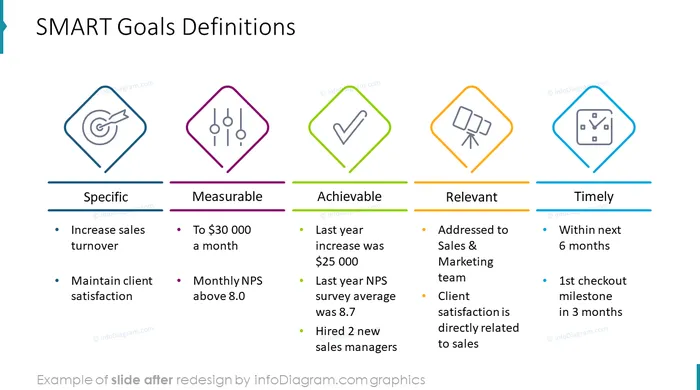
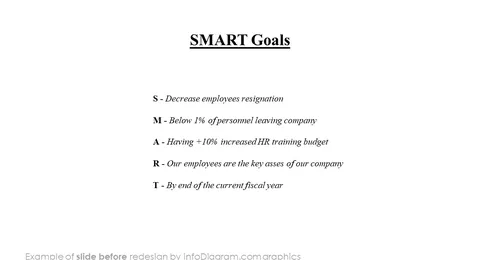
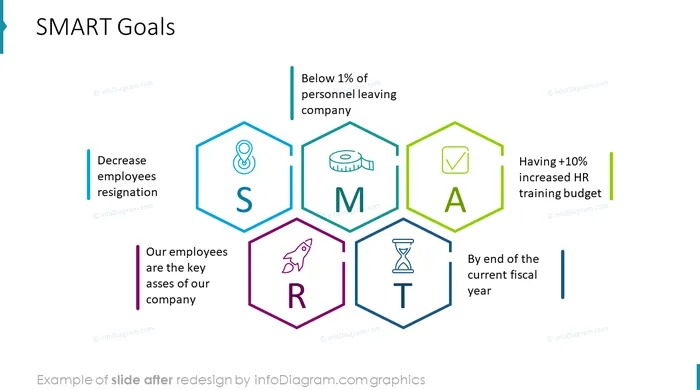
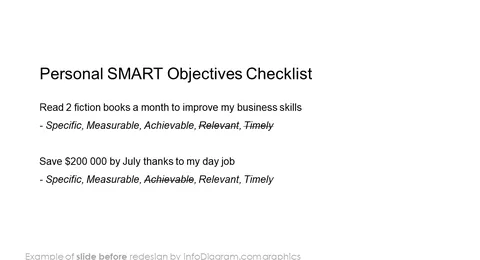
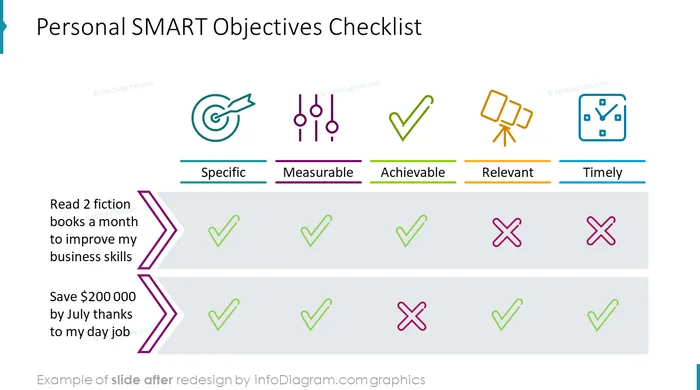
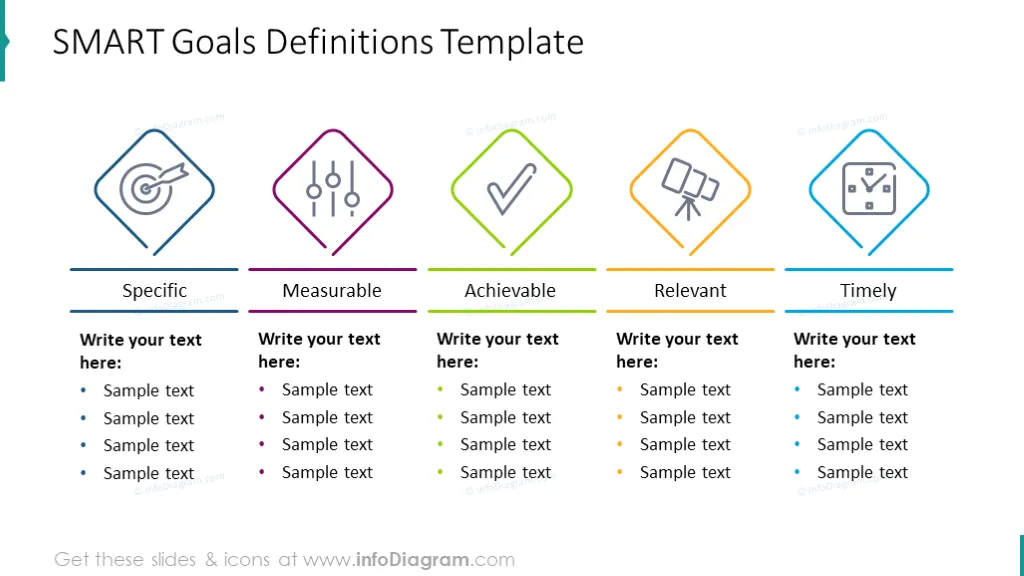
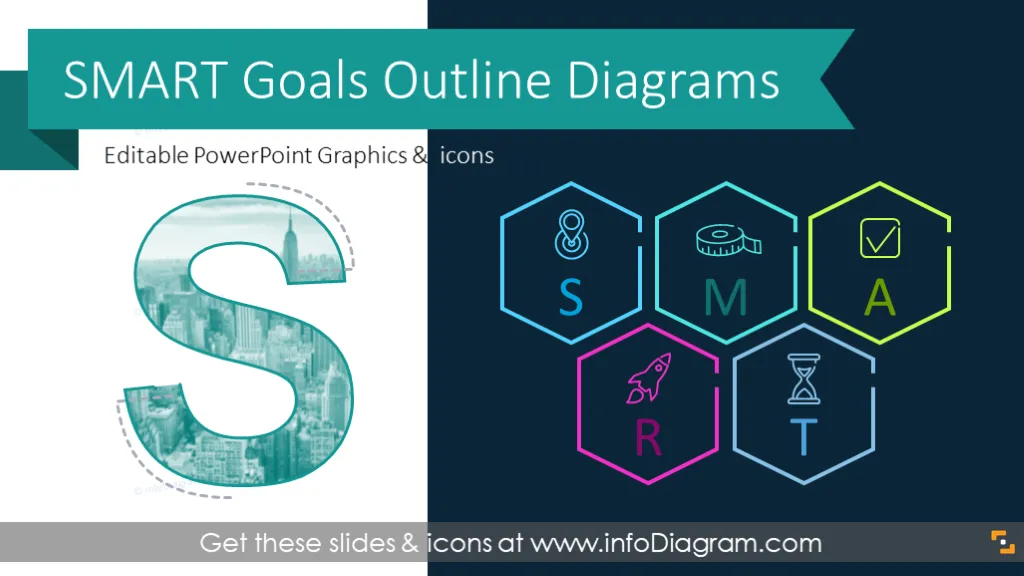
Visual slide-deck library for presenting SMART goals, and defining Specific, Measurable, Achievable, Related, and Timely objectives.
Designed with modern elegant outline graphics - both diagram and line icons are in lightweight style.
Use this editable SMART goal PowerPoint template for your professional or personal development plans. The package contains:
S.M.A.R.T. is an acronym used to help you set well-defined objectives. According to this format, the goal should be specific, not vague and general. It should be timely and defined with a specific deadline, realistic and achievable, and related to your business. Last but not last, measurable, so you know when the goal was reached or to what level it has been fulfilled.
Use it for setting human resources goals, for personal planning e.g. setting SMART objectives for a student.
Add your own examples of SMART objectives, and get inspired by some famous goals statements (e.g. JFK flying to the moon in the 60s last decade, Elon Musk or Richard Brandson's space activities, or your favorite CEO or leader).
SMART framework is used in company planning by management professionals but also by students and teachers for more personal planning. Some usage examples of the SMART method:
Apply these slide graphics to make your presentation visual and eye-catching. Having SMART clearly visualized is a powerful self-motivation tool.
SMART Goals Template contains pre-designed slides:
Fully editable in PowerPoint set of vector shapes fully editable by using built-in PowerPoint tools, including
See the editing demonstration in our HowTo Videos.
Your graphics add a nice touch to my presentations and I recently used them for one of my all-hands meetings. Your toolbox adds professionalism to my slides. Instead of using standard clipart.
Claude Jones, Director of Engineer, @Walmartlabs, USA
I needed a fresh look at some of my slides. I've tried to find a way to create a paintbrush effect, to underline, accentuate, add some color and the handwritten markers were just the things. Very easy to use, easy to size, change the color. It was an affordable, perfect solution and I'm happy to recommend it.
Anonymous, US
The crisp, clean look of the graphics, and the fact that it allowed me to easily edit and change the colors to match the template was my main reason for purchasing them.
Brandie Jenkins, E-learning Developer, USA



You may also need