

Your graphics add a nice touch to my presentations and I recently used them for one of my all-hands meetings. Your toolbox adds professionalism to my slides. Instead of using standard clipart.
Claude Jones, Director of Engineer, @Walmartlabs, USA


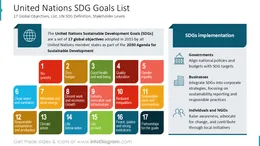
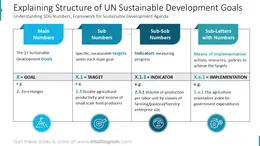
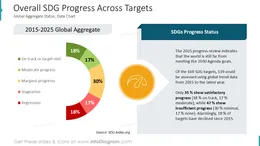
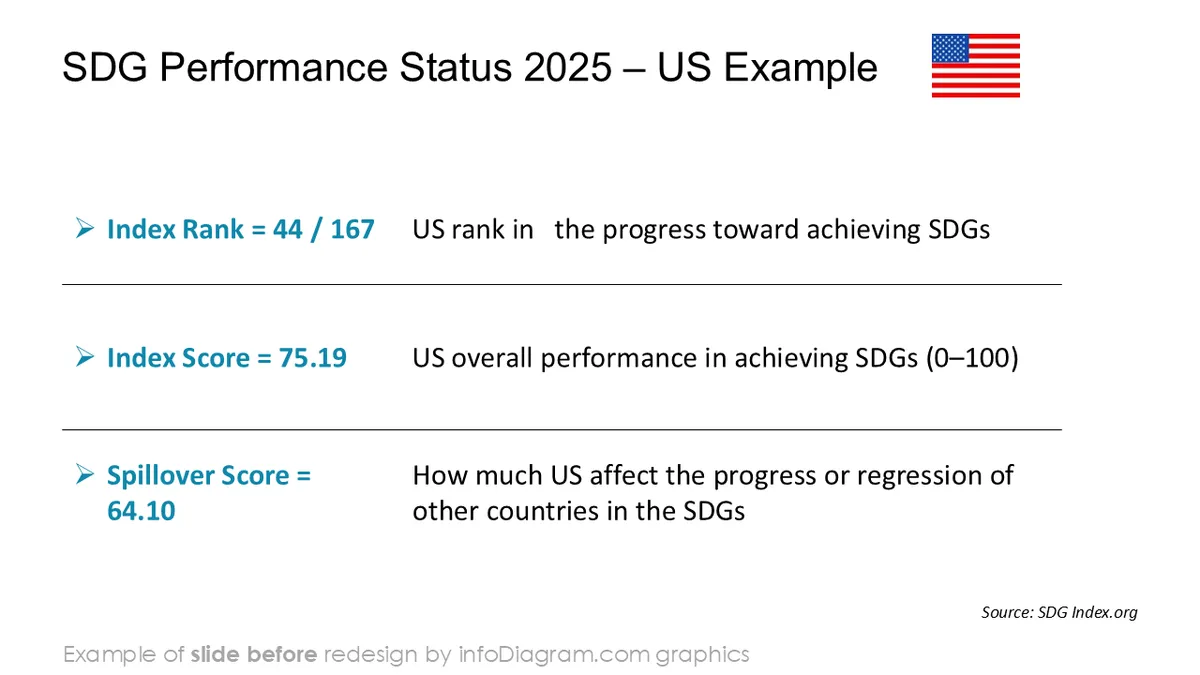
Before and after
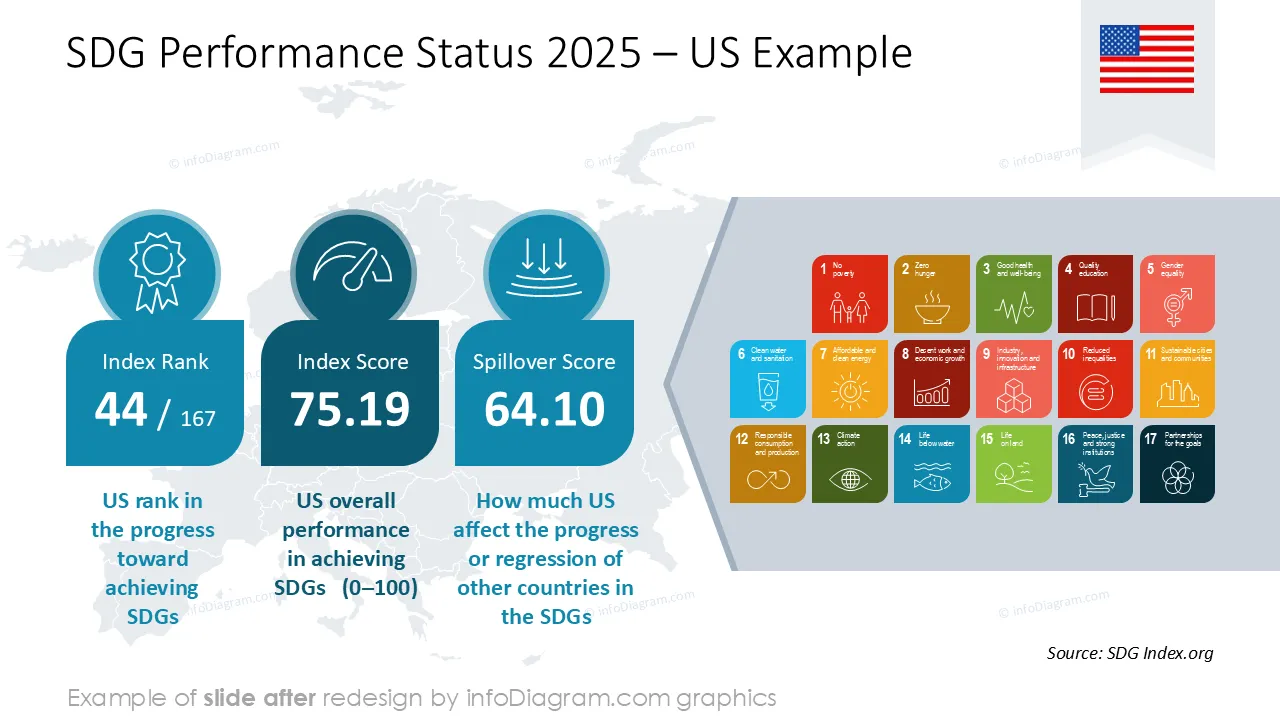
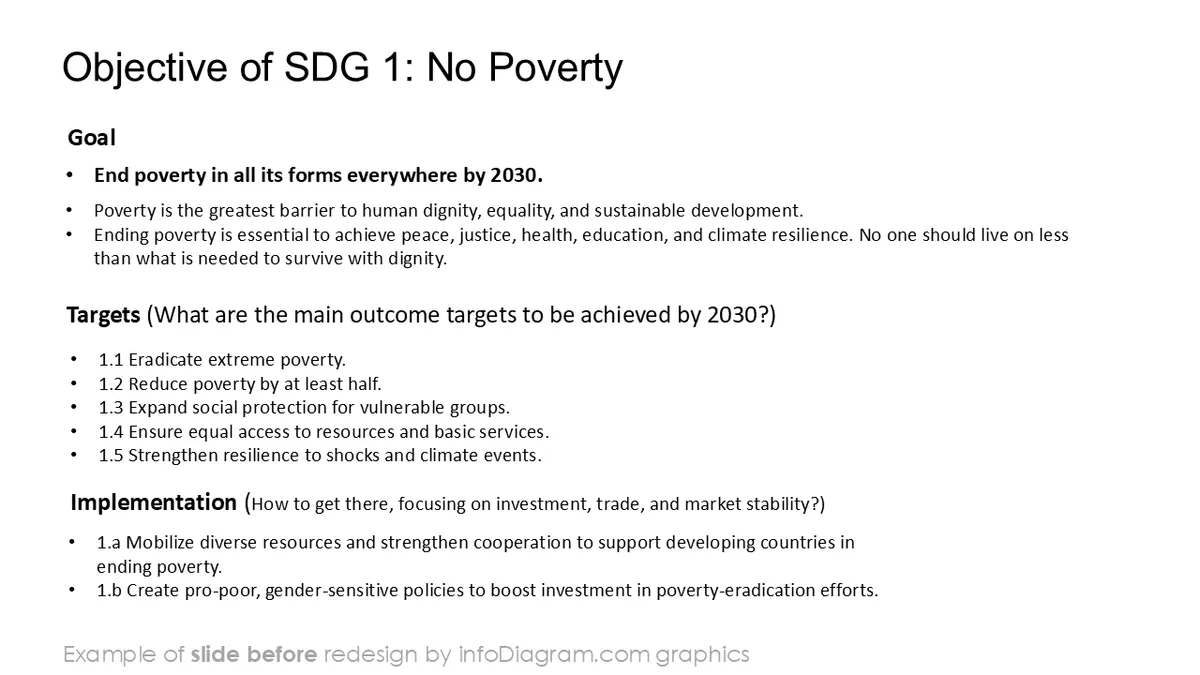
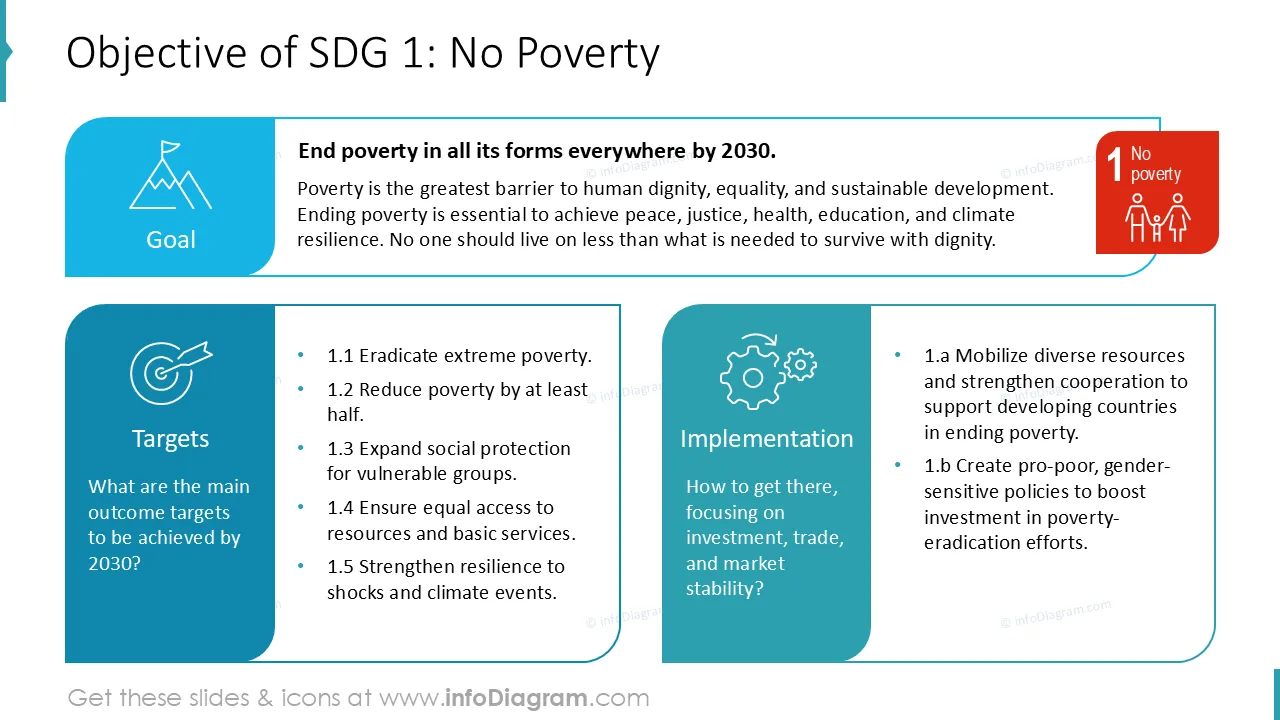
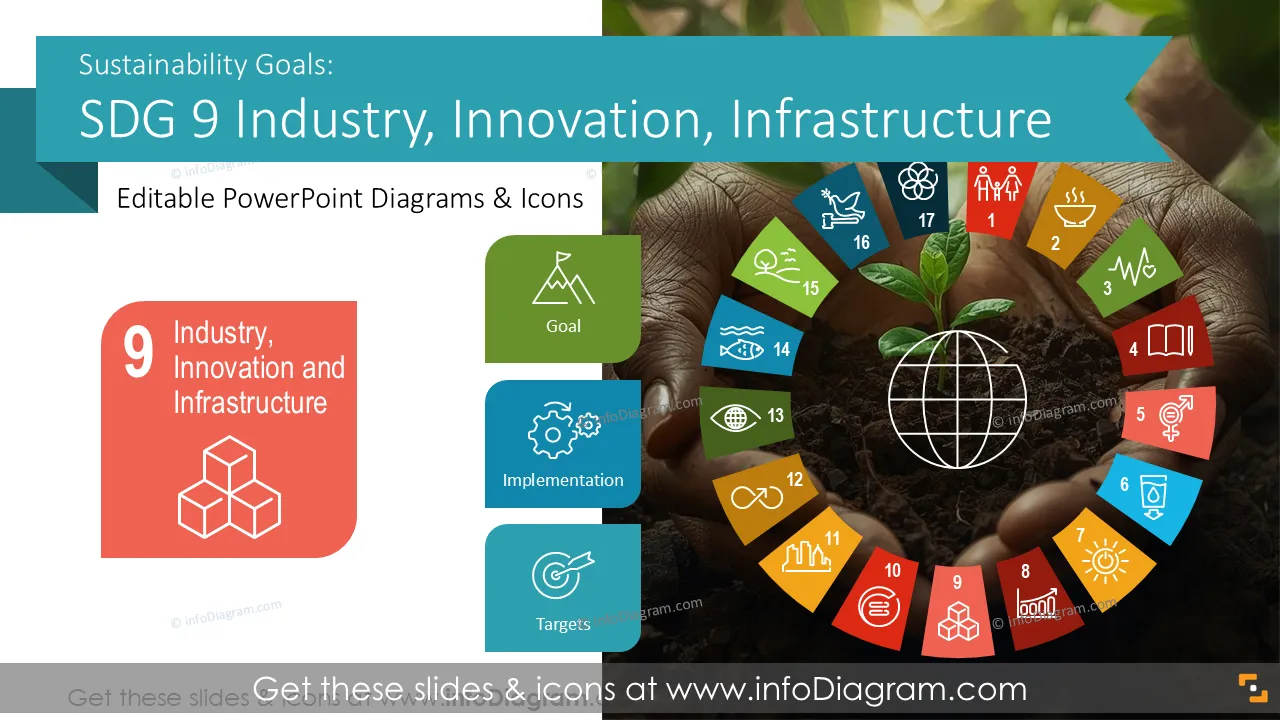
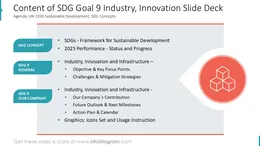
Are you presenting your contribution to resilient infrastructure, innovation, and industrial development? Use our pre-designed Sustainable Development Goals SDG 9 Industry, Innovation, Infrastructure deck that incorporates key targets, indicators, and progress visuals clearly and consistently.
This PowerPoint slide deck is designed in a professional style with colorful vector illustrations and line icons. All graphic shapes can be recolored and resized without quality loss.
SDG 9 is a United Nations Sustainable Development Goal focused on building resilient infrastructure, promoting inclusive and sustainable industrialization, and fostering innovation. It covers infrastructure development, manufacturing capacity, technology adoption, and research and innovation.
SDG 9 provides a structured framework to track industrial and innovation performance using clear targets and measurable indicators.
Industry and infrastructure topics often include technical concepts, investment data, and long-term plans. Visual slides help simplify complex systems, metrics, and dependencies:
- charts and diagrams make progress, gaps, and trends easier to explain.
- icons and structured layouts support clear communication of infrastructure, innovation, and growth themes.
- consistent PowerPoint template keeps messaging aligned across teams, reports, and stakeholders.
Ready-made visuals save time and improve clarity in strategic presentations.
These pre-designed SDG PowerPoint templates let’s you reuse our illustrations. All shapes and texts are editable. We also included instructions on editing colors and style.
A few examples where you can use this SDG presentation template:
All graphics are editable to modify the size, colors, and text. Additionally, you can expand the collection further with additional PPT symbols (see the Related Diagrams section).
You can easily modify all elements:
Your graphics add a nice touch to my presentations and I recently used them for one of my all-hands meetings. Your toolbox adds professionalism to my slides. Instead of using standard clipart.
Claude Jones, Director of Engineer, @Walmartlabs, USA
I needed a fresh look at some of my slides. I've tried to find a way to create a paintbrush effect, to underline, accentuate, add some color and the handwritten markers were just the things. Very easy to use, easy to size, change the color. It was an affordable, perfect solution and I'm happy to recommend it.
Anonymous, US
The crisp, clean look of the graphics, and the fact that it allowed me to easily edit and change the colors to match the template was my main reason for purchasing them.
Brandie Jenkins, E-learning Developer, USA



You may also need