Cover and narrative setup
Usage example
Deck preview
What the deck looks like in practice
This template does not have a dedicated before/after case study, so we show the strongest slides from the actual deck instead.
Cover and narrative setup

Core structure and talking points
Polished visual slide from the deck
Description
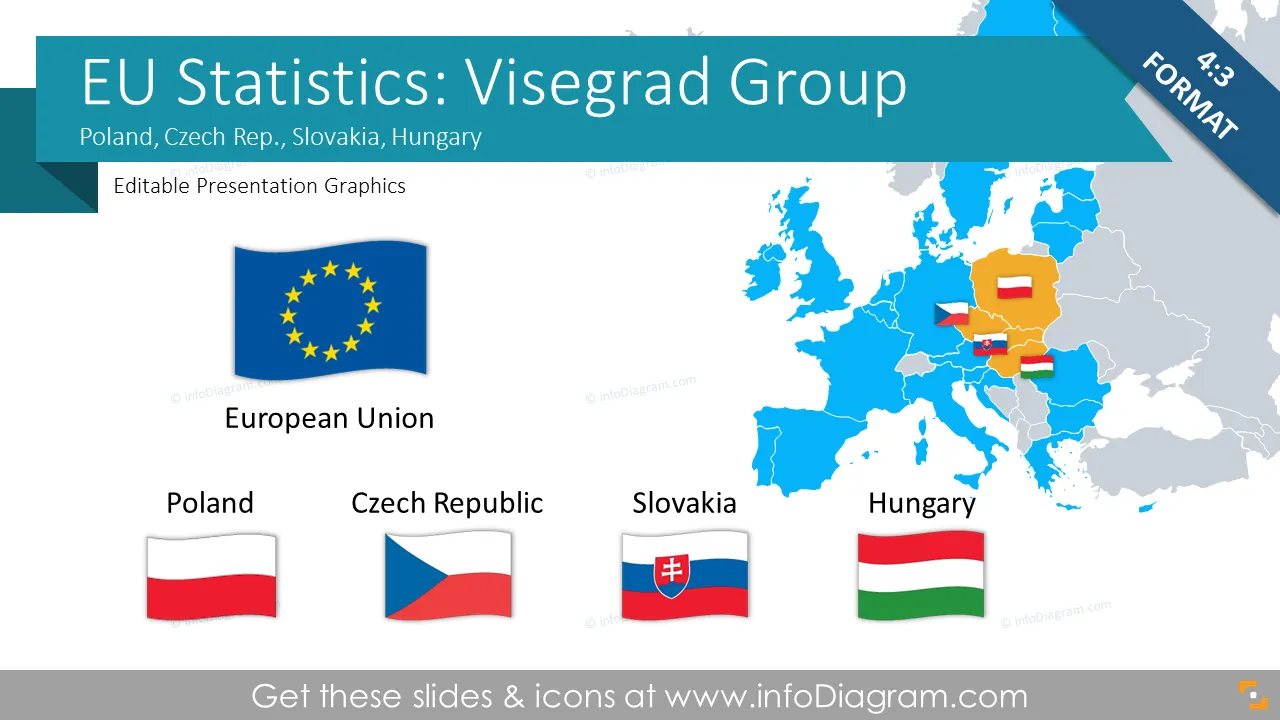
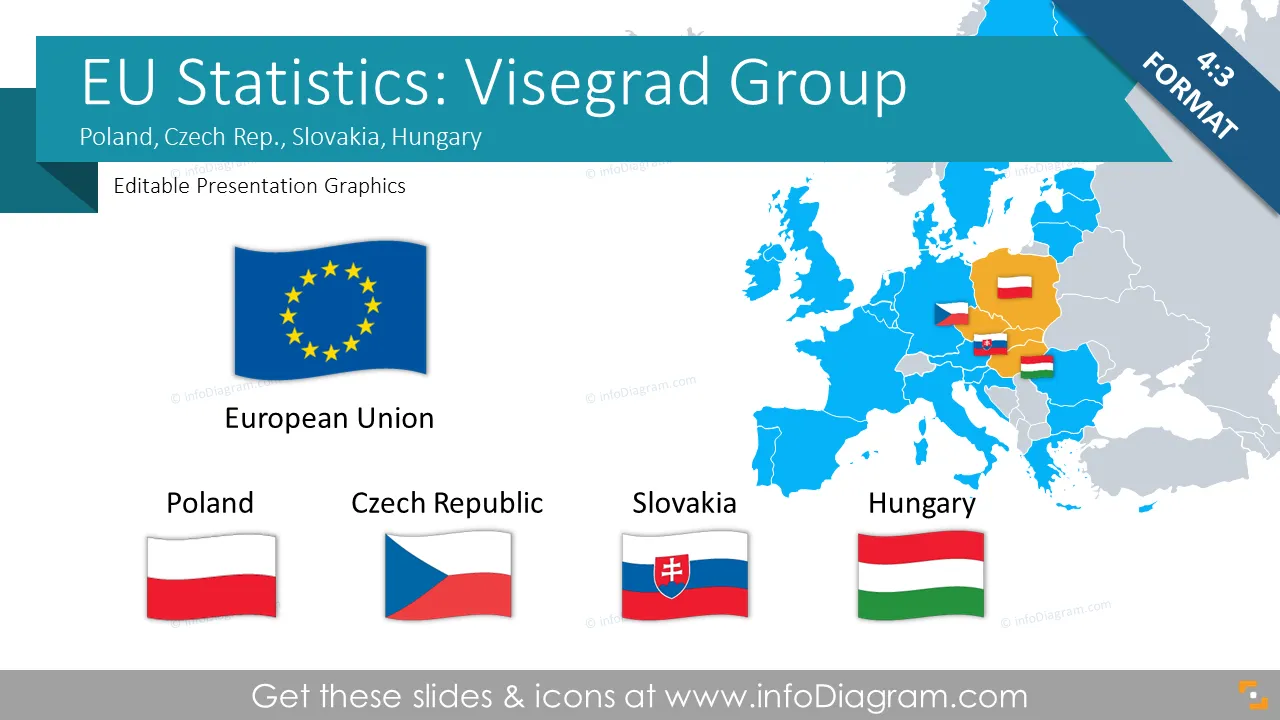
Editable visualization of main macroeconomic statistics of Poland, Czech Republic, Hungary, Slovakia (Central Europe - Visegrad group)
- 43 Geographical maps and 5 country flags
- 15 editable Excel data charts of EU countries macro-economical data based on EuroStat sources, comparisons of best and worst countries with specific indexes
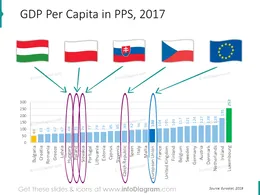
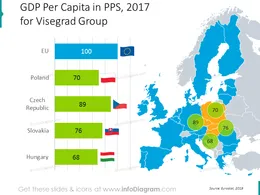
- GDP (Gross Domestic Product) comparison within European regions
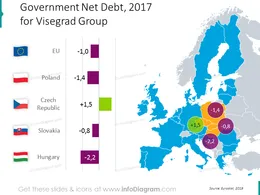
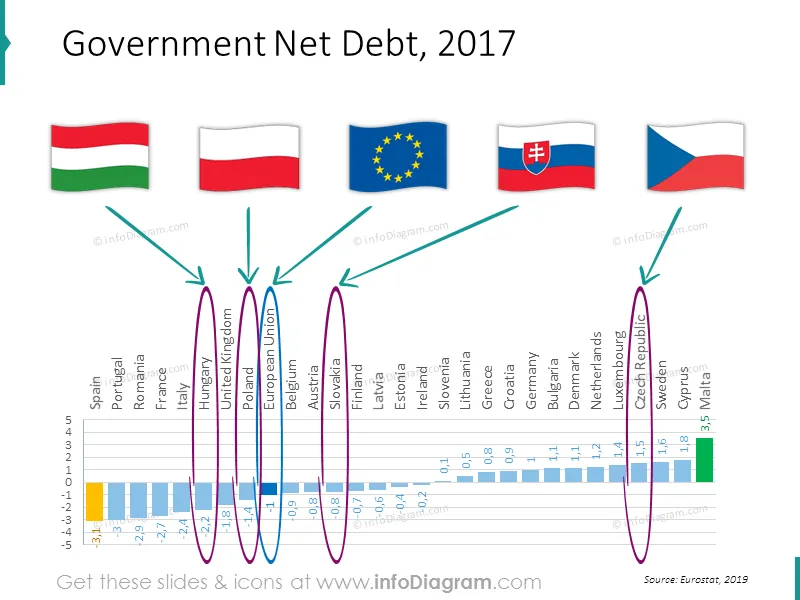
- Government debt data charts
- Unemployment rate data charts
- Population size data charts
- Country macro-economy symbols & data: population, density, GDP, capital, transport, production, distribution
- Fully editable charts and marker arrows. Transparent flags and maps.
Macroeconomic Statistics
- Public debt
- GDP per capita, PPS
- GDP change
- Unemployment
- Population
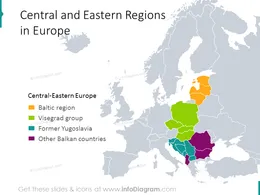
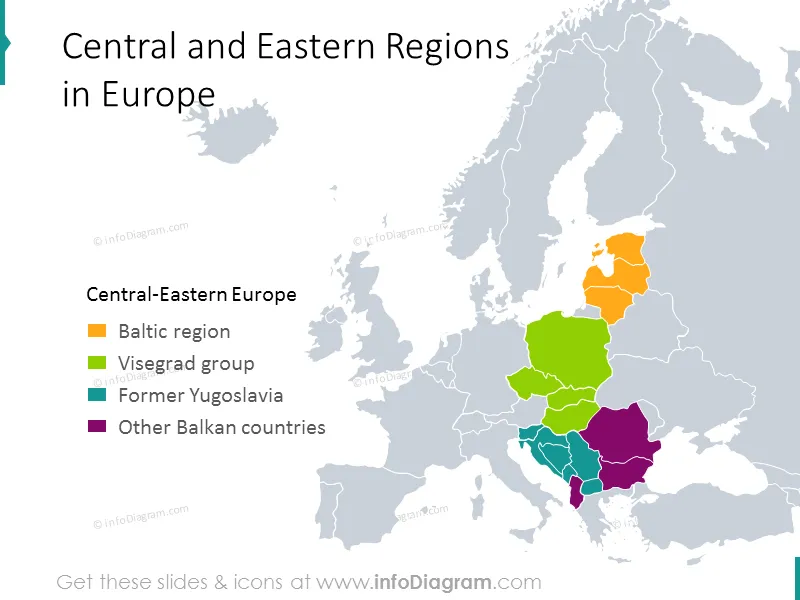
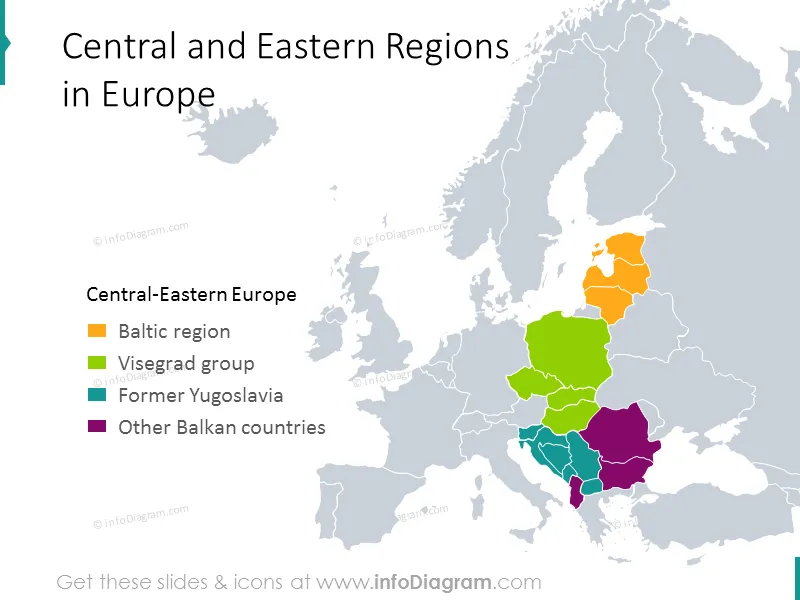
Groupings of Central Europe countries
- Baltic region
- Visegrad group (Visegrad four): Czech Republic, Hungary, Poland, Slovakia
- Former Yugoslavia
- Rest of Balkans
Visegrad countries
- Poland ( Wikipedia EN )
- Czech Republic (Wikipedia EN)
- Slovakia (Wikipedia EN)
- Hungary (Wikipedia EN)
Acronyms
- CEE – Central and Eastern Europe
- GDP – Gross Domestic Product
- PPS - Purchasing Power Standards
Information sources
- Eurostat webpage( Eurostat EN )
- Employment statistics ( Eurostat EN )
- Central Europe Region ( Wikipedia PL )
- Countries list by GDP ( Wikipedia EN )
- GDP comparisons by World Bank, International Monetary Fund, CIA World Factbook ( Wikipedia EN )
Editable elements
Fully editable vector shapes by using built-in PowerPoint tools, including
- editing texts
- editing charts (data and look)
- arrows & markers: changing fill color, size
- all elements are transparent (charts, maps, flags, arrows), you can put them behind or above your content
See editing demonstration in our HowTo Videos.
Author
- Prezentio.com designers
- Contact: infoDiagram
Slides included in this PowerPoint Presentation:
- Regions in Central Europe
- Government Debt European Union
- Government Debt Visegrad four group
- GDP per capita European Union
- GDP per capita Visegrad group
- GDP growth european union
- GDP growth Visegrad group 2009
- GDP growth Visegrad group 2011
- GDP growth Visegrad group forecast 2012
- GDP growth Visegrad group forecast 2013
- Unemployment rate European union
- Unemployment rate Visegrad group
- population European union
- Population Visegrad group
- Visegrad group macroeconomic statistics
- EU Statistics: Czech Rep. Hungary Poland Slovakia (Central EU, Visegrad)
Reviews
Vos graphiques ajoutent une belle touche à mes présentations et je les ai récemment utilisés pour l'une de mes réunions générales. Votre boîte à outils ajoute du professionnalisme à mes diapositives. Au lieu d'utiliser des cliparts standards.
Claude Jones, Directeur de l'ingénierie, @Walmartlabs, USA
J'avais besoin d'un nouveau regard sur certaines de mes diapositives. J'ai essayé de trouver un moyen de créer un effet de pinceau, de souligner, d'accentuer, d'ajouter de la couleur et les marqueurs manuscrits étaient exactement ce qu'il fallait. Très facile à utiliser, facile à ajuster la taille, à changer la couleur. C'était une solution abordable et parfaite et je suis heureux de la recommander.
Anonymous, US
L'aspect net et épuré des graphiques, et le fait qu'il m'ait permis d'éditer et de changer facilement les couleurs pour les adapter au modèle, ont été les principales raisons de mon achat.
Brandie Jenkins, Développeur E-learning, USA
How to Edit
How to edit text & colors

How to expand / shorten diagram

How to Replace Icons in infoDiagram PPT

You may also need