


Your graphics add a nice touch to my presentations and I recently used them for one of my all-hands meetings. Your toolbox adds professionalism to my slides. Instead of using standard clipart.
Claude Jones, Director of Engineer, @Walmartlabs, USA

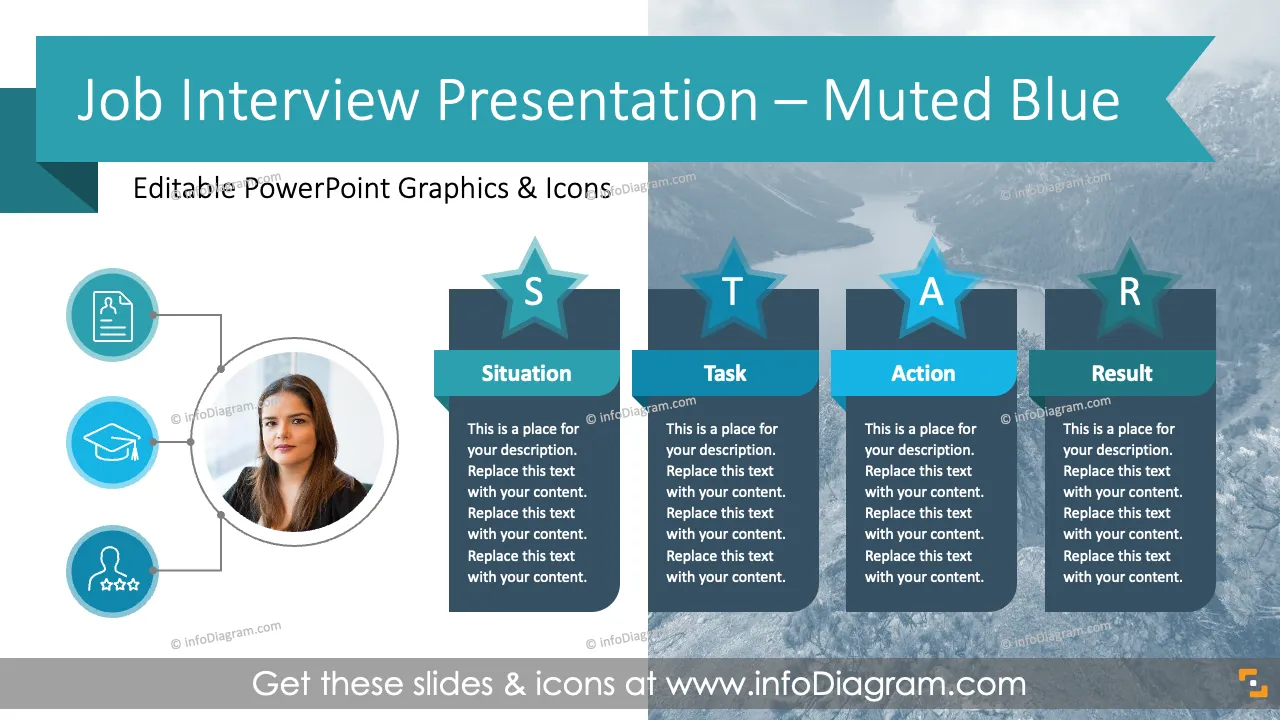



Before and after
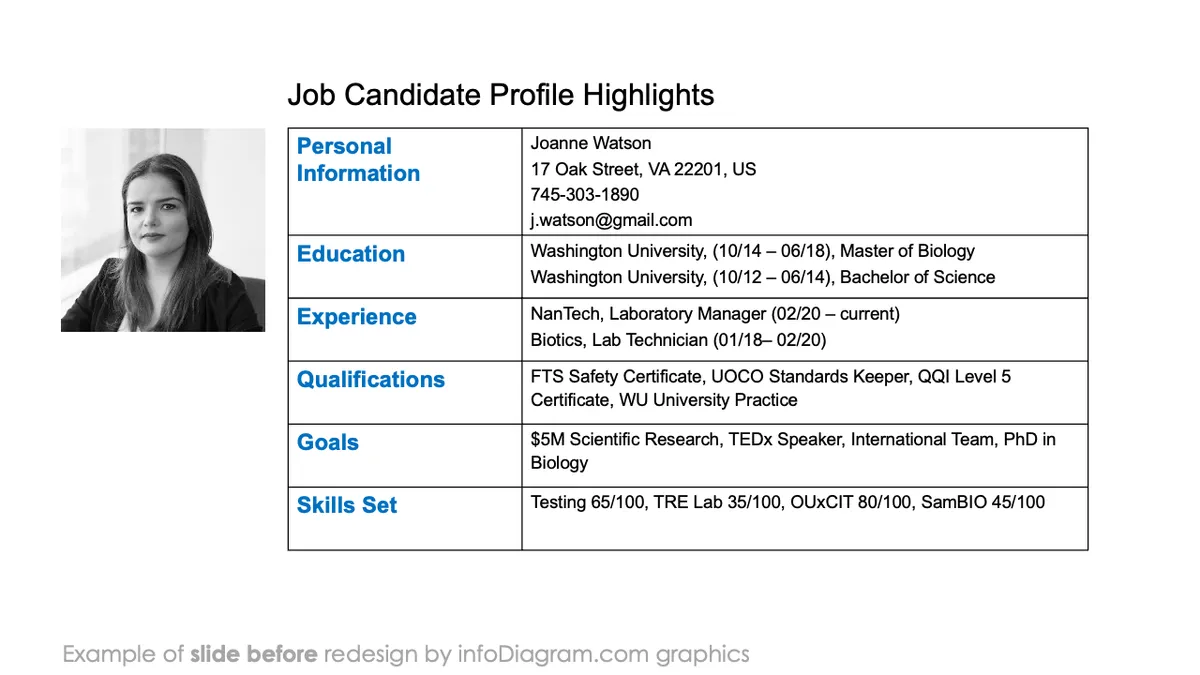
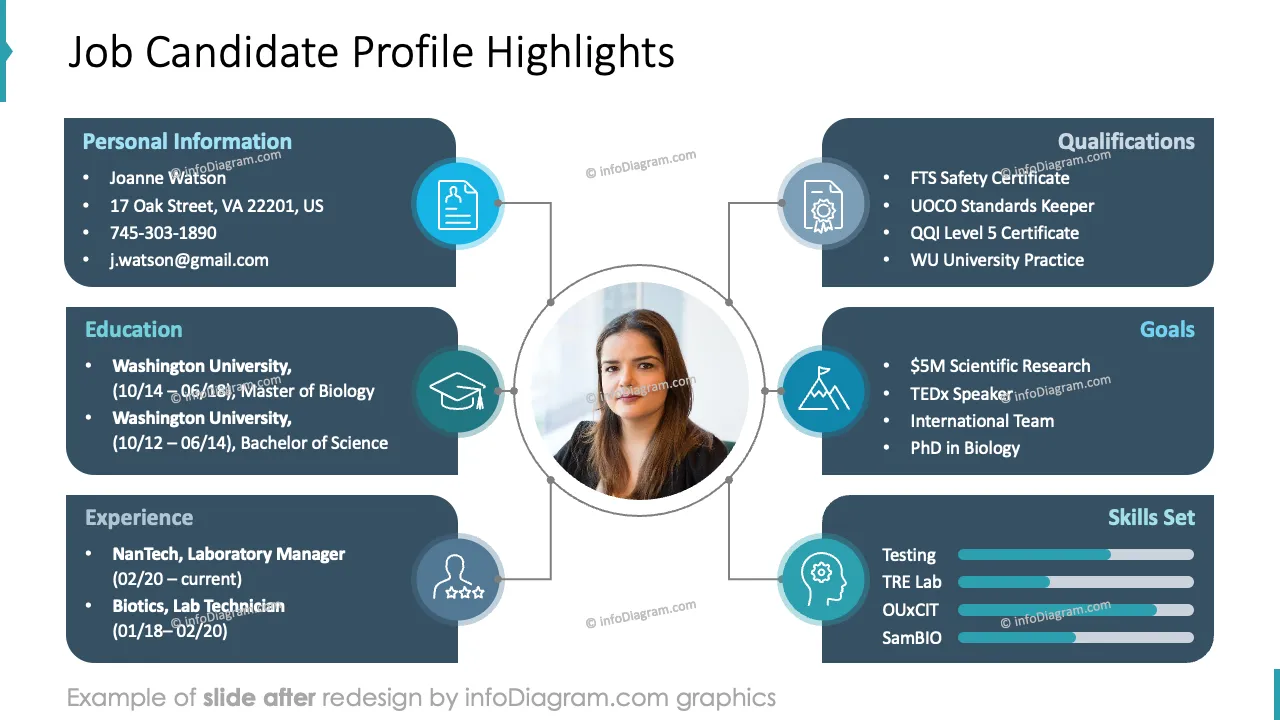
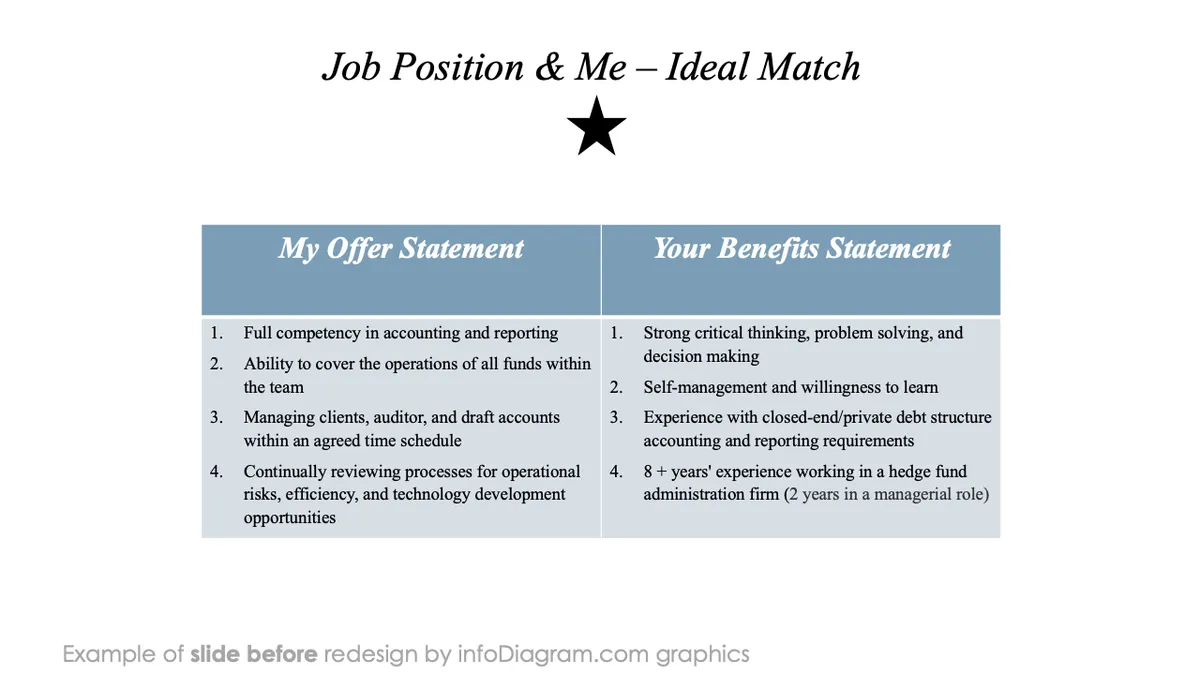
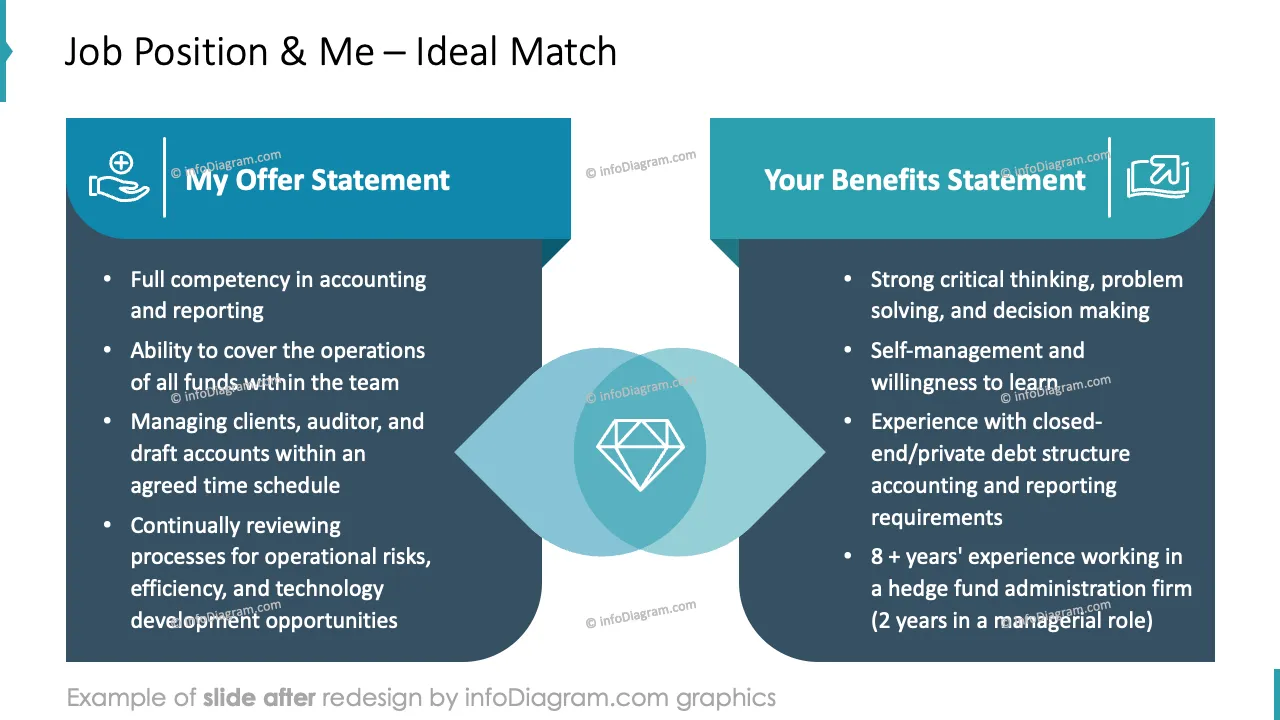
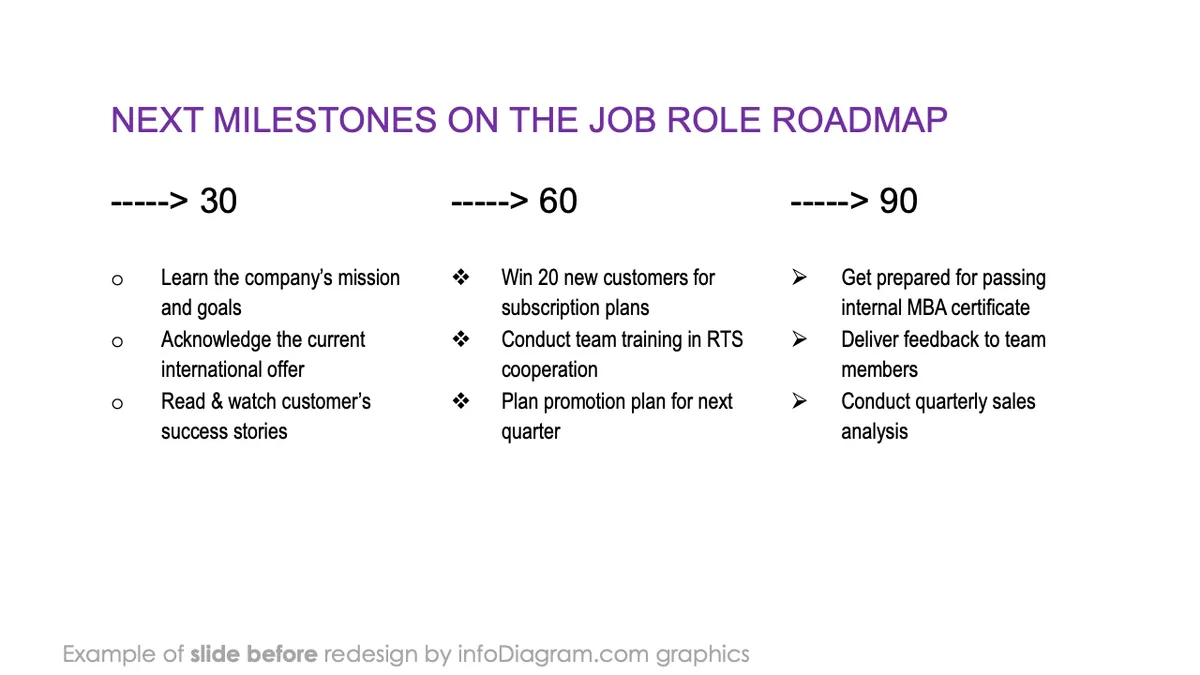
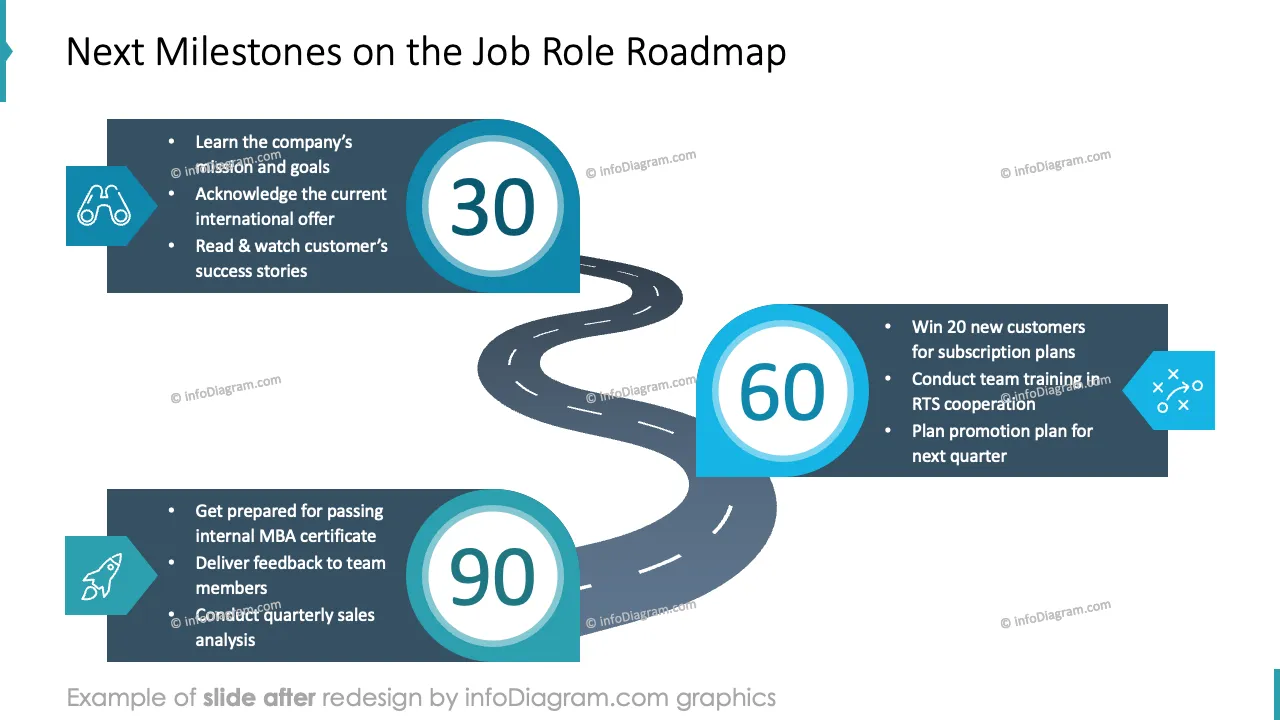
Are you about to introduce yourself to recruiters during a job interview? Would you like to support your skills, knowledge, and experience with meaningful visuals highlighting your competence and professionalism?
Try our pre-designed Job Interview Presentation, which will help you show the best of yourself in a convincing modern, and appealing way. This is a Mud-blue version suitable for more classical corporation-like presentations.
Design by infoDiagram designer
Contact here
Self Introduction during a recruiting process is a stage where the applicant can freely present themself to the audience. This scenario is gaining popularity in the hiring process as it examines the applicant's presentation skills.
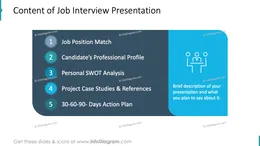
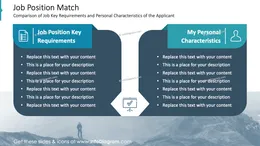
Job Interview Presentation covers job position match, candidate’s professional profile, detailed work experience overview, project case studies, references, action plan for the new position, and more.
Read more of practical tips how to prepare for job presentation in this blog article.
Self Introduction during a recruiting process is an opportunity to present one's strengths and assets to the future employee. It is a unique chance to stand out from the crowd of applicants with a creative approach and visual language, which helps to deliver the message in a pleasant and memorable way.
Support your pitch with elegant layouts to emphasize your preparation for the new role and professionalism. Adapt our slides to your needs and tell an engaging story with visuals. This deck includes an explanatory section with instructions on editing graphics. You can control any aspect of diagrams, including the texts, sizes, colors, strokes, etc.
Using pre-designed PowerPoint layouts will help you in organizing slides in your presentation and highlight the most relevant information. You can:
Try using those PowerPoint graphics to present your data visually in an elegant way.
All graphics are editable so that you can modify shapes, colors, strokes, images, and text. Also, you can extend the collection further with more PPT symbols (see Related Diagrams section).
Fully editable in PowerPoint set of vector shapes fully editable with built-in PowerPoint tools, including
Your graphics add a nice touch to my presentations and I recently used them for one of my all-hands meetings. Your toolbox adds professionalism to my slides. Instead of using standard clipart.
Claude Jones, Director of Engineer, @Walmartlabs, USA
I needed a fresh look at some of my slides. I've tried to find a way to create a paintbrush effect, to underline, accentuate, add some color and the handwritten markers were just the things. Very easy to use, easy to size, change the color. It was an affordable, perfect solution and I'm happy to recommend it.
Anonymous, US
The crisp, clean look of the graphics, and the fact that it allowed me to easily edit and change the colors to match the template was my main reason for purchasing them.
Brandie Jenkins, E-learning Developer, USA



You may also need