

Your graphics add a nice touch to my presentations and I recently used them for one of my all-hands meetings. Your toolbox adds professionalism to my slides. Instead of using standard clipart.
Claude Jones, Director of Engineer, @Walmartlabs, USA



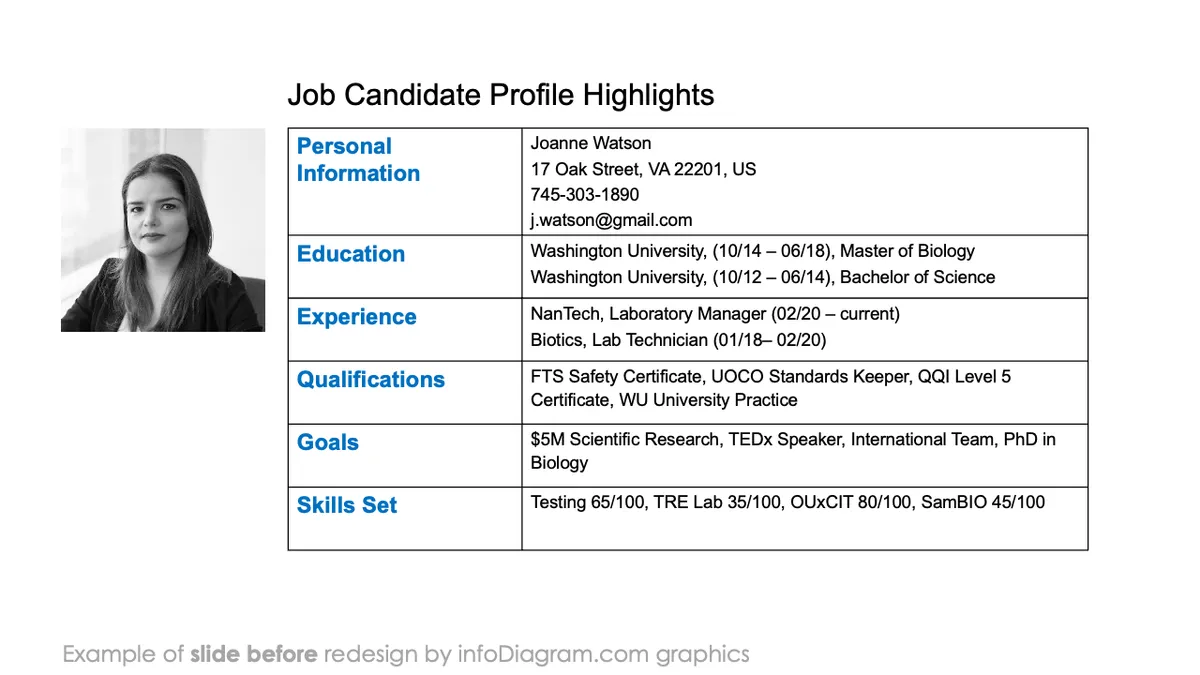
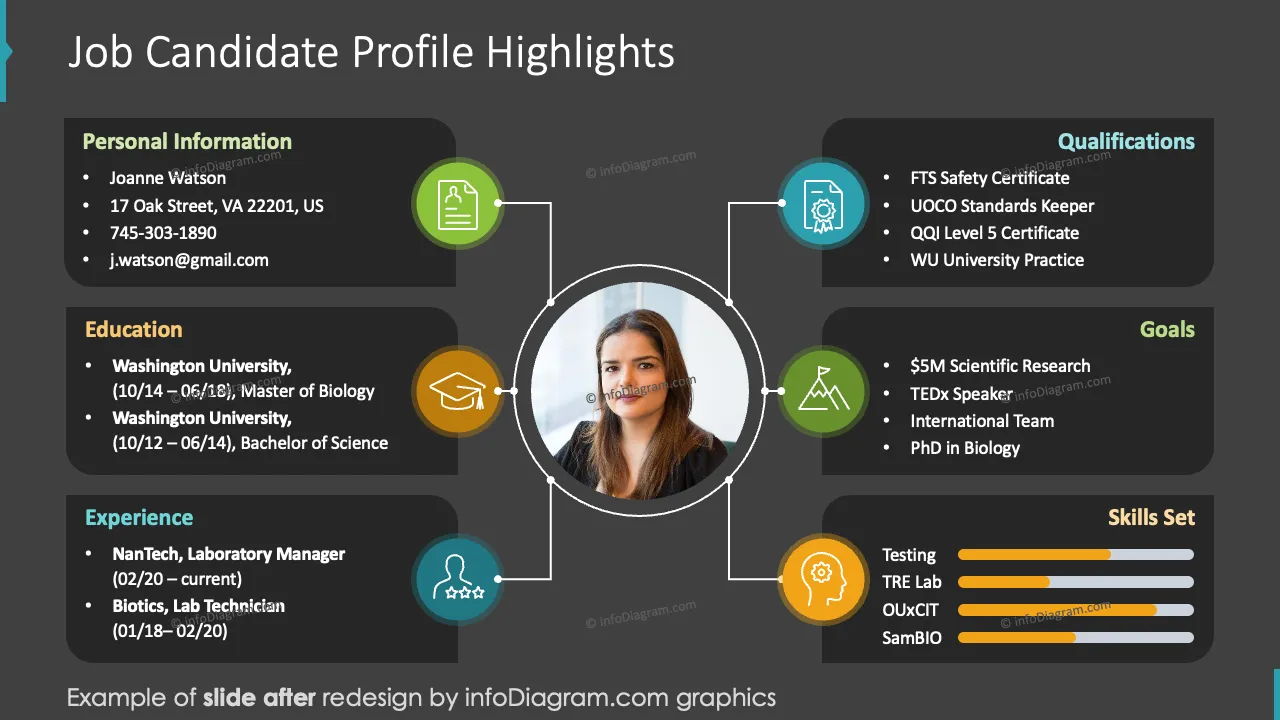
Before and after
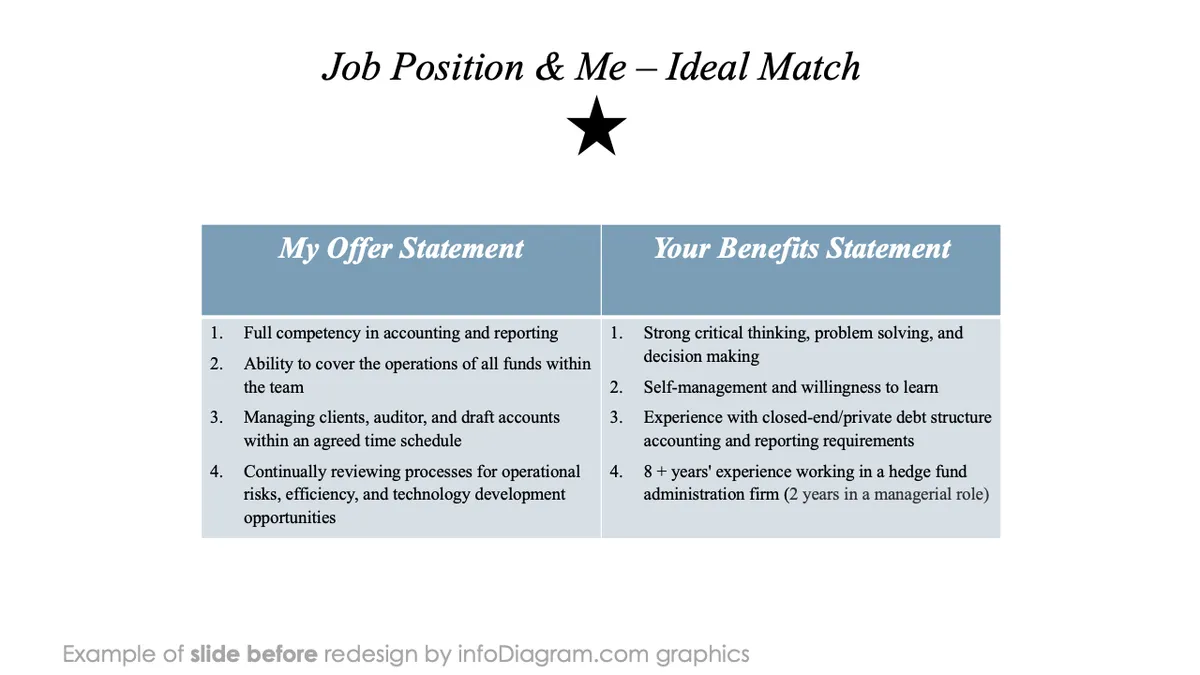
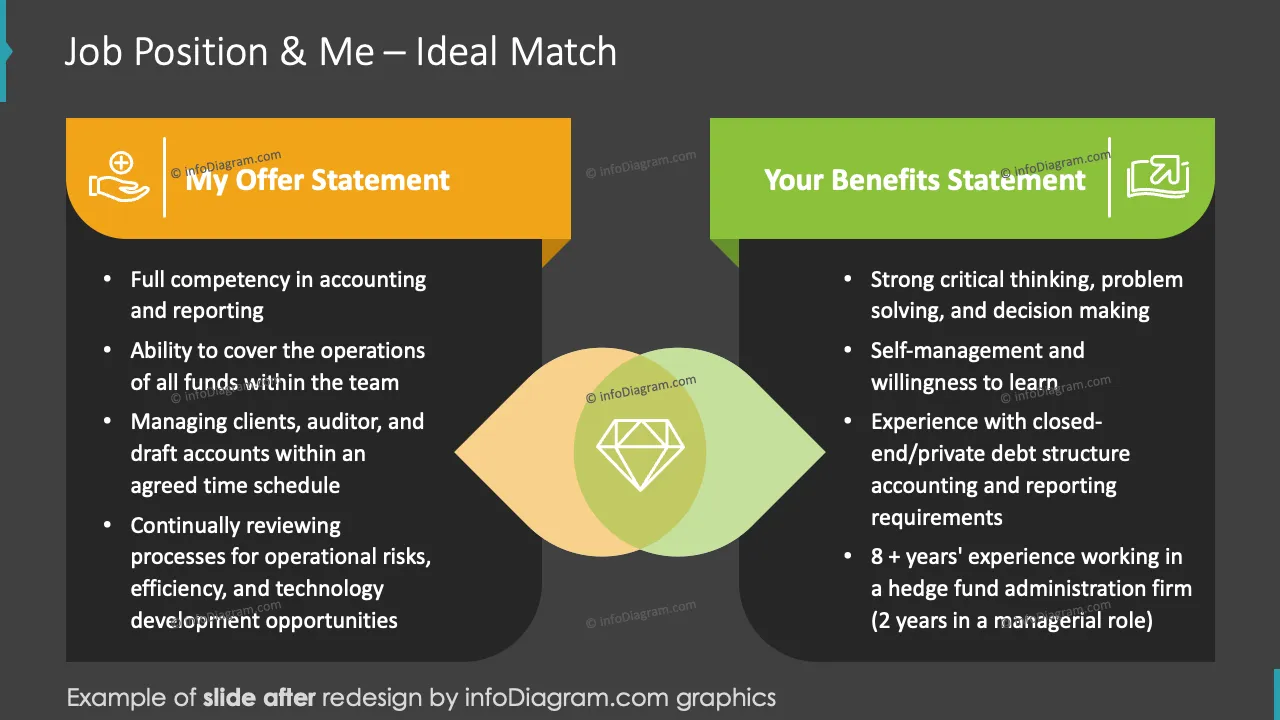
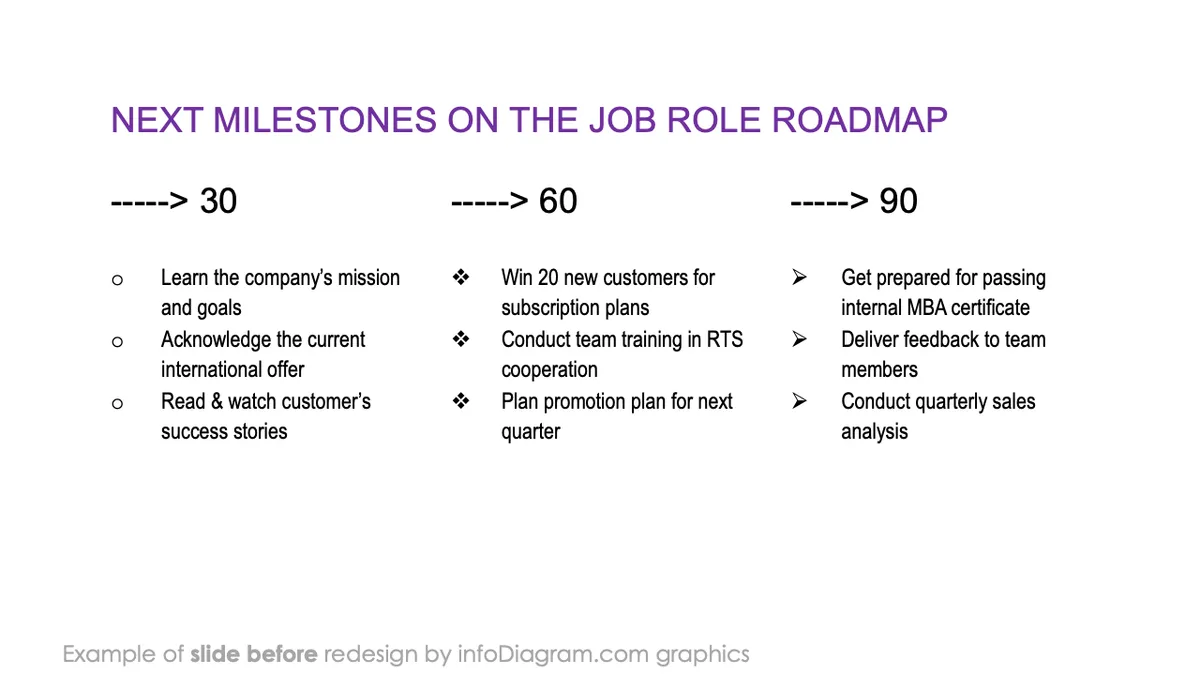

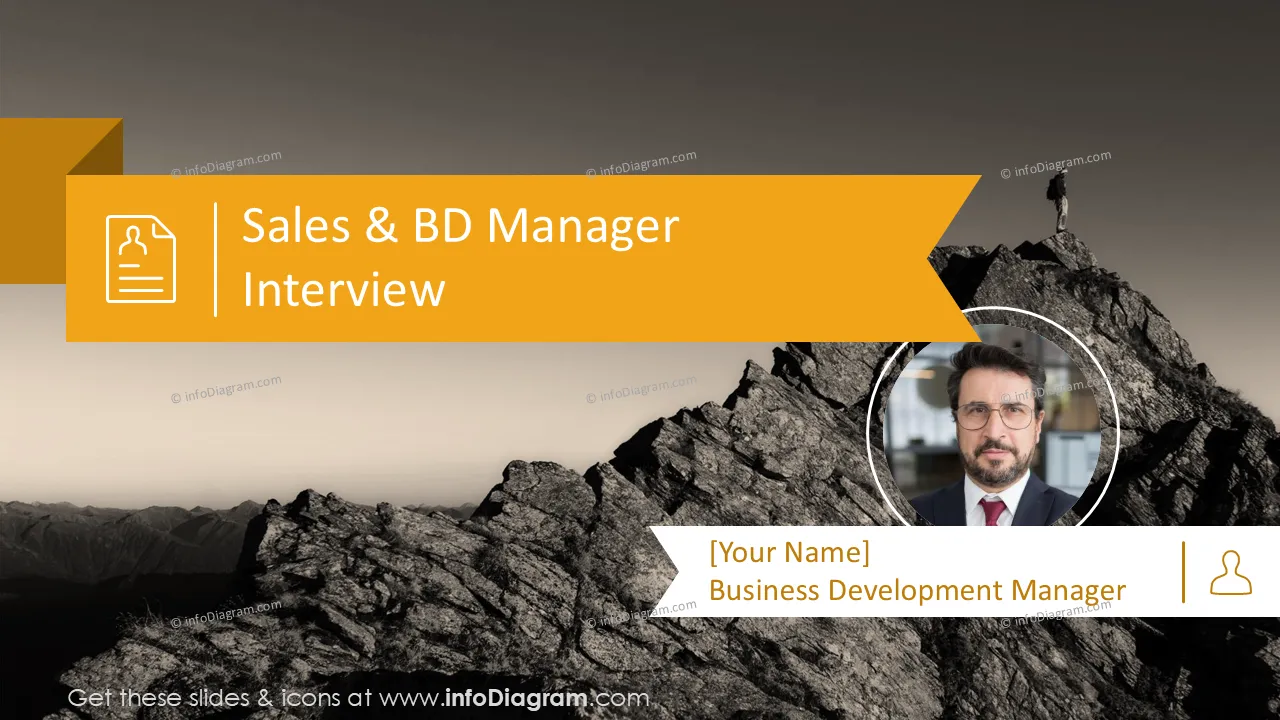
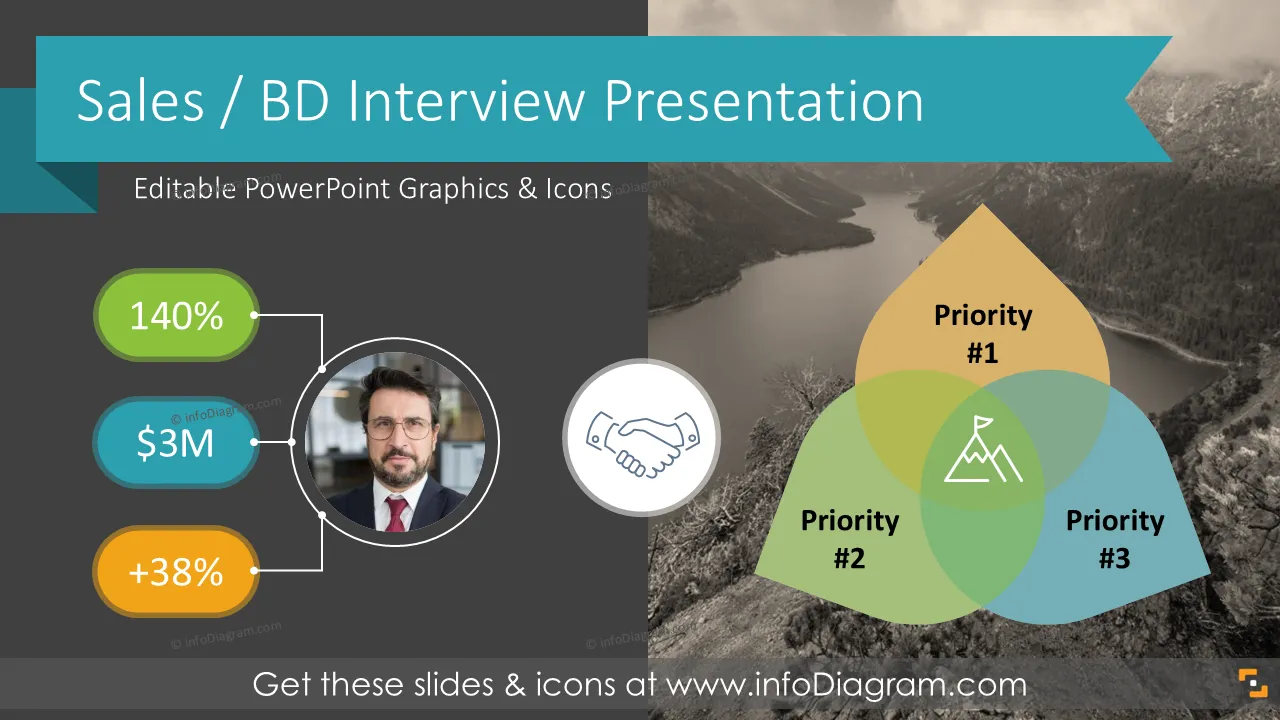
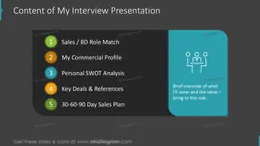
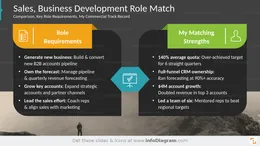
Are you interviewing for a sales or business development manager role? Would you like to back your commercial track record — quota results, pipeline, and key deals — with meaningful visuals highlighting your competence and professionalism?
Try our pre-designed Business Development Manager Interview Presentation, which will help you show the best of yourself in a convincing modern, and appealing way. This is a Dark Gray color version with a dark background, suitable for visually outstanding presentations.
Design by infoDiagram designer
Contact here
It's a short deck you present during hiring, where you introduce yourself on your own terms. More companies ask for one now, especially for sales and business development roles. The logic is simple. The interview presentation is itself a sales pitch, so it shows how you'll perform once you're hired.
This one covers the role match, your commercial profile, work history, top deals, references, and a 30-60-90 day sales plan. Read practical tips on how to prepare for a job presentation in this blog article.
You're up against strong candidates. Clear visuals make your numbers land. Quota hit, pipeline built, deals closed. All of it reads better as a chart than as talk. A clean deck also tells the panel you did the prep.
Use the layouts to tell a straight story. Adapt every slide to your own results. The deck includes a section that explains how to edit the graphics. You control the text, sizes, colors, and strokes on any diagram.
Pre-built layouts keep your slides organized and put the key facts up front. You can:
Try using those PowerPoint graphics to present your data visually in an elegant way.
All graphics are editable so that you can modify shapes, colors, strokes, images, and text. Also, you can extend the collection further with more PPT symbols (see Related Diagrams section).
Fully editable in PowerPoint set of vector shapes fully editable with built-in PowerPoint tools, including
Your graphics add a nice touch to my presentations and I recently used them for one of my all-hands meetings. Your toolbox adds professionalism to my slides. Instead of using standard clipart.
Claude Jones, Director of Engineer, @Walmartlabs, USA
I needed a fresh look at some of my slides. I've tried to find a way to create a paintbrush effect, to underline, accentuate, add some color and the handwritten markers were just the things. Very easy to use, easy to size, change the color. It was an affordable, perfect solution and I'm happy to recommend it.
Anonymous, US
The crisp, clean look of the graphics, and the fact that it allowed me to easily edit and change the colors to match the template was my main reason for purchasing them.
Brandie Jenkins, E-learning Developer, USA



You may also need