

Your graphics add a nice touch to my presentations and I recently used them for one of my all-hands meetings. Your toolbox adds professionalism to my slides. Instead of using standard clipart.
Claude Jones, Director of Engineer, @Walmartlabs, USA

Your graphics add a nice touch to my presentations and I recently used them for one of my all-hands meetings. Your toolbox adds professionalism to my slides. Instead of using standard clipart.
Claude Jones, Director of Engineer, @Walmartlabs, USA
I needed a fresh look at some of my slides. I've tried to find a way to create a paintbrush effect, to underline, accentuate, add some color and the handwritten markers were just the things. Very easy to use, easy to size, change the color. It was an affordable, perfect solution and I'm happy to recommend it.
Anonymous, US
The crisp, clean look of the graphics, and the fact that it allowed me to easily edit and change the colors to match the template was my main reason for purchasing them.
Brandie Jenkins, E-learning Developer, USA
Inhalt der Folie:
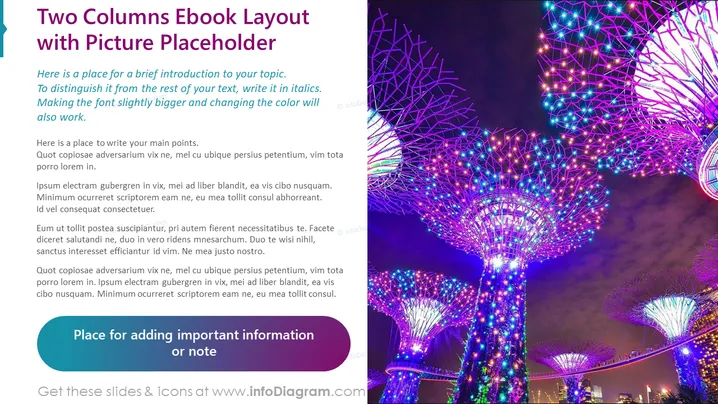
Die Folie ist so gestaltet, dass sie Inhalte in einem zweispaltigen Format präsentiert, mit einem speziellen Platz für eine Einführung in das Thema und die Hauptpunkte. Die erste Spalte enthält Platzhaltertext, der anweist, wie man einführenden Text und Hauptpunkte unterscheidet. Dazu gehört das Ändern der Schriftgröße, das Kursivsetzen zur Betonung oder das Ändern der Farbe. Jedes Absatz bietet generischen lateinischen Fülltext als Beispiel dafür, wo relevante Inhalte eingefügt werden können. Es gibt auch einen bestimmten Bereich, um wichtige Informationen oder Anmerkungen hinzuzufügen, um die Aufmerksamkeit auf wichtige Punkte zu lenken.
Grafische Darstellung:
Der Gesamteindruck der Folie ist sauber und modern, mit kräftigen Farben, die Aufmerksamkeit erregen. Das Layout ist visuell ausgewogen zwischen Text und Bildern, was es für Zuschauer attraktiv macht.
Anwendungsfälle:



