

Your graphics add a nice touch to my presentations and I recently used them for one of my all-hands meetings. Your toolbox adds professionalism to my slides. Instead of using standard clipart.
Claude Jones, Director of Engineer, @Walmartlabs, USA

Your graphics add a nice touch to my presentations and I recently used them for one of my all-hands meetings. Your toolbox adds professionalism to my slides. Instead of using standard clipart.
Claude Jones, Director of Engineer, @Walmartlabs, USA
I needed a fresh look at some of my slides. I've tried to find a way to create a paintbrush effect, to underline, accentuate, add some color and the handwritten markers were just the things. Very easy to use, easy to size, change the color. It was an affordable, perfect solution and I'm happy to recommend it.
Anonymous, US
The crisp, clean look of the graphics, and the fact that it allowed me to easily edit and change the colors to match the template was my main reason for purchasing them.
Brandie Jenkins, E-learning Developer, USA
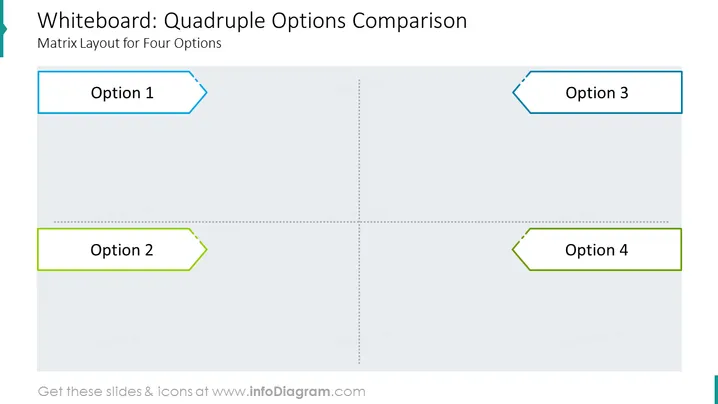
Ein Matrixlayout ist eine Tabelle mit Zeilen und Spalten, die verwendet werden kann, um verschiedene Optionen zu vergleichen. In diesem Fall hat die Matrix vier Spalten, eine für jede Option.
Die Folie hat eine sehr einfache und klare visuelle Komposition. Das Matrixlayout ist der Hauptfokus der Folie, und der Text ist klar angeordnet und leicht zu lesen. Der Einsatz von schwarzem und weißem Text auf einem weißen Hintergrund schafft ein minimalistisches und professionelles Erscheinungsbild.
Eine Matrixfolie kann ein sehr vielseitiges Werkzeug sein, um Informationen klar und präzise zu präsentieren. Sie kann verwendet werden, um verschiedene Optionen zu vergleichen, Daten zu visualisieren oder Schülern verschiedene Konzepte zu vermitteln. Effektiv eingesetzt kann eine Matrixfolie Ihrem Publikum helfen, Ihre Informationen leichter zu verstehen und bessere Entscheidungen zu treffen.



