

Your graphics add a nice touch to my presentations and I recently used them for one of my all-hands meetings. Your toolbox adds professionalism to my slides. Instead of using standard clipart.
Claude Jones, Director of Engineer, @Walmartlabs, USA

Your graphics add a nice touch to my presentations and I recently used them for one of my all-hands meetings. Your toolbox adds professionalism to my slides. Instead of using standard clipart.
Claude Jones, Director of Engineer, @Walmartlabs, USA
I needed a fresh look at some of my slides. I've tried to find a way to create a paintbrush effect, to underline, accentuate, add some color and the handwritten markers were just the things. Very easy to use, easy to size, change the color. It was an affordable, perfect solution and I'm happy to recommend it.
Anonymous, US
The crisp, clean look of the graphics, and the fact that it allowed me to easily edit and change the colors to match the template was my main reason for purchasing them.
Brandie Jenkins, E-learning Developer, USA
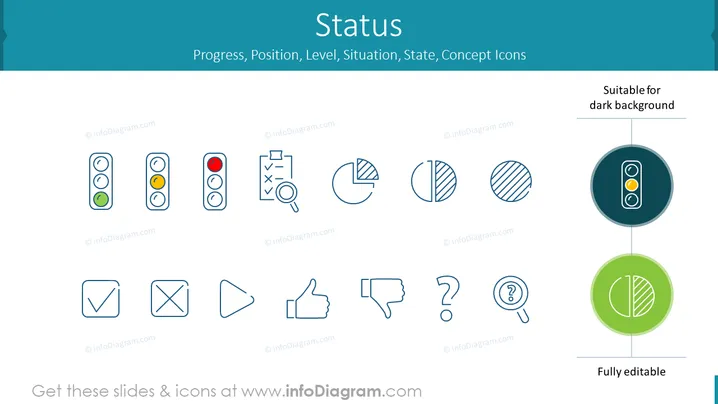
Die PowerPoint-Folie mit dem Titel "Status" hebt verschiedene Konzeptsymbole hervor, die Fortschritt, Position, Niveau, Situation und Zustand repräsentieren. Die Symbole zeigen Ampelindikatoren in verschiedenen Phasen, eine Checkliste mit einer Lupe, die auf eine Prüfung oder Überprüfung hinweist, Tortendiagramme, die in Hälften, Drittel und Viertel unterteilt sind und eine Datensegmentierung darstellen, ein Häkchen für Genehmigung, ein Kreuz für Ablehnung, Wiedergabesteuerungen, Daumen hoch und runter für Feedback sowie Fragezeichen für Anfrage oder Unsicherheit. Diese Symbole bieten visuelle Hinweise auf verschiedene Status oder Phasen in einem Prozess oder Projekt.
Die gesamte Folie hat ein modernes, sauberes Layout mit ausreichend Weißraum um die Symbole, was den Fokus auf jedes Symbol erleichtert. Das Farbschema ist konsistent, und die Symbole sind so gestaltet, dass ihre jeweiligen Bedeutungen intuitiv erfasst werden können.



