

Your graphics add a nice touch to my presentations and I recently used them for one of my all-hands meetings. Your toolbox adds professionalism to my slides. Instead of using standard clipart.
Claude Jones, Director of Engineer, @Walmartlabs, USA

Your graphics add a nice touch to my presentations and I recently used them for one of my all-hands meetings. Your toolbox adds professionalism to my slides. Instead of using standard clipart.
Claude Jones, Director of Engineer, @Walmartlabs, USA
I needed a fresh look at some of my slides. I've tried to find a way to create a paintbrush effect, to underline, accentuate, add some color and the handwritten markers were just the things. Very easy to use, easy to size, change the color. It was an affordable, perfect solution and I'm happy to recommend it.
Anonymous, US
The crisp, clean look of the graphics, and the fact that it allowed me to easily edit and change the colors to match the template was my main reason for purchasing them.
Brandie Jenkins, E-learning Developer, USA
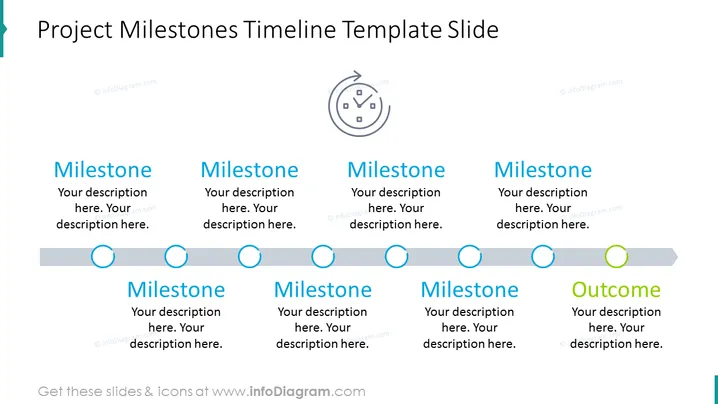
Die Folie skizziert einen Zeitplan für Projektmeilensteine und präsentiert eine Serie von beschrifteten Phasen, gefolgt von einem Ergebnis. Jeder 'Meilenstein' ist mit Platzhaltertext für eine Beschreibung gekoppelt, der signalisiert, wo detaillierte Informationen zu den wichtigsten Punkten des Projekts eingefügt werden sollten. Dies bedeutet verschiedene Fortschrittspunkte innerhalb des Projektyzyklus. Der abschließende Abschnitt 'Ergebnis' stellt das endgültige Ziel oder Ergebnis des Projekts dar und deutet an, wo eine übergeordnete Beschreibung oder das Ergebnis zusammengefasst werden sollte.
Die Folie hat ein sauberes, professionelles Design mit einem Fokus auf einem sequenziellen Fluss von links nach rechts. Das Farbschema ist einfach, mit Blau-Tönen für Meilensteine und Grün für das endgültige Ergebnis, die Fortschritt und Vollständigkeit kennzeichnen.



