
Your graphics add a nice touch to my presentations and I recently used them for one of my all-hands meetings. Your toolbox adds professionalism to my slides. Instead of using standard clipart.
Claude Jones, Director of Engineer, @Walmartlabs, USA

Your graphics add a nice touch to my presentations and I recently used them for one of my all-hands meetings. Your toolbox adds professionalism to my slides. Instead of using standard clipart.
Claude Jones, Director of Engineer, @Walmartlabs, USA

I needed a fresh look at some of my slides. I've tried to find a way to create a paintbrush effect, to underline, accentuate, add some color and the handwritten markers were just the things. Very easy to use, easy to size, change the color. It was an affordable, perfect solution and I'm happy to recommend it.
Anonymous, US
The crisp, clean look of the graphics, and the fact that it allowed me to easily edit and change the colors to match the template was my main reason for purchasing them.
Brandie Jenkins, E-learning Developer, USA
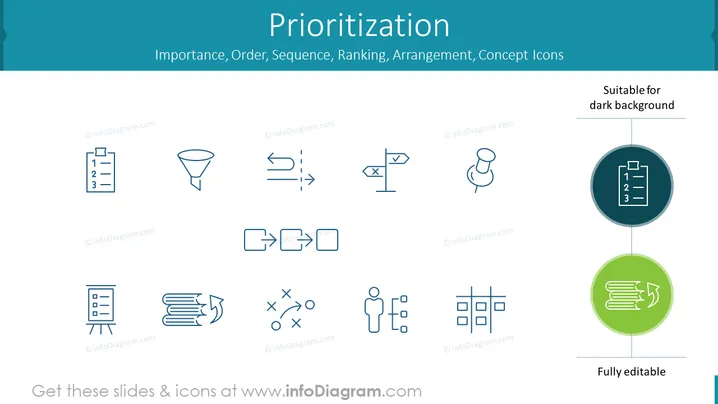
Die PowerPoint-Folie mit dem Titel "Priorisierung" präsentiert eine Sammlung von Icons, die mit dem Thema der Anordnung von Aufgaben oder Elementen nach ihrer Wichtigkeit oder Reihenfolge verbunden sind. Diese Icons umfassen eine nummerierte Liste, die das Erstellen eines geordneten Plans oder Agendas symbolisieren könnte, einen Trichter zum Filtern von Prozessen, Pfeile, die Bewegung oder Fortschritt anzeigen, eine Nadel zum Markieren wichtiger Ideen oder Orte, ein Eins-zu-Viele-Beziehungsdiagramm, das Verteilung oder Delegation zeigt, eine durchgestrichene Aktion zum Darstellen von Eliminierung oder Verbot, nicht übereinstimmende Elemente, die die Notwendigkeit der Ausrichtung repräsentieren, Dokumente mit einem zyklischen Pfeil für Überarbeitungsprozesse, strategische Entscheidungsfindung mit einer Tic-Tac-Toe-Spielmetapher, eine Person umgeben von Punkten zur Veranschaulichung von Networking oder Delegation und ein Strukturdiagramm für organisatorische Rahmen.


