

Your graphics add a nice touch to my presentations and I recently used them for one of my all-hands meetings. Your toolbox adds professionalism to my slides. Instead of using standard clipart.
Claude Jones, Director of Engineer, @Walmartlabs, USA

Your graphics add a nice touch to my presentations and I recently used them for one of my all-hands meetings. Your toolbox adds professionalism to my slides. Instead of using standard clipart.
Claude Jones, Director of Engineer, @Walmartlabs, USA
I needed a fresh look at some of my slides. I've tried to find a way to create a paintbrush effect, to underline, accentuate, add some color and the handwritten markers were just the things. Very easy to use, easy to size, change the color. It was an affordable, perfect solution and I'm happy to recommend it.
Anonymous, US
The crisp, clean look of the graphics, and the fact that it allowed me to easily edit and change the colors to match the template was my main reason for purchasing them.
Brandie Jenkins, E-learning Developer, USA
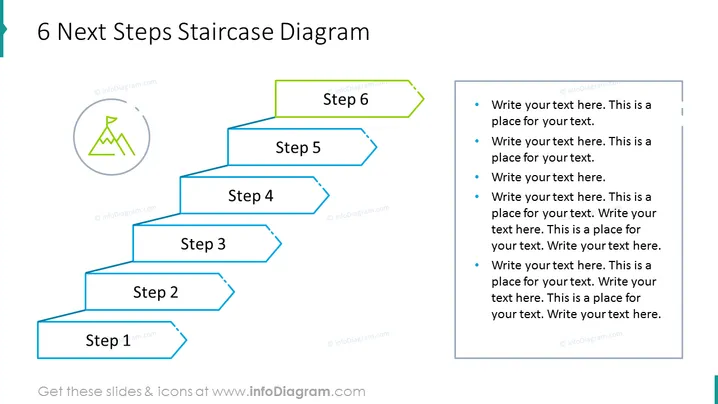
Die Folie zeigt einen Schritt-für-Schritt-Fortschritt mithilfe von Treppengrafiken, die einen sequenziellen Prozess mit sechs klar definierten Stufen symbolisieren. Jeder Schritt wird durch einen 3D-rechteckigen Block mit den Beschriftungen "Schritt 1" bis "Schritt 6" dargestellt. Neben der visuellen Treppe befinden sich Textplatzhalter auf der rechten Seite, die einen Bereich für detaillierte Beschreibungen für jeden Schritt bieten. Dieses Layout kombiniert effektiv eine visuelle Darstellung des Fortschritts mit textuellen Informationen und dient dazu, das Publikum durch einen schrittweisen Prozess oder eine Reihe von Anweisungen zu führen.
Die Folie ist mit einem klaren, professionellen Layout gestaltet, das Blautöne und schlichte Icons verwendet, um einen ansprechenden visuellen Fluss zu erzeugen. Die Treppenmetapher eignet sich gut, um Fortschritte, Ziele oder Meilensteine zu vermitteln.



