

Your graphics add a nice touch to my presentations and I recently used them for one of my all-hands meetings. Your toolbox adds professionalism to my slides. Instead of using standard clipart.
Claude Jones, Director of Engineer, @Walmartlabs, USA

Your graphics add a nice touch to my presentations and I recently used them for one of my all-hands meetings. Your toolbox adds professionalism to my slides. Instead of using standard clipart.
Claude Jones, Director of Engineer, @Walmartlabs, USA
I needed a fresh look at some of my slides. I've tried to find a way to create a paintbrush effect, to underline, accentuate, add some color and the handwritten markers were just the things. Very easy to use, easy to size, change the color. It was an affordable, perfect solution and I'm happy to recommend it.
Anonymous, US
The crisp, clean look of the graphics, and the fact that it allowed me to easily edit and change the colors to match the template was my main reason for purchasing them.
Brandie Jenkins, E-learning Developer, USA
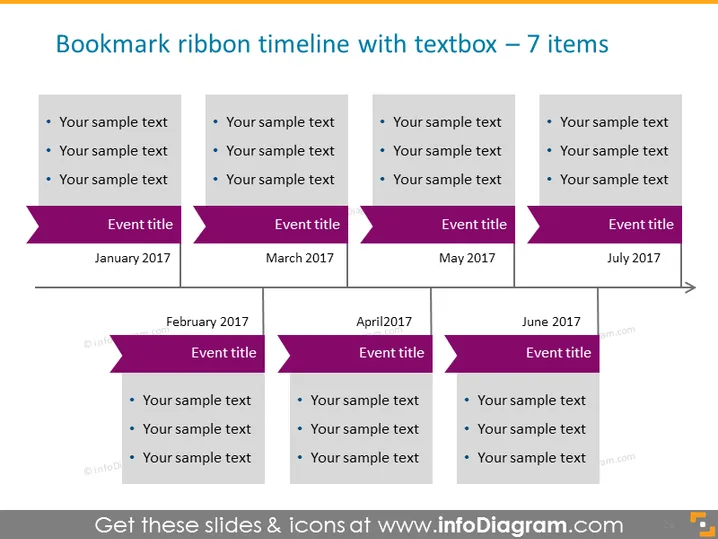
Verwenden Sie dieses intelligente Zeitflussdiagramm, um zeitbezogene Ereignisse zu besprechen. Nutzen Sie den gesamten Raum auf der Folie dank der optimalen Platzierung der Textcontainer entlang der Zeitachse. Schaffen Sie eine Verbindung zu Lesezeichen mit bandförmigen Titelfeldern und fügen Sie Ihre Kommentare in leicht lesbaren Aufzählungspunkten hinzu.
Dieses Beispiel für eine Lesezeichenbandvorlage mit Textfeldern für eine Folie mit 7 Elementen ist Teil unserer PPT-Vorlage für Zeitdiagramm-Infografiken.



