

Your graphics add a nice touch to my presentations and I recently used them for one of my all-hands meetings. Your toolbox adds professionalism to my slides. Instead of using standard clipart.
Claude Jones, Director of Engineer, @Walmartlabs, USA

Your graphics add a nice touch to my presentations and I recently used them for one of my all-hands meetings. Your toolbox adds professionalism to my slides. Instead of using standard clipart.
Claude Jones, Director of Engineer, @Walmartlabs, USA
I needed a fresh look at some of my slides. I've tried to find a way to create a paintbrush effect, to underline, accentuate, add some color and the handwritten markers were just the things. Very easy to use, easy to size, change the color. It was an affordable, perfect solution and I'm happy to recommend it.
Anonymous, US
The crisp, clean look of the graphics, and the fact that it allowed me to easily edit and change the colors to match the template was my main reason for purchasing them.
Brandie Jenkins, E-learning Developer, USA
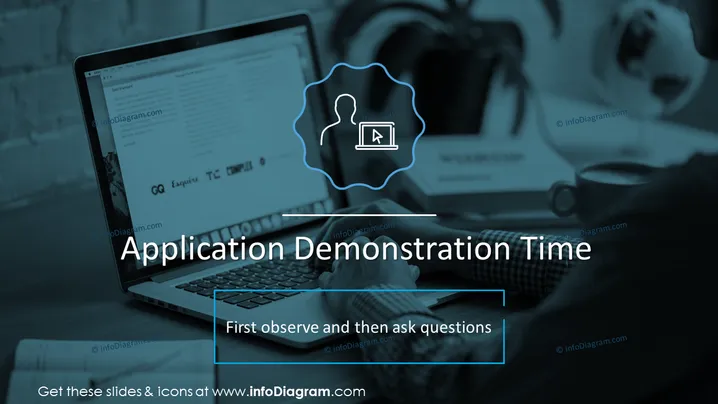
Die Folie trägt den Titel "Anwendungsdemonstration Zeit" und unterstreicht die Bedeutung des Beobachtens vor dem Fragen. Die Anweisung "Zuerst beobachten und dann Fragen stellen" schlägt einen strukturierten Ansatz zum Verständnis der Anwendung vor, der eine anfängliche Beobachtung befürwortet, um die Funktionen und Merkmale vollständig zu erfassen, gefolgt von der Formulierung und dem Stellen von Fragen, um Unklarheiten zu klären oder tiefer in spezifische Aspekte der Anwendung einzutauchen.
Das Gesamtbild ist professionell, mit einem Fokus auf Klarheit und Einfachheit. Die Wahl der blauen und weißen Typografie auf dem dunkleren, unscharfen Hintergrund bietet einen guten Kontrast für die Lesbarkeit, während die Icon- und Grafikbracket-Darstellungen dazu dienen, Informationen visuell zu priorisieren.



