

Your graphics add a nice touch to my presentations and I recently used them for one of my all-hands meetings. Your toolbox adds professionalism to my slides. Instead of using standard clipart.
Claude Jones, Director of Engineer, @Walmartlabs, USA

Your graphics add a nice touch to my presentations and I recently used them for one of my all-hands meetings. Your toolbox adds professionalism to my slides. Instead of using standard clipart.
Claude Jones, Director of Engineer, @Walmartlabs, USA
I needed a fresh look at some of my slides. I've tried to find a way to create a paintbrush effect, to underline, accentuate, add some color and the handwritten markers were just the things. Very easy to use, easy to size, change the color. It was an affordable, perfect solution and I'm happy to recommend it.
Anonymous, US
The crisp, clean look of the graphics, and the fact that it allowed me to easily edit and change the colors to match the template was my main reason for purchasing them.
Brandie Jenkins, E-learning Developer, USA
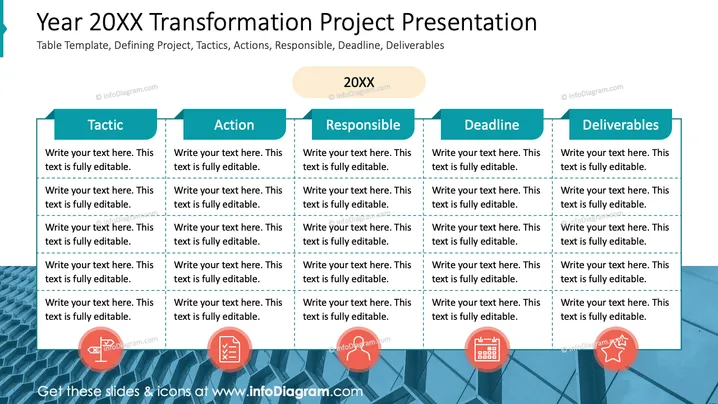
The PowerPoint slide is set up as a table template to outline the key components of a transformation project for the year indicated as "20XX." The five main headers are "Tactic," "Action," "Responsible," "Deadline," and "Deliverables." Under each header, there's space for the user to input relevant details and descriptions, suggesting that each aspect of the project plan can be broken down and explained thoroughly. These components provide a structured framework for organizing project details like strategies ("Tactic"), required activities ("Action"), team accountability ("Responsible"), timeframes for completion ("Deadline"), and expected results ("Deliverables").
The overall look is modern and corporate, with a clear, structured layout designed for easy reading and organization. The use of icons adds a visual element that helps differentiate each section at a glance.



