

Your graphics add a nice touch to my presentations and I recently used them for one of my all-hands meetings. Your toolbox adds professionalism to my slides. Instead of using standard clipart.
Claude Jones, Director of Engineer, @Walmartlabs, USA

Your graphics add a nice touch to my presentations and I recently used them for one of my all-hands meetings. Your toolbox adds professionalism to my slides. Instead of using standard clipart.
Claude Jones, Director of Engineer, @Walmartlabs, USA
I needed a fresh look at some of my slides. I've tried to find a way to create a paintbrush effect, to underline, accentuate, add some color and the handwritten markers were just the things. Very easy to use, easy to size, change the color. It was an affordable, perfect solution and I'm happy to recommend it.
Anonymous, US
The crisp, clean look of the graphics, and the fact that it allowed me to easily edit and change the colors to match the template was my main reason for purchasing them.
Brandie Jenkins, E-learning Developer, USA
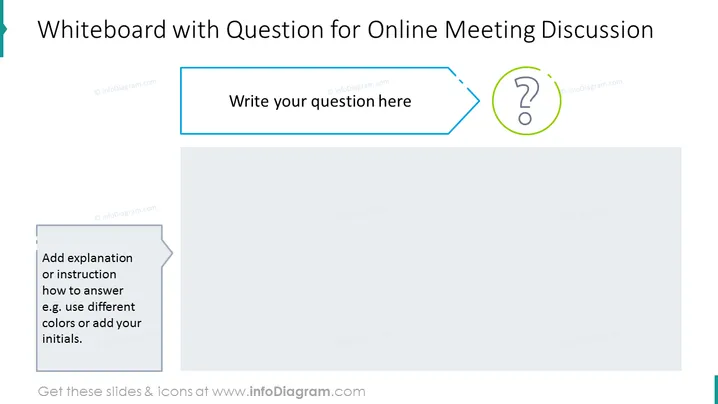
The slide appears to be a template for interactive online meeting discussions. It suggests a place to write a central question for discussion, accompanied by an explanation or instruction on how to respond, potentially implying the use of different colors or adding initials to distinguish participants' answers. The template seems designed to facilitate structured dialogue and ensure each participant's contributions are clear and attributable.
The overall look of the slide is clean and professional, using minimalistic design elements to focus the viewer's attention on the interactive components of the template. The use of shadows and contrasting colors creates a sense of depth and directs the flow of interaction.



