Reviews
Sus gráficos añaden un toque agradable a mis presentaciones y recientemente los usé para una de mis reuniones generales. Su conjunto de herramientas añade profesionalismo a mis diapositivas. En lugar de usar imágenes prediseñadas estándar.
Necesitaba un aspecto fresco para algunas de mis diapositivas. Había intentado encontrar una forma de crear un efecto de pincel, de subrayar, acentuar, añadir algo de color y los marcadores escritos a mano fueron justo lo que necesitaba. Muy fácil de usar, fácil de ajustar el tamaño, cambiar el color. Fue una solución asequible y perfecta, y estoy feliz de recomendarla.
El aspecto nítido y limpio de los gráficos, y el hecho de que me permitiera editar y cambiar fácilmente los colores para que coincidieran con la plantilla fue mi principal razón para comprarlos.
Description
Icons: World Map (white on dark background)
Slide Content
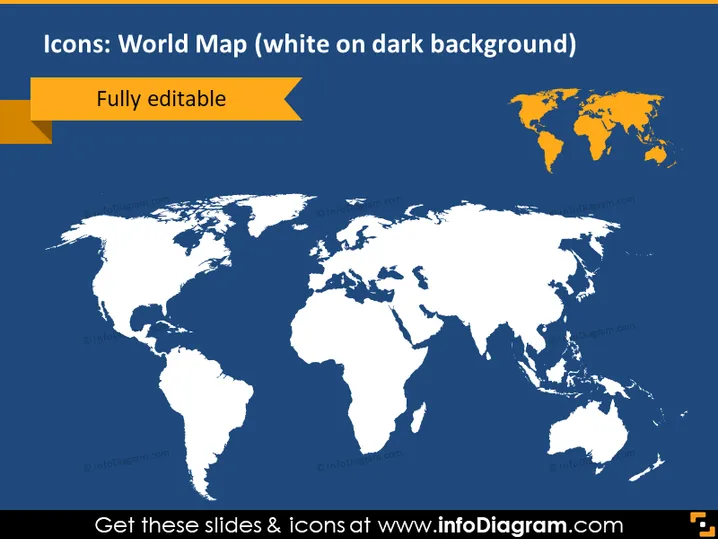
The PowerPoint slide titled "Icons: World Map (white on dark background)" is likely a template showcasing a customizable world map icon. The term "Fully editable" indicates that this map can be edited to fit the specific needs of the presenter, which means colors, sizing, and highlighting particular regions can be adjusted.
Graphical Look
- The slide's background is dark blue, providing a high contrast for the main visual element.
- A large, white silhouette world map is centered on the slide, showcasing all the continents.
- In the top left corner, there's a ribbon-like orange banner with the phrase "Fully editable" to emphasize the customizability of the map.
- The same world map in a smaller size appears in the top right corner within a golden bounding box, possibly serving as an icon or a logo placement area.
The overall look of the slide is clean and professional, with the use of contrasting colors to highlight the editable world map. The large map as the focal point conveys a global theme clearly, and the contrasting small icon suggests a secondary area of importance or functionality.
Use Cases
- To visually represent global reach or presence in a company's international business strategy presentation.
- For illustrating target markets, operation regions, or areas of influence in marketing and sales pitches.
- In educational settings, to point out specific countries or regions while discussing geography, demographics, or global trends.
- As a template in technology and development presentations to indicate different server locations or customer distribution worldwide.
How to Edit
How to edit text & colors

How to expand / shorten diagram

How to Replace Icons in infoDiagram PPT


